Recruitment Software for Startups: Budget-Friendly Options
As a startup founder or recruiter, you juggle everything. Your inbox is a mix of investor updates, product feedback, and candidate emails. You are using forms, spreadsheets, and direct messages to track applicants, but great candidates are falling through the cracks. It feels chaotic because it is.

Recruitment Software for Startups: A Guide to Budget-Friendly Options
As a startup founder or recruiter, you juggle everything. Your inbox is a mix of investor updates, product feedback, and candidate emails. You are using forms, spreadsheets, and direct messages to track applicants, but great candidates are falling through the cracks. It feels chaotic because it is.
Switching to a dedicated hiring platform can bring order to that chaos. It helps you create a smooth, professional process that attracts top talent and gets roles filled faster, without needing a massive budget. Finding the right recruitment software for startups is about gaining efficiency, not just adding another expense.
Why Manual Hiring Holds Startups Back
Relying on spreadsheets and email alone creates hidden problems that slow down growth. Many teams find that this approach leads to bottlenecks and a poor experience for everyone involved. It often creates more work, not less.
- Lost Candidate InformationResumes and notes get buried in inboxes or saved in different folders, making it impossible to find the best person quickly.
- No Clear Pipeline ViewYou cannot see where all candidates are in the process at a glance, leading to slow follow-ups and missed opportunities.
- Inconsistent Candidate ExperienceWithout a system, candidates get generic, delayed, or missed communications, which damages your employer brand before it is even built.
- Wasted Founder and Recruiter TimeToo much time is spent on administrative tasks like scheduling and data entry instead of interviewing and closing candidates.
- Difficulty CollaboratingSharing feedback with co-founders or hiring managers is messy, relying on long email chains or chat threads where context is lost.
A Startup's Step-by-Step Guide to Choosing an ATS
Picking the right tool does not have to be complicated. Following a clear process helps you select an affordable hiring software solution that fits your needs today and can grow with you tomorrow. This approach ensures you choose a partner, not just a product.
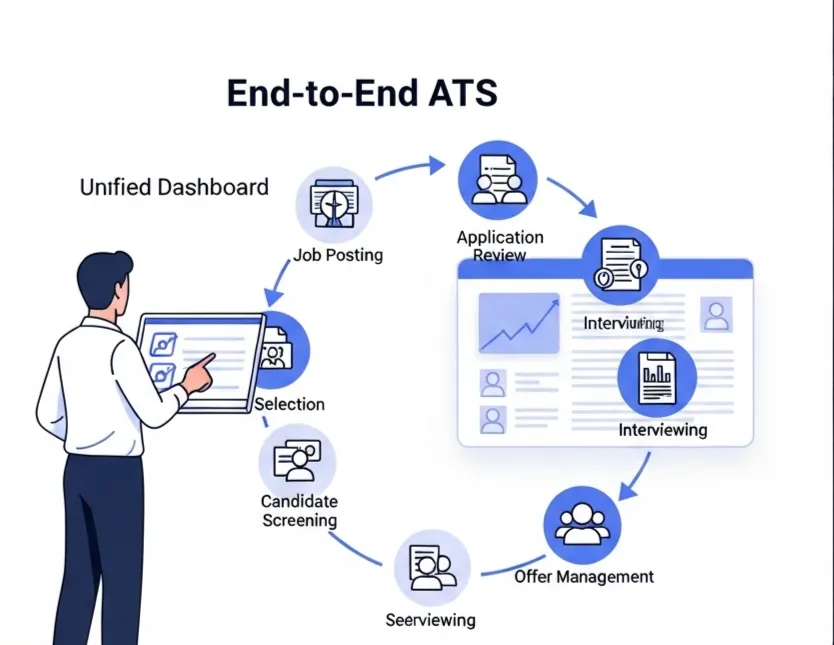
- Map Your Current Hiring StepsBefore looking at any software, draw out your process from posting a job to making an offer. Identify the biggest pain points you need to solve.
- Define Your Must-Have FeaturesUse the checklist below to decide what you absolutely need. Focus on core functions first, like a central candidate database and a branded careers page.
- Set a Realistic BudgetDetermine what you can comfortably spend per month or per hire. Look for transparent pricing without long-term contracts.
- Explore Free and Credit-Based PlansMany modern platforms offer a powerful free recruitment software tier or a pay-as-you-go model. This is perfect for startups with fluctuating hiring needs.
- Prioritize Simplicity and Ease of UseThe best ATS for startups is one your team will actually use. If it requires extensive training, it will slow you down.
- Check for Essential IntegrationsMake sure the tool works with your existing calendar and email to keep everything streamlined.
Let's start hiring better
Reduce the noise and focus on what actually matters..
Essential Features for Startup Recruitment Software
When you evaluate options, use this checklist to see if they cover the basics. A good startup ATS should provide these core features to help you organize your hiring and build a professional brand from day one.
- AI-Assisted Job DescriptionsHelps you write clear and inclusive job posts quickly, attracting more qualified applicants.
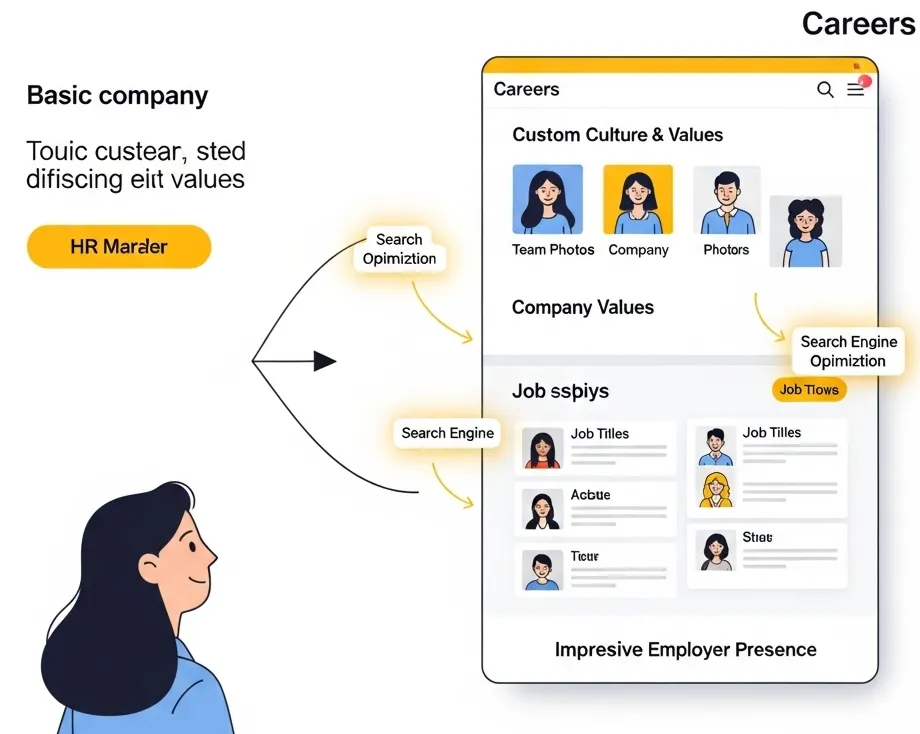
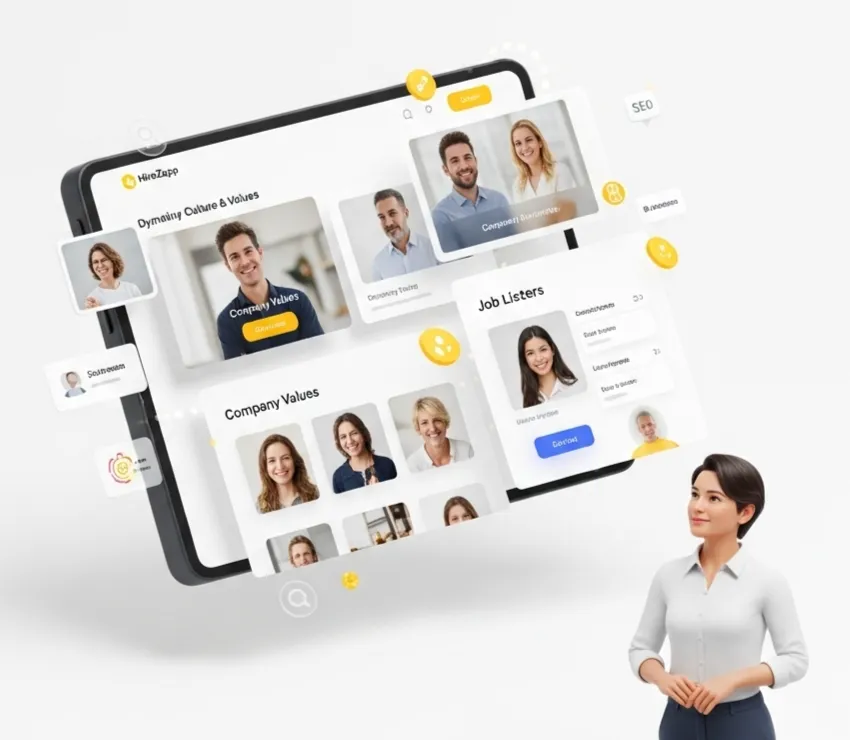
- Branded Careers PageA simple, professional page that showcases your jobs and company culture without needing a developer.
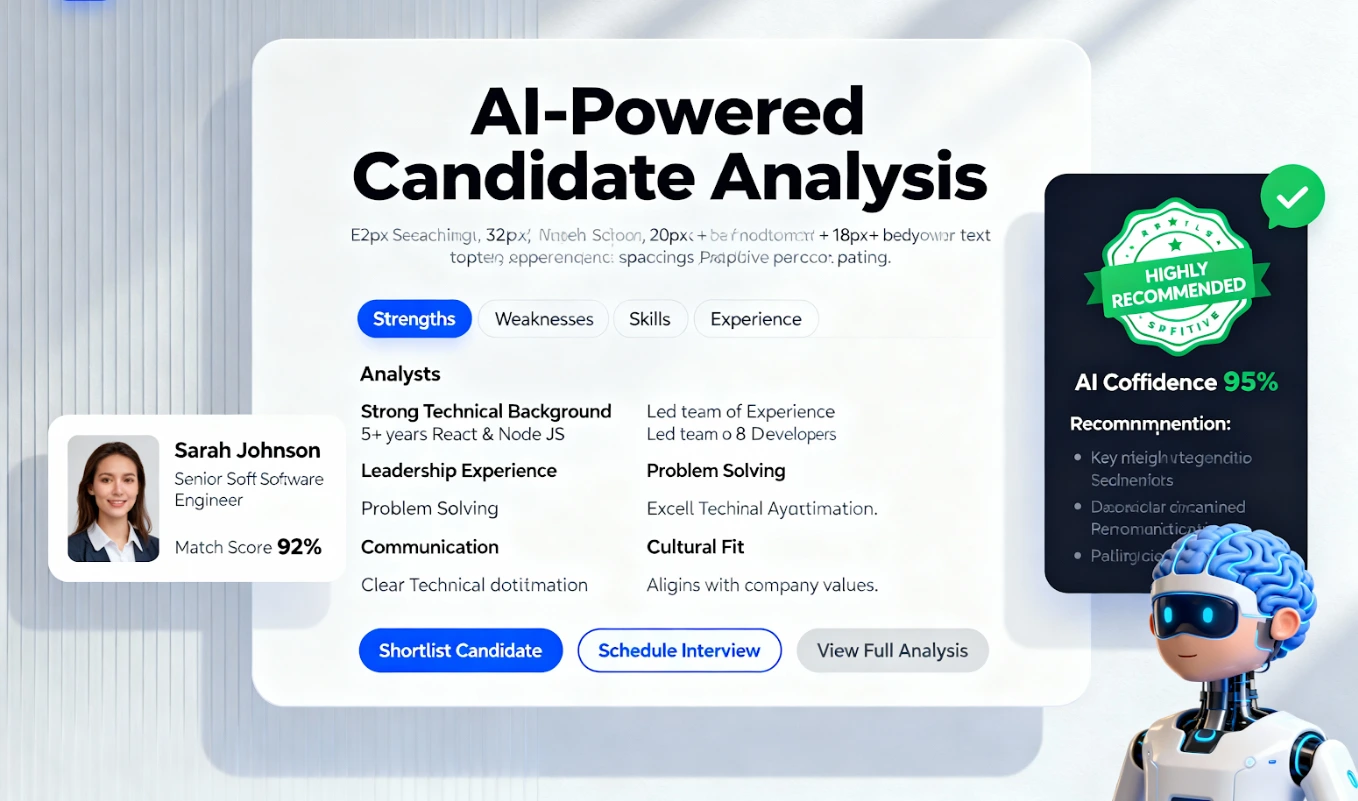
- Central Candidate PipelineA visual drag-and-drop board to track every applicant from application to hire.
- Automated Candidate CommunicationTools to send acknowledgements, updates, and rejection emails automatically, ensuring no one is left wondering.
- Team Collaboration FeaturesThe ability to leave notes, @-mention team members, and share feedback on candidates in one place.
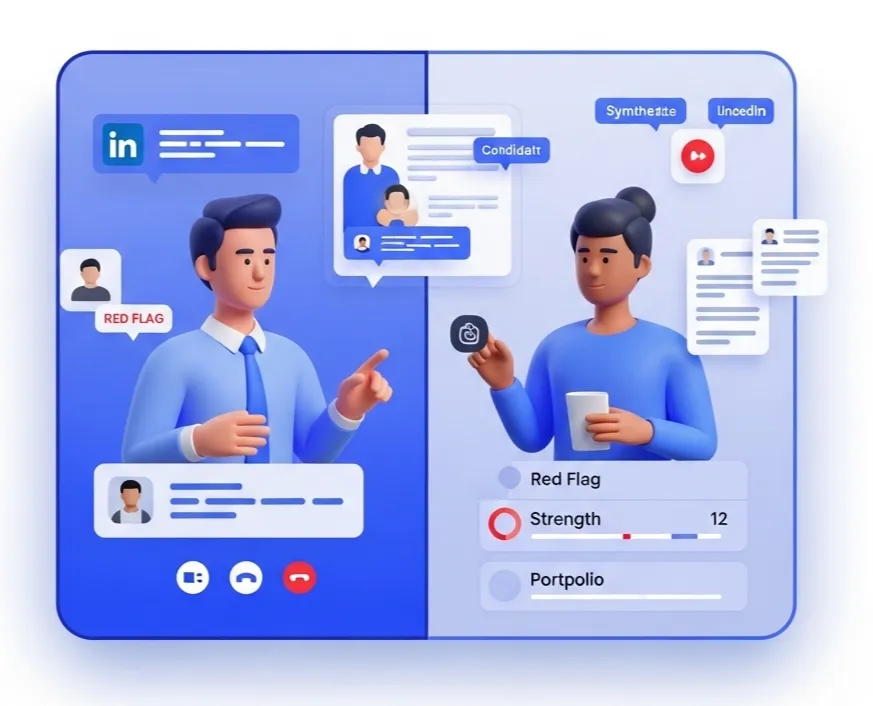
- Multi-Channel Sourcing ToolsFeatures that help you find candidates on platforms like LinkedIn and GitHub and import them directly into your pipeline.
Comparing Budget-Friendly ATS Options
Startups have several choices, each with different trade-offs. Understanding these helps you select the right type of platform for your stage of growth.
The Manual Method (Spreadsheets and Forms)
This is where most startups begin. It is free and requires no setup, but it quickly becomes a major time sink. It offers no automation, a poor candidate experience, and a high risk of human error. It is a temporary fix, not a long-term solution.
Legacy ATS Lite Versions
Some established providers offer stripped-down versions of their enterprise software. While more organized than spreadsheets, they can feel clunky and often lock you into a per-user, per-month pricing model that is expensive if you are not hiring constantly. Customization is typically limited.
Modern Hiring Platforms like HireZapp
Newer tools are built specifically for the flexibility startups need. HireZapp combines several tools into one unified platform, moving beyond just being an applicant tracking system for startups.
- Unified PlatformCombines job post creation, a careers page, multi-channel screening, assessments, and an ATS pipeline in one place.
- Credit-Based PricingThe cost-effective recruiting solutions model means you only pay for what you use, like assessments or sourcing actions, which is ideal for a startup budget.
- Built-in Employer BrandingEnsures all candidate communication, job posts, and your careers page are consistently branded.
- Sourcing PlaybooksProvides guidance on where and how to find passive candidates, helping you build a proactive recruiting function.
Common Mistakes When Choosing Small Business Recruiting Tools
Avoiding these common missteps can save you time, money, and frustration. Choosing wisely means looking beyond just the feature list and considering how the tool will impact your daily workflow and long-term goals.
- Paying for complex enterprise features you will never use.
- Ignoring how easy or difficult the tool is for candidates to use.
- Choosing a tool that cannot scale as your team grows.
- Failing to get buy-in from the entire hiring team before purchasing.
- Forgetting to factor in the cost of time saved when comparing prices.
What a Hiring Platform Won't Fix
Software is a powerful enabler, but it is not a silver bullet. To be successful, you still need to focus on the human elements of recruiting. A great tool supports a great process; it does not create it.
- A poorly defined role or job description.
- A non-competitive salary or benefits package.
- A slow internal decision-making process.
- A weak company culture or employer brand.
Ultimately, choosing the right recruitment software helps you focus on what matters most: connecting with the right people to help grow your business. By organizing the process, you free up valuable time to build relationships and make better, faster hiring decisions.
You can experience the HireZapp Advantage
HireZapp can help you hire for your next role ? Try it out
Frequently Asked Questions
1) What is the best recruitment software for a startup?
The best tool is one that is flexible, easy to use, and affordable. Look for a startup ATS with a strong free plan, pay-as-you-go pricing, and essential features like a careers page, applicant tracking, and email automation.
2) How much should a startup spend on an ATS?
It varies, but startups should avoid long-term contracts and high monthly fees per user. A budget friendly ATS often uses a credit-based system or has a free tier for early-stage companies, allowing costs to scale with hiring activity.
3) Can I get recruitment software for free?
Yes, many modern platforms offer a free plan that is perfect for startups with low hiring volume. These plans typically include core features for one or two active jobs, making it a great way to start organizing your process.
4) What is the difference between an ATS and a hiring platform?
An Applicant Tracking System (ATS) primarily helps you manage candidates who have already applied. A modern hiring platform for small business often includes an ATS plus tools for sourcing candidates, employer branding, assessments, and creating job posts.
5) How does recruitment software improve candidate experience?
It improves the experience through timely, automated communication, a simple application process, and professional-looking job posts and careers pages. This shows candidates you are an organized and serious employer.
6) Do I need technical skills to set up a hiring platform?
No, most modern solutions are designed for non-technical users. You should be able to set up a careers page, post a job, and manage your pipeline without needing to write any code.
7) How does an ATS help with collaboration?
It provides a central place for the hiring team to view resumes, share feedback, and see a candidate's progress. This eliminates messy email chains and ensures everyone has the most up-to-date information.