“Google Form hiring: what breaks at scale + fixes”
If you're reading this, you probably started hiring with a simple, free tool: Google Forms. It’s a great first step. But now, your inbox is a mess, your spreadsheet has endless columns, and you have a nagging feeling that great candidates are slipping through the cracks. You’re not alone. Many founders and recruiters face significant <strong>Google Form hiring problems</strong> as their company grows.

When Google Forms Break: A Guide to Scaling Your Hiring Process
If you're reading this, you probably started hiring with a simple, free tool: Google Forms. It’s a great first step. But now, your inbox is a mess, your spreadsheet has endless columns, and you have a nagging feeling that great candidates are slipping through the cracks. You’re not alone. Many founders and recruiters face significant Google Form hiring problems as their company grows.
The good news is that moving from scattered forms to a streamlined process is easier than you think. It’s about putting a system in place that works for you, not against you, helping you find and hire the right people faster.
Pinpointing the Cracks: Why Your Google Form Workflow is Failing
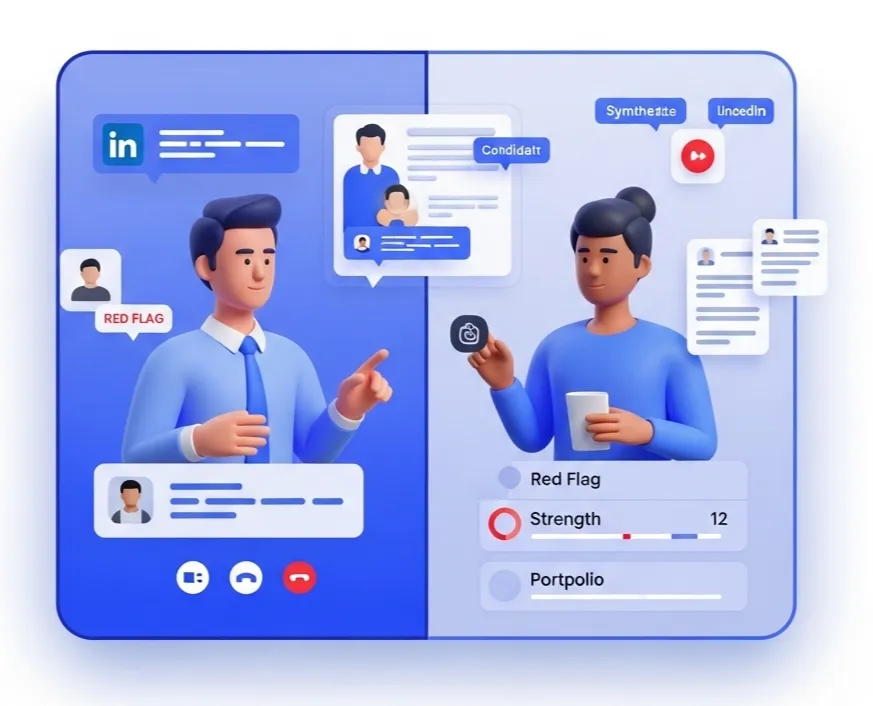
When you get more than a handful of applicants per role, the manual process starts to show its weaknesses. Many recruiters notice that the core issues are not just about volume, but about the loss of quality and control. The main challenge is that forms were never built to manage human relationships.
Recruiter reality: “I was spending hours just copying and pasting data from our form submissions into a tracker sheet. I had no idea who was already contacted, who needed a follow-up, or which candidates were the strongest at a glance. It was chaos.”
Here are the specific break points we see most often:
- No Central Candidate View.
Each submission is a separate row. You can't easily see a candidate's full history, past applications, or notes from your team. - Manual Follow-ups Are Impossible.
There is no way to automatically send a “Thanks for applying” email or a rejection notice. This hurts your brand and leaves candidates waiting. - Poor Candidate Experience.
Candidates fill out a generic form and often hear nothing back. This lack of communication can deter top talent from applying in the future. - No Team Collaboration.
Sharing feedback means messy spreadsheet comments, separate email chains, or Slack messages that get lost. It’s hard to make hiring decisions together. - Security and Data Privacy Risks.
Managing sensitive candidate information in a basic spreadsheet can create compliance issues as your company scales.
From Chaos to Control: Your 7-Step Plan to Upgrade Hiring
Regaining control of your hiring doesn’t require a massive, expensive overhaul. It requires a thoughtful process to find the right tools for your stage of growth. This simple playbook will help you automate hiring process elements that are slowing you down.
- Acknowledge the Limits.
The first step is simply agreeing with your team that the current system is broken. Document the time being wasted on manual admin tasks. - Map Your Current Process.
Draw out every step, from posting a job to making an offer. Where do you use forms? Where do you use email? Where do you use spreadsheets? - Identify Your Biggest Bottleneck.
Is it screening resumes? Scheduling interviews? Getting team feedback? Find the one thing that causes the most delays. - Define Your “Must-Have” Features.
Based on your bottleneck, list what a new tool must do. Examples include one-click screening, automated emails, or a team scorecard. - Explore Modern Hiring Tools.
Look for an applicant tracking system (ATS) built for small businesses. Many have free plans that are far more powerful than Google Forms. - Set Up a Simple Trial.
Choose one open role and run it through a new system like HireZapp. Get a real feel for how it works day-to-day. - Move Candidates Over Smoothly.
Inform candidates you’re upgrading your systems for a better experience and invite them to your new, branded careers page.
Practical Tools to Get Started Today
Even before you switch systems, you can improve your process. Here are a couple of templates to help you add more structure to your Google Form-based hiring right now.
5 Essential Screening Questions for Any Role
- What is your desired salary range for this position?
- This role is [in-office/remote/hybrid]. Does that work for you?
- Describe a past project or accomplishment that you are most proud of.
- What interests you most about working at our company?
- When would you be available to start a new role?
Checklist: Is It Time to Move Beyond Google Forms?
- Are you hiring for more than two roles at once?
- Does it take you more than a week to screen initial applications?
- Have candidates told you your application process is confusing?
- Is more than one person involved in reviewing applicants?
- Do you have to manually email every single applicant?
- Are you losing track of who you need to follow up with?
If you answered “yes” to two or more of these, it’s a strong sign that your process is ready for an upgrade.
How a Central Hiring Hub Solves These Challenges
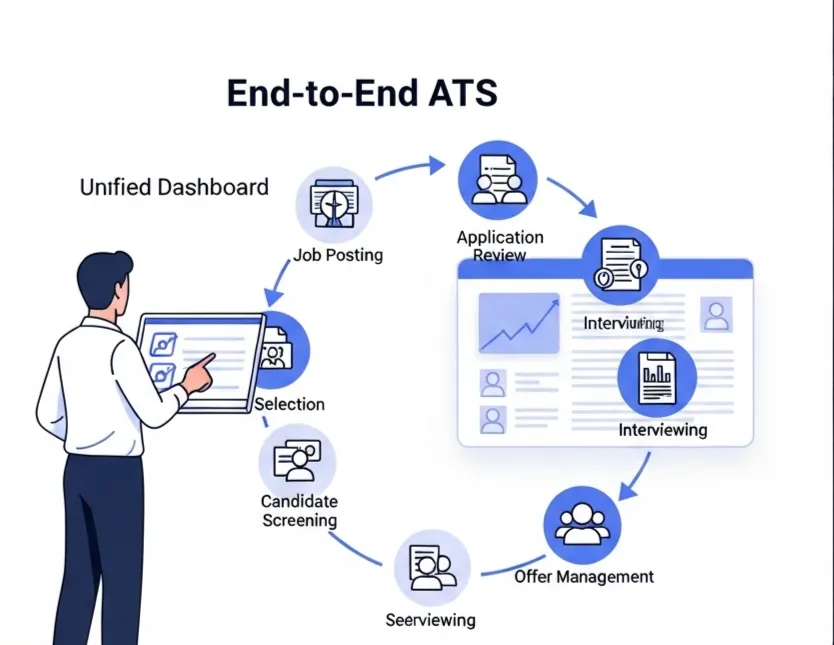
An Applicant Tracking System (ATS) is designed to solve the exact problems that arise from using forms and spreadsheets. Instead of a collection of disconnected tools, you get one central place to manage everything. This is key for strong employer branding for startups, as it provides a professional experience from the first click.
Here’s how a platform like HireZapp maps directly to these challenges:
- AI Job Descriptions & Job Forms
Stop guessing what to write. Generate JDs and application forms that attract the right candidates and are optimized for search. - Automated Candidate Follow-ups
Instantly send branded confirmation and rejection emails. This ensures no candidate is left wondering and protects your company’s reputation. - Job Match Score
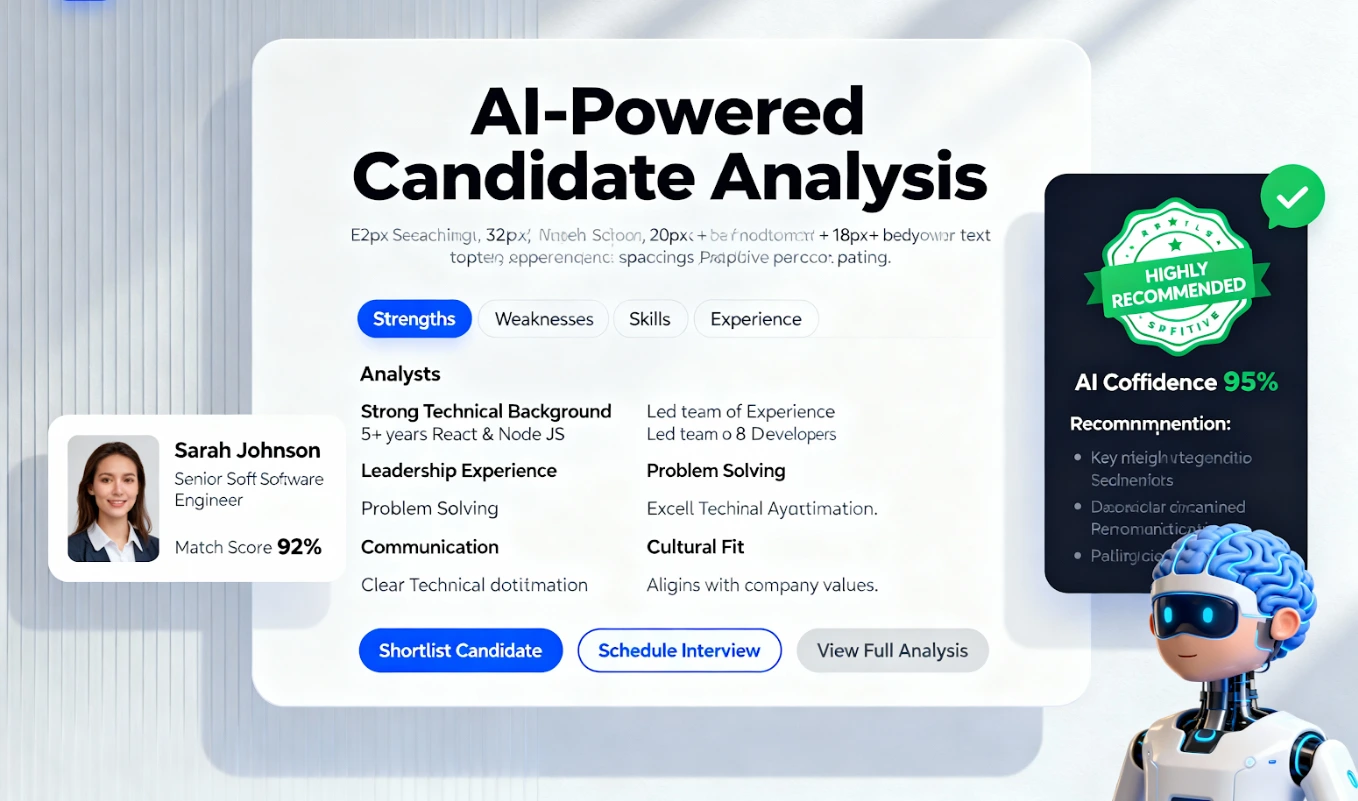
Instead of manually reading every resume, get an instant score showing you which applicants are the best fit based on your job requirements. - Central ATS Pipeline
See every candidate for every role in one visual pipeline. Drag and drop candidates between stages like “Screening,” “Interview,” and “Offer.” - Branded Careers Page
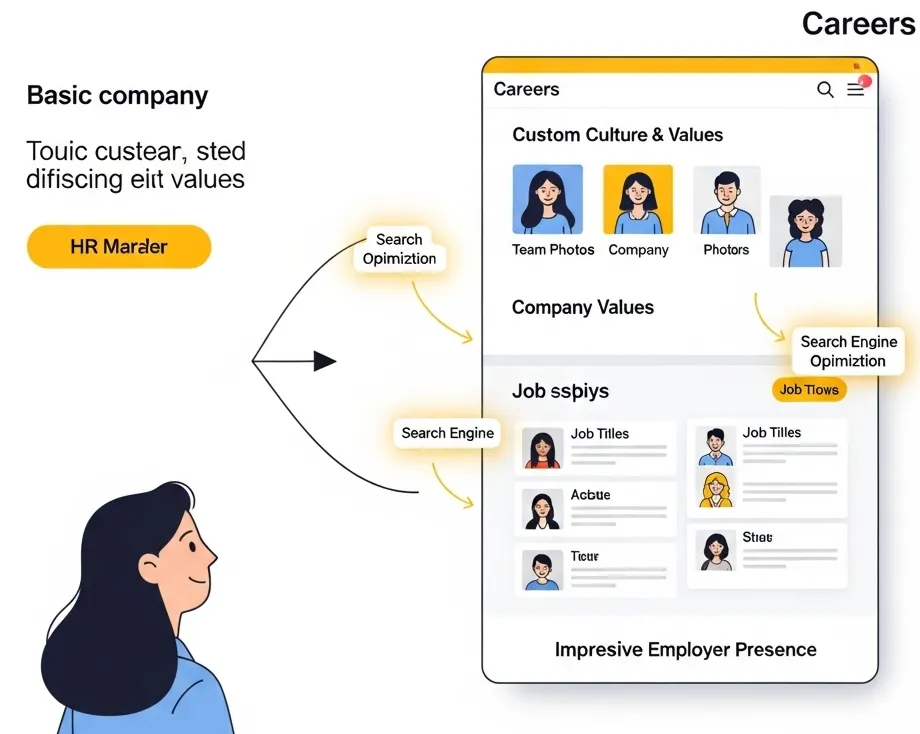
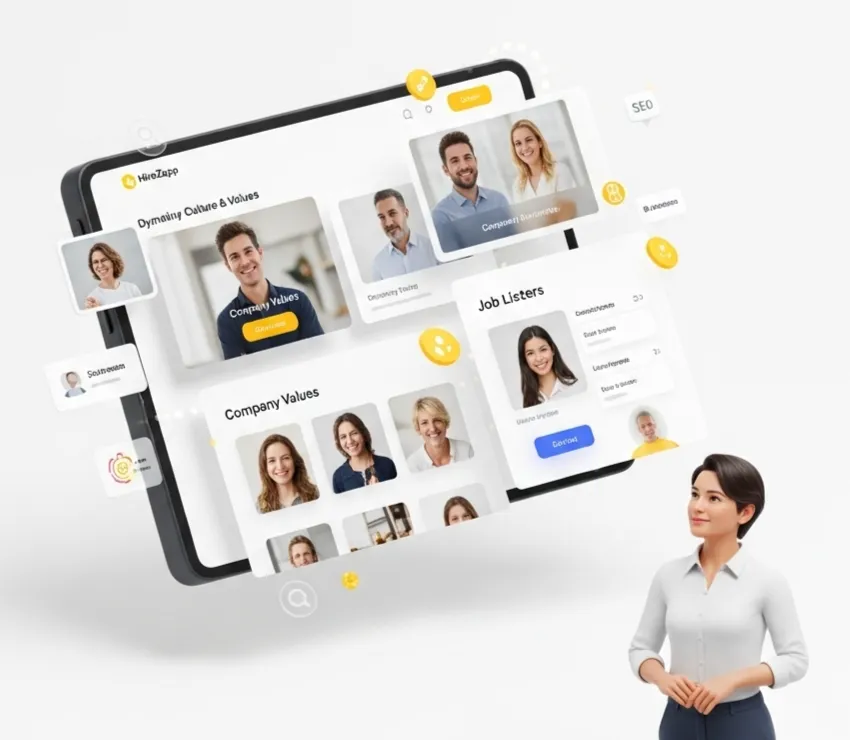
Create a professional and attractive home for all your open roles in minutes, giving candidates a seamless experience.
Common Traps That Keep Growing Teams Stuck
Upgrading your hiring tech is as much about mindset as it is about software. Avoid these common mistakes that prevent teams from making a much-needed change.
- Ignoring candidate feedback about a confusing process.
- Waiting for a total system collapse before looking for a solution.
- Underestimating the hours your team loses to manual admin work each week.
- Assuming all ATS platforms are expensive and complicated.
- Forgetting that a poor hiring process can damage your company's brand.
- Trying to build a complex, custom solution internally instead of using a dedicated tool.
A Note on Realism: What Better Tech Can't Solve
While a great hiring platform is a game-changer, it’s important to be realistic. Technology is a powerful enabler, but it can’t fix foundational issues. A tool like HireZapp will not fix:
- A weak employer brand.
If your company isn't a good place to work, no tool can change that. - A poorly defined role.
If you don't know who you're looking for, a system can't find them for you. - A non-competitive compensation package.
The best process in the world won't convince top talent to accept a low offer.
Your Next Step Towards Effortless Hiring
Moving away from Google Forms is a natural step in a company's growth. It’s about trading manual work for an automated, professional system that gives you back time. By focusing on creating a great candidate experience and empowering your team with the right tools, you can turn hiring from a bottleneck into a true competitive advantage.
Scale Smarter. Ditch Google Form Limits.
Stop manual Google Form pain. HireZapp's AI scales hiring, automates screening, and boosts your recruitment ad ROI.
Frequently Asked Questions
1) What are the main Google Forms for recruitment limitations?
The primary limitations are the lack of automation for communication, no central candidate database for tracking history, poor collaboration features for teams, and a generic, unbranded candidate experience that can lead to drop-offs.
2) What is the biggest challenge when scaling hiring with Google Forms?
The biggest challenge is the sheer volume of manual data entry and administrative work. As applicant numbers increase, it becomes nearly impossible to track everyone effectively, provide timely feedback, and collaborate on decisions, leading to costly delays and lost candidates.
3) How does an ATS vs Google Forms comparison look for a small business?
Google Forms is a simple data collection tool, whereas an ATS is a complete hiring management system. An ATS automates communication, provides a searchable candidate database, allows for team collaboration with notes and ratings, and presents a professional, branded interface to applicants.
4) Can I find a good applicant tracking system for small business with a free plan?
Yes, many modern platforms like HireZapp offer robust free plans designed for small businesses and startups. These free tiers often include features far beyond what Google Forms can offer, such as a branded careers page, an ATS pipeline, and some level of automation.
5) What are the best candidate drop-off solutions for a growing company?
The best solutions involve improving communication and simplifying the application. This includes using a branded, mobile-friendly application form, sending automated confirmation emails, and keeping candidates informed of their status, all of which are core features of an ATS.
6) How does recruitment workflow automation differ from just using forms and spreadsheets?
Recruitment workflow automation handles the steps between data collection. It can automatically send emails, move candidates between stages based on team feedback, and schedule interviews, eliminating the manual copy-pasting and tracking required with a forms-and-sheets process.
7) Is it hard to move my existing applicants from a Google Sheet to an ATS?
Most modern ATS platforms make this easy. You can typically export your Google Sheet as a CSV file and import it directly into the new system, allowing you to manage your existing candidate pool in a more powerful and organized way.