7 Hidden Costs of “Free” ATS and Spreadsheet-Based Hiring
Using Google Sheets or a basic free tool to manage hiring feels like a smart move for a growing business. It’s simple, familiar, and seems to cost nothing. But as many founders and recruiters discover, the real price of a manual process isn't on an invoice. The hidden costs of free ATS and spreadsheet systems show up in wasted time, lost candidates, and hiring mistakes that can slow your growth.

Using Google Sheets or a basic free tool to manage hiring feels like a smart move for a growing business. It’s simple, familiar, and seems to cost nothing. But as many founders and recruiters discover, the real price of a manual process isn't on an invoice. The hidden costs of free ATS and spreadsheet systems show up in wasted time, lost candidates, and hiring mistakes that can slow your growth.
These systems often start as a temporary fix but quickly become a bottleneck. When you're managing multiple roles, a flood of applicants, and a busy team, the cracks start to show. The result is a slow, frustrating process for both your team and your future employees.
Why ‘Free’ Hiring Tools Cost You More Than You Think
When you look past the zero-dollar price tag, you find significant drains on your resources. These are the most common issues that create serious hiring process inefficiencies and drive up your true cost to hire.
- 1. The Time Sink of Manual Work
Think of all the hours spent copying and pasting candidate data, manually sending follow-up emails, and trying to schedule interviews across different calendars. These manual recruiting costs add up, pulling you and your team away from strategic work like sourcing top talent. - 2. A Poor Candidate Experience
When applications get lost in an inbox or candidates never hear back, your company's reputation suffers. These are major candidate drop-off reasons. Top talent has options, and a clunky, slow process signals that your company is disorganized. - 3. Inconsistent Screening and Bias
Without a structured system, every application gets reviewed differently. It’s easy for unconscious bias to creep in, and it’s nearly impossible to compare candidates fairly when their information is scattered across emails, DMs, and spreadsheet rows. - 4. Lost Candidate Data
A great candidate who wasn’t the right fit for one role might be perfect for the next one. But in a spreadsheet, that “silver medalist” is often forgotten. You lose the chance to build a talent pool, forcing you to start from scratch for every new opening.
A Simple Checklist to Assess Your Hiring Process
If you suspect your current system is costing you, take a few minutes to walk through this checklist. This will help you see exactly where the problems are.
- Map your process. Write down every single step from posting a job to sending an offer letter.
- Track your time. For one week, estimate how much time you spend on repetitive tasks like data entry and sending follow-up emails.
- Review your candidate communication. Do you have templates? Does every single applicant get a response?
- Ask your team for feedback. Get input from interviewers and hiring managers. What are their biggest frustrations with the current system?
- Check your data. Can you easily see how many applicants you received for your last role and where the best ones came from?
- Review your careers page. Does it reflect your brand and make it easy for candidates to apply?
Tools to Improve Your Process Today
Even small changes can make a big difference. Here are a few templates you can adapt to bring more structure to your hiring, whether you use a spreadsheet or a dedicated tool.
5 Core Screening Questions
Use these questions to get beyond the resume and understand a candidate's motivation and skills.
- What about this specific role caught your attention?
- Can you tell me about a project you're particularly proud of and your role in it?
- How do you stay organized when managing multiple priorities?
- What kind of team environment helps you do your best work?
- What are your salary expectations for this position?
Simple Candidate Follow-Up Template
Use this for candidates who have completed an interview to keep them warm and informed.
Hi [Candidate Name],
Thank you again for taking the time to speak with our team about the [Job Title] role. We enjoyed learning more about your background.
We are continuing with the interview process and expect to have an update for you by [Date].
Best,
[Your Name]
How a Smart ATS Solves These Problems
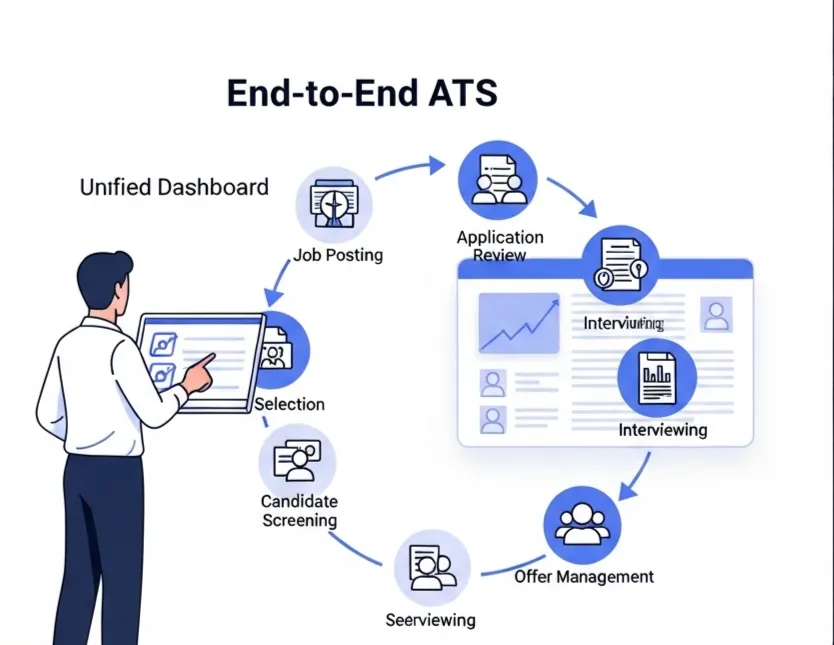
A modern Applicant Tracking System (ATS) isn't just a database. It's a central hub designed to solve the exact problems caused by manual hiring. Instead of creating more work, it automates it.
- AI JD + Job Form Generation
Saves hours of writing and ensures your job posts attract qualified applicants from the start. - Multi-Channel Screening
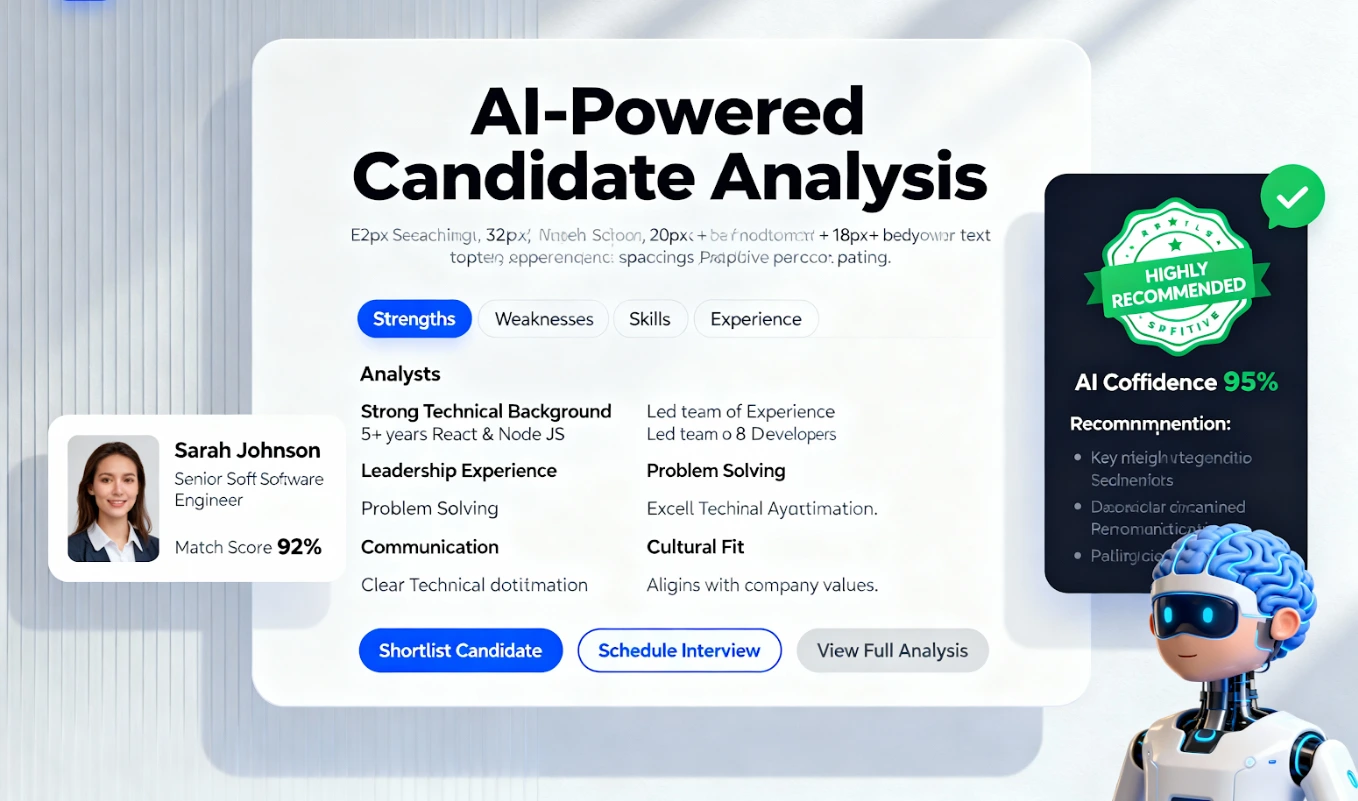
Automatically pulls in data from LinkedIn, GitHub, and resumes into one unified candidate profile. - Job Match Score + Job Quality Score
Instantly surfaces the best-fit candidates and shows you how to improve your job post, so you don't waste time on irrelevant applications. - ATS Pipeline + Automated Follow-ups
Gives you and your team full visibility into a candidate's status and keeps applicants engaged without you lifting a finger. - Employer Branding Tools
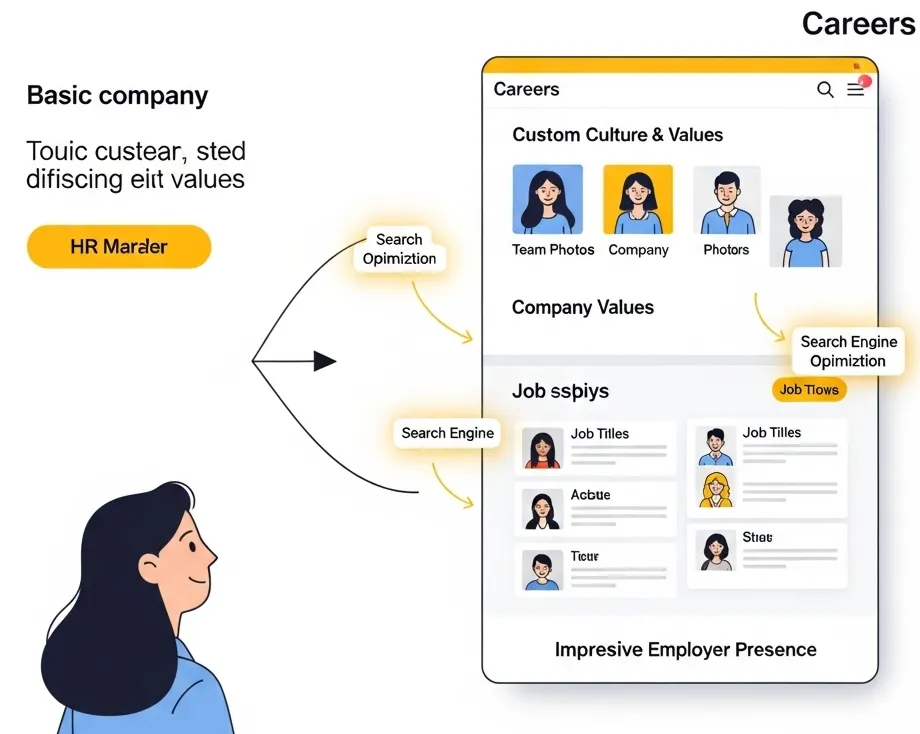
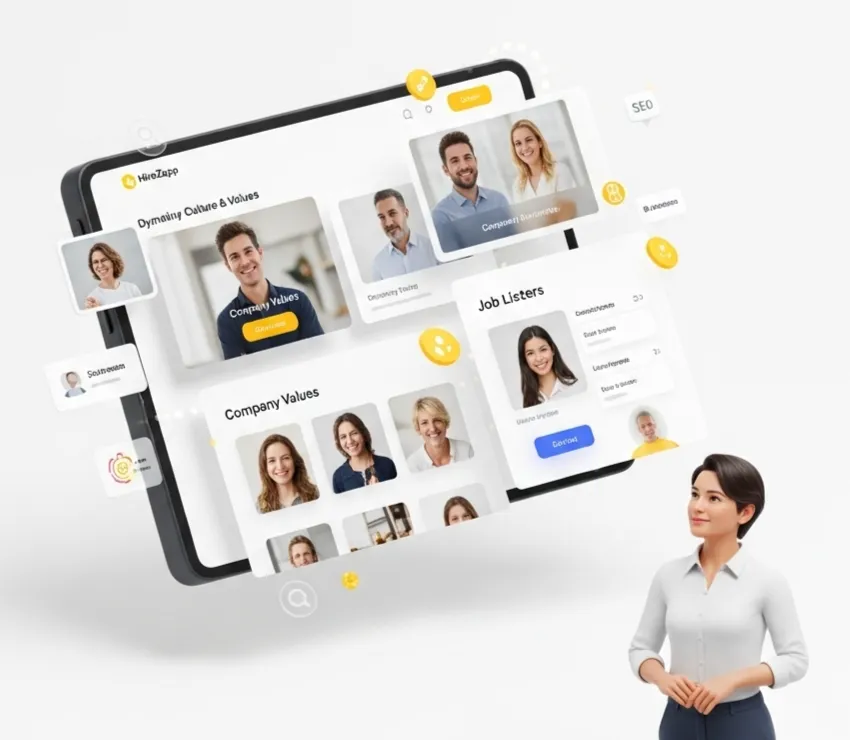
Helps you create a professional careers page and branded communications that make a great first impression.
Common Traps That Keep Your Hiring Stuck in Manual Mode
Switching to a better system is one part of the solution. Avoiding these common mistakes is the other.
- Sticking with a tool just because it's "free" or familiar.
- Failing to get buy-in from the entire hiring team.
- Ignoring the candidate experience in favor of internal convenience.
- Not tracking key metrics like time-to-hire or source-of-hire.
- Trying to manage everything through email and DMs.
- Forgetting to build a talent pool of past applicants.
What an ATS Can't Fix on Its Own
A great tool is a powerful asset, but it’s not a magic wand. To build a truly great hiring process, you still need to focus on the human elements. An ATS won't fix:
- A poorly defined role or set of responsibilities.
- A non-competitive salary and benefits package.
- A weak company culture or poor brand reputation.
- An interview process with untrained interviewers.
Get Hiring Right From the Start
Moving away from spreadsheets and basic tools is an investment in your company's growth. By eliminating the hidden costs of manual hiring, you free up your team to focus on what matters most: building relationships with great candidates and making the right hires, faster. A platform like HireZapp provides the structure you need without the complexity.
Stop Hidden Hiring Costs. Scale Smart.
Uncover and eliminate the true costs of manual hiring. HireZapp automates screening, scales your team, and boosts ROI.
Frequently Asked Questions
1) What are the main spreadsheet hiring problems?
The biggest spreadsheet hiring problems include manual data entry errors, lack of collaboration between team members, poor security for sensitive candidate data, and no ability to track applicants or automate communication, leading to a slow and inefficient process.
2) How do free ATS limitations impact a growing business?
Most free ATS limitations involve caps on the number of active jobs or candidates, limited features, a lack of customization, and minimal customer support. As a business grows, these restrictions quickly become bottlenecks that prevent you from scaling your hiring effectively.
3) Is a small business ATS worth the cost?
Yes, for most growing companies, a small business ATS provides a strong return on investment. It saves dozens of hours in administrative work, improves the candidate experience, reduces the risk of bad hires, and provides valuable data to make your recruiting smarter over time.
4) What is the difference in ATS vs spreadsheets for hiring?
The key difference is automation and centralization. Spreadsheets are passive grids that require manual updates for everything. An ATS is an active system built specifically for recruiting that automates communication, tracks candidates through a pipeline, and allows for team collaboration in one place.
5) Can an ATS help reduce the cost of a bad hire?
Yes. By providing better screening tools, enabling structured team feedback, and speeding up the process, an ATS helps you evaluate candidates more thoroughly and consistently. This reduces the chances of making a rushed or poorly informed decision that leads to a bad hire.
6) What is the first step to move away from spreadsheet recruiting?
The first step is to map out your current hiring process and identify the biggest time-wasters and points of friction. Once you know your key problems, you can look for an ATS that specifically solves them, like automating candidate follow-ups or scoring applicants automatically.
7) How does recruiting tech ROI work?
Recruiting tech ROI (Return on Investment) is calculated by comparing the cost of the tool to the value it creates. This value comes from saved labor hours (manual recruiting costs), faster time-to-fill for open roles, improved quality of hire, and the avoided costs associated with bad hires or a poor employer brand.