The True Cost of Spreadsheet-Based Hiring
You have a flood of applicants from job ads, but they are stuck in a maze of Google Forms, WhatsApp messages, and scattered DMs. Your team spends hours manually sorting through candidates, leading to slow shortlisting and losing great talent to faster competitors. This isn't just frustrating; it has a real financial impact.

The True Cost of Spreadsheet-Based Hiring: Are You Paying Too Much?
You have a flood of applicants from job ads, but they are stuck in a maze of Google Forms, WhatsApp messages, and scattered DMs. Your team spends hours manually sorting through candidates, leading to slow shortlisting and losing great talent to faster competitors. This isn't just frustrating; it has a real financial impact.
Switching from a manual system isn't about adding another tool. It's about creating a smooth path from applicant to hire, saving you time and money while building a stronger employer brand. Let's break down the true cost of spreadsheet hiring and how to fix it.
Beyond the Cells: Uncovering the Real Damage
The problems with spreadsheet recruiting go far beyond messy data. Many teams find that an inefficient hiring process leads to tangible and intangible losses that add up quickly. These issues directly impact your bottom line.
- Lost Time on Manual Entry
Every hour spent copying and pasting candidate data from emails or forms into a sheet is an hour not spent on interviews or strategic sourcing. - Critical Candidate Data Slips Through
Without a central system, notes from a phone screen or feedback from a hiring manager can easily get lost in an email thread, leading to poor decisions. - Inconsistent Communication
Manually sending updates is prone to error. Candidates who don't hear back are unlikely to reapply or recommend your company to others. - No Real-Time Visibility
It's nearly impossible to know where every candidate is in the pipeline at a glance, making it hard to report on progress or identify bottlenecks. - Higher Risk of Human Error
A simple typo or a missed status update can lead to accidentally ghosting a top candidate or creating a frustrating experience. - Poor Candidate Experience
A clunky, slow process makes your company look disorganized, which can deter the best talent from moving forward.
Your Roadmap from Spreadsheets to a Streamlined System
Knowing when to get an ATS is a critical decision. Transitioning away from manual methods doesn't have to be complicated. Following a clear plan helps you build a hiring machine that works for you, not against you.
- Map Your Current Process
Draw out every step from receiving an application to making an offer to see exactly where the delays and manual work happen. - Identify Key Pain Points
Determine the top three problems you need to solve, such as slow screening, poor communication, or lost candidate info. - Define Your Must-Have Features
List the core functions you need, like a central candidate database, automated emails, and interview scheduling. - Set a Realistic Budget
Look for a flexible small business ATS that offers credit-based or pay-as-you-go pricing to control your talent acquisition costs. - Run a Small Pilot Test
Choose one or two roles to manage through a new system to work out any kinks before a full rollout. - Train Your Hiring Team
Ensure everyone involved in hiring knows how to use the new tool to maintain consistency and collaboration. - Import Your Existing Data
Move your active candidate pipeline from spreadsheets into the new system to create a single source of truth. - Communicate the Change
Let your team know why you are making the switch and how it will make their jobs easier and more effective.
Quick Tools to Assess Your Manual Hiring Costs
Before you can improve your process, you need to understand the hidden costs of recruiting. Use this simple checklist to start quantifying the impact of your current system. For each item, estimate the weekly hours your team spends on it.
Recruiter reality: “I was spending at least 10 hours a week just moving data around and trying to figure out who needed a follow-up. I had no time for actual recruiting.”
- Hours spent on data entry and updates
- Hours spent manually scheduling interviews
- Hours spent searching for candidate info in emails/DMs
- Hours spent creating and sending follow-up emails
- Hours spent building reports on hiring progress
Multiply the total weekly hours by your team's average hourly pay rate to get a baseline for your weekly manual hiring costs. This simple calculation often reveals a surprising financial drain.
How HireZapp Solves Common Spreadsheet Recruiting Problems
HireZapp is built to directly address the issues that make spreadsheet hiring so expensive and inefficient. It replaces manual work with automated, repeatable systems so you can focus on finding the best people.
- AI JD and Job Form Generation
Eliminates the time spent writing job descriptions and creating application forms from scratch. - Multi-Channel Screening
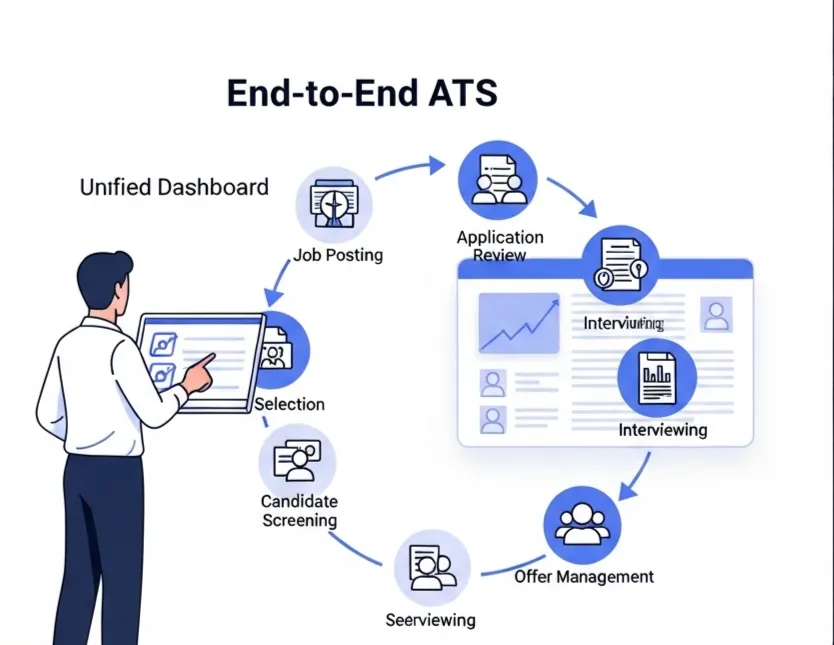
Automatically pulls in candidate data from sources like LinkedIn and GitHub, ending manual copy-pasting. - Centralized ATS Pipeline
Provides a single, clear view of every candidate's status, so nothing gets lost. - Automated Follow-ups
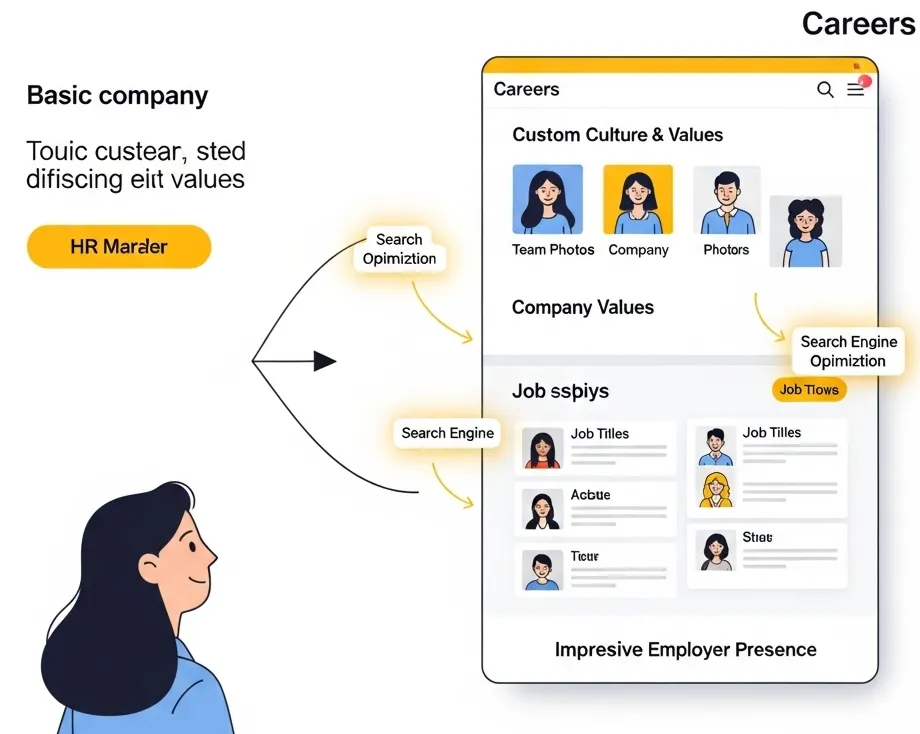
Ensures every applicant receives timely and professional communication, protecting your employer brand. - Employer Branding Suite
Creates professional careers pages and branded job posts instantly, improving candidate experience.
Common Mistakes That Keep Teams Stuck
Moving to a better system is only half the battle. To truly escape the spreadsheet trap, you need to avoid these common habits that undermine your progress.
- Continuing to use personal email for candidate communication.
- Failing to document interview feedback inside the system.
- Creating side-spreadsheets to track “special” candidates.
- Skipping team training on the new hiring workflow.
- Not fully committing to the new system for all open roles.
- Ignoring the data and insights the new system provides.
What This Won’t Fix
An applicant tracking system is a powerful tool, but it is not a magic wand. To build trust, it's important to be realistic about what it can and cannot do for your hiring process.
- It cannot fix a poorly defined job role or unclear success metrics.
- It cannot write interview questions that assess for culture fit.
- It cannot make the final hiring decision for you.
- It will not replace the need for human connection and conversation with candidates.
Ultimately, a great hiring process combines efficient tools with smart, human-centered strategy. The goal is to let technology handle the repetitive tasks so your team can focus on what matters most: building relationships with great people.
Stop Wasting Money on Manual Hiring
Automate recruitment, eliminate hidden costs, and scale your team faster with AI.
Frequently Asked Questions
1) What are the main spreadsheet recruiting problems?
The most common issues include wasted time on manual data entry, a high risk of human error, poor candidate experience due to slow communication, lost feedback, and no clear visibility into the hiring pipeline.
2) How do I know when to get an ATS?
You should consider an ATS when you are managing more than a few roles at once, losing track of candidates in email or forms, receiving negative feedback from applicants, or spending more than five hours a week on administrative hiring tasks.
3) What is the difference in ATS vs spreadsheets for tracking candidates?
Spreadsheets are a passive way to store data, requiring manual updates for every step. An ATS is an active system that automates communication, tracks the entire candidate journey in one place, and allows for team collaboration.
4) Can a small business afford an applicant tracking system?
Yes. Modern platforms like HireZapp offer flexible, credit-based pricing models designed for small businesses. A small business ATS can provide significant ROI by reducing the time and cost associated with manual hiring.
5) How can I calculate my recruitment ROI?
A basic recruitment ROI calculator would compare the total cost of hiring (including ad spend and staff time) to the value a new hire brings. An ATS improves ROI by reducing staff time costs and helping you hire better candidates faster.
6) What are some examples of manual hiring costs?
Tangible manual hiring costs include the salary hours spent on administrative tasks, money wasted on ads that attract unqualified applicants, and the cost of a bad hire. Intangible costs include damage to your employer brand and losing top talent to competitors.
7) Is it difficult to switch from spreadsheets to an ATS?
It does not have to be. With a clear plan and an intuitive tool, the transition can be smooth. Look for a system that offers support for data import and provides simple training for your team.