Google Forms in Recruitment: Why They're Breaking Your Pipeline
You posted the job, shared the link, and now the applications are trickling into a Google Sheet. At first, it feels efficient. It's free, familiar, and easy to set up. But soon, the reality sets in. You're drowning in manual data entry, struggling to track candidate stages, and letting great applicants slip through the cracks. These are classic signs of serious hiring pipeline issues.

Google Forms in Recruitment: Why They're Breaking Your Hiring Pipeline
You posted the job, shared the link, and now the applications are trickling into a Google Sheet. At first, it feels efficient. It's free, familiar, and easy to set up. But soon, the reality sets in. You're drowning in manual data entry, struggling to track candidate stages, and letting great applicants slip through the cracks. These are classic signs of serious hiring pipeline issues.
The problem isn't your effort; it's the tool. Using a generic form builder for a specialized process like recruiting creates hidden friction that costs you time and top talent. Let's break down why this happens and how to fix it for good.
When you use Google Forms for hiring, you create a system that works against you. Many recruiters notice that what starts as a simple solution quickly becomes a source of frustration and inefficiency. The core issues often go unnoticed until a key role stays open for too long.
Recruiter reality: "I was spending hours just copy-pasting candidate info from a spreadsheet into my calendar and email drafts. I completely lost track of who I had replied to for our Senior Developer role and missed out on two great candidates."
Here are the specific ways Google Forms can break your pipeline:
- No Central Candidate Record: Each submission is just a row in a spreadsheet, disconnected from resumes, portfolios, or communication history.
- Terrible Candidate Experience: Generic forms feel impersonal and often aren't mobile-friendly, leading to high drop-off rates from qualified people.
- Zero Automation: Every confirmation email, rejection notice, and follow-up has to be sent manually, one by one.
- Impossible Collaboration: Sharing a spreadsheet with a hiring manager is clumsy. There's no easy way to leave private notes, track feedback, or see a candidate's status at a glance.
- Lack of Insight: You can't track where your best applicants are coming from or identify bottlenecks in your process.
- Brand Disconnect: A plain Google Form doesn't represent your company's brand, making you look less professional than competitors.
From Chaos to Control: A 7-Step Hiring Playbook
Moving away from manual methods doesn't have to be complicated. By implementing a structured process, you can save dozens of hours and give every candidate a better experience. This is the foundation for better hiring.
- Define Your Ideal Candidate First: Before you write a word, list the top five skills and traits required. This clarity prevents vague job descriptions that attract unqualified applicants.
- Build a Smart Application Form: Ask specific screening questions that help you qualify or disqualify candidates early. Go beyond just asking for a resume link.
- Automate the First Touchpoint: Set up an instant confirmation email when someone applies. This simple step shows respect for their time and confirms their application was received.
- Screen in Batches: Set aside specific blocks of time to review all new applicants at once. This is more efficient than checking your spreadsheet every hour.
- Use a Consistent Scorecard: Create a simple checklist to rate each applicant on the same criteria. This removes bias and makes it easier to compare candidates.
- Communicate Status Changes: Send timely updates, even if it's a polite rejection. Keeping candidates informed protects your employer brand.
- Review Your Pipeline Weekly: Look at where candidates are getting stuck. This helps you identify and fix bottlenecks before they derail your hiring goals.
A Better Starting Point: A Checklist for Your Hiring Form
To implement proper job application form best practices, your tool needs to do more than just collect names and emails. Use this checklist to evaluate if your current solution is helping or hurting your process.
- Does the form let you ask knockout screening questions?
- Can you customize the form with your company logo and colors?
- Is the form 100% mobile-friendly and easy to complete on a phone?
- Does it automatically send a confirmation email to the applicant?
- Does it organize applicant data into individual profiles instead of a spreadsheet?
- Can you and your team leave private feedback directly on an applicant's profile?
- Does it prevent duplicate applications from the same person?
Where HireZapp Fits In
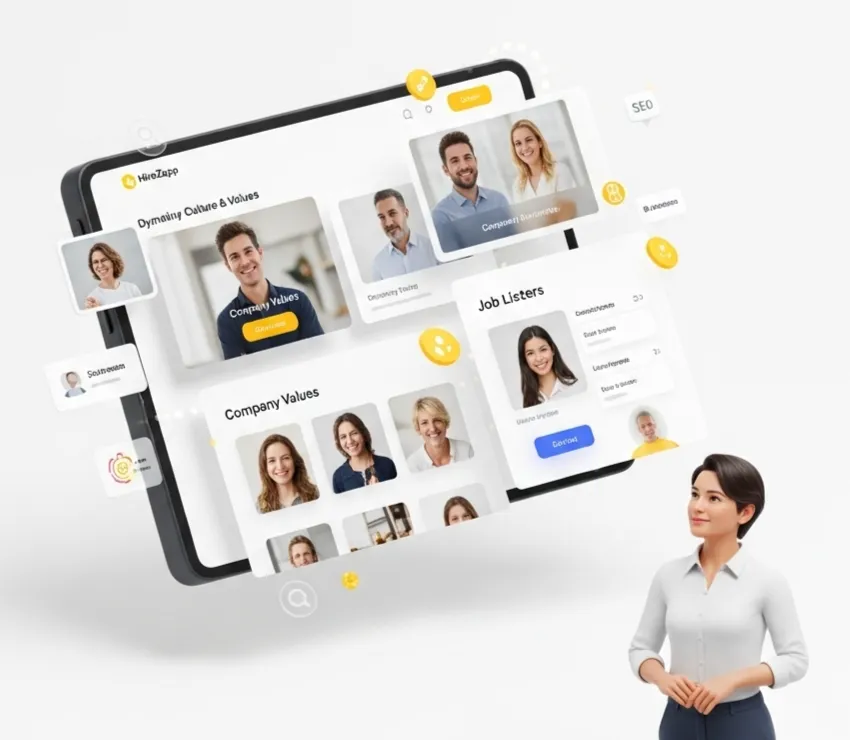
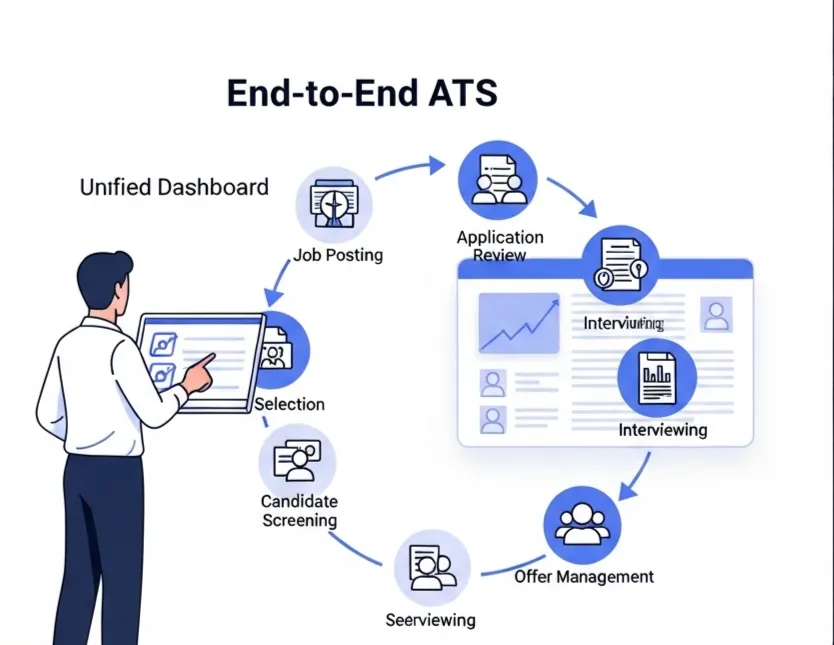
A dedicated applicant tracking system for small business is designed to solve these problems directly. HireZapp replaces the manual work of Google Forms with a streamlined, all-in-one platform built for hiring. It gives you the structure of a professional system without the enterprise price tag.
Here’s how HireZapp's features map to a better hiring process:
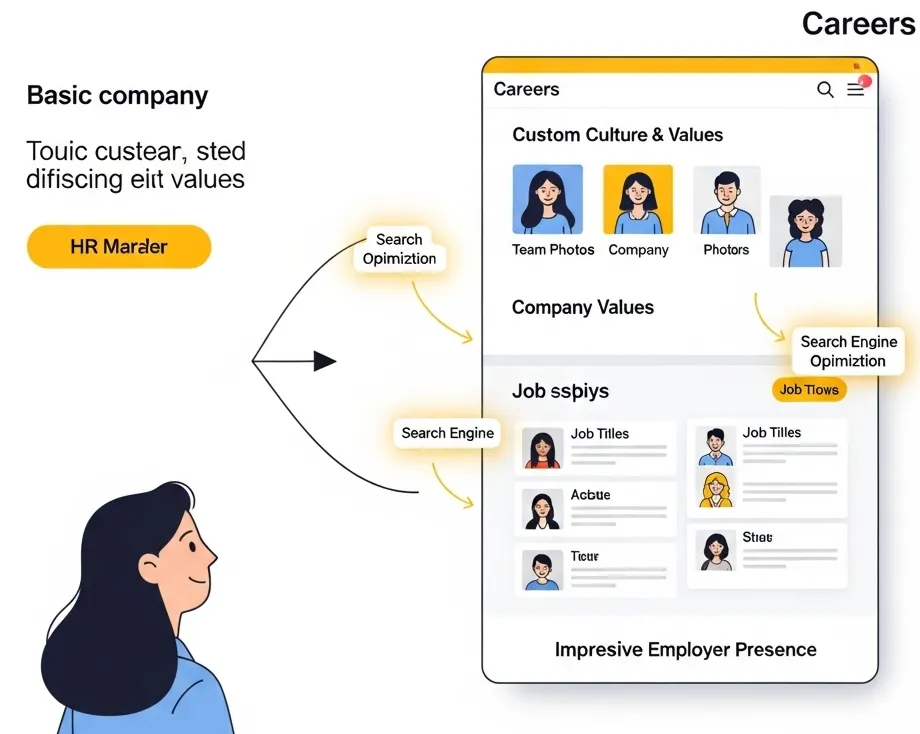
- AI Job Description and Form Generator
Create branded, effective job posts and application forms in minutes, not hours. - Multi-Channel Candidate Screening
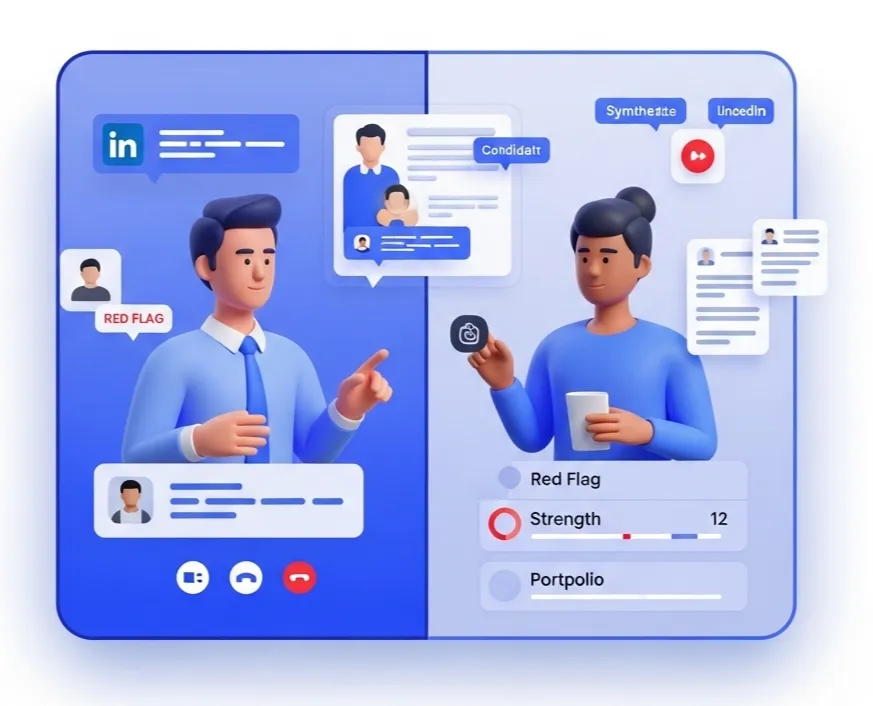
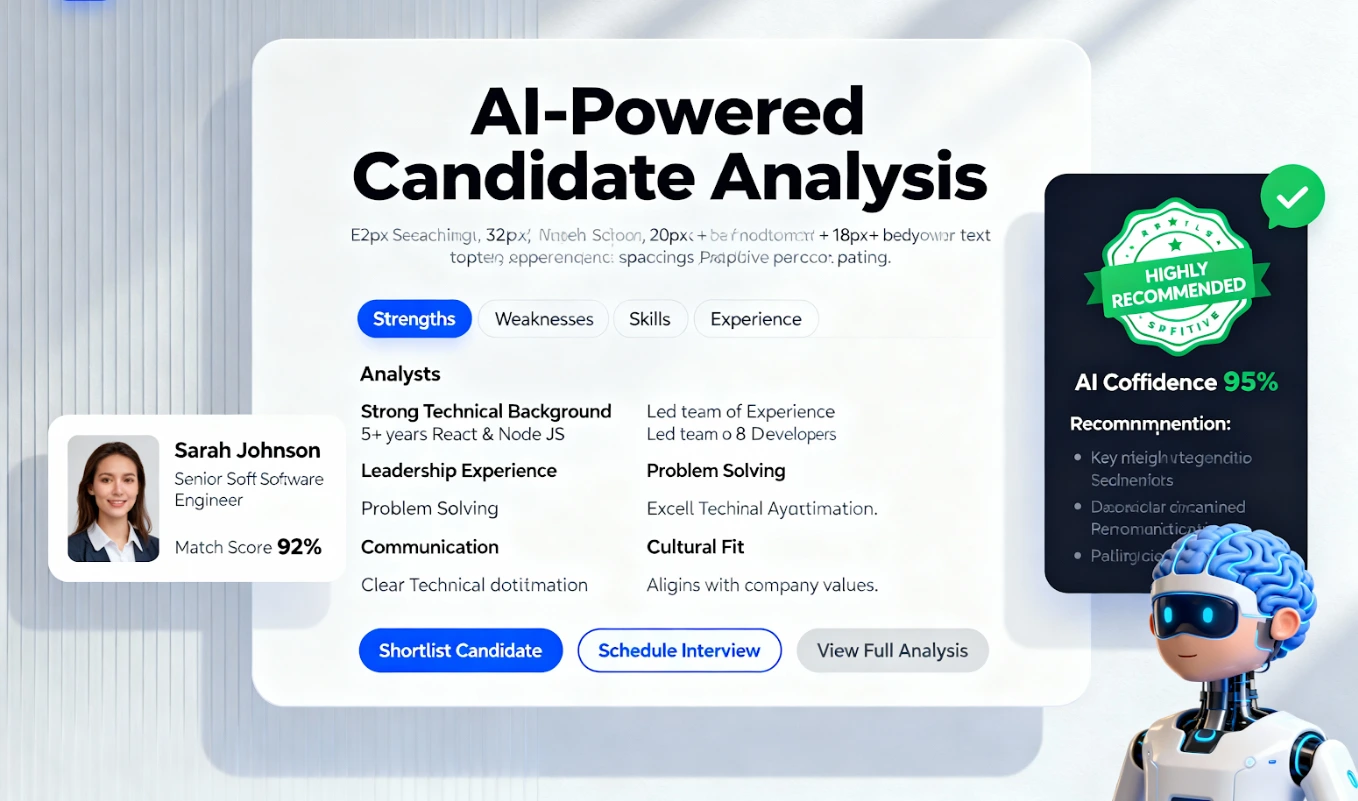
See applicant data, LinkedIn profiles, and resumes in one unified view. - Job Match Score
Instantly see which candidates are the best fit based on your criteria, eliminating manual review. - Automated Candidate Communication
Set up automated follow-ups and status updates to keep every applicant informed. - Simple ATS Pipeline
Drag and drop candidates through custom stages so your whole team knows the status of every applicant.
Stop Google Forms From Breaking Your Pipeline.
HireZapp's AI ATS automates screening, boosts ROI, and builds a robust, scalable hiring process.
Common Traps That Keep Your Hiring Process Stuck
Even with a better tool, old habits can persist. Watch out for these common mistakes that lead to manual recruiting challenges and keep you from building an efficient hiring machine.
- Forgetting to define clear hiring stages for your pipeline.
- Writing job descriptions that focus on company needs instead of candidate wants.
- Relying on memory to track communication with dozens of applicants.
- Failing to use screening questions to filter out unqualified candidates early.
- Delaying feedback to candidates for days or weeks.
- Not having a central place for team members to leave interview notes.
What a Better Tool Won't Fix
Switching to an ATS is a huge step forward, but it's not a magic wand. To build a truly great hiring process, you still need to focus on the fundamentals. A tool like HireZapp can't fix:
- A poorly defined role or unclear success metrics.
- A weak company culture or employer brand.
- An unstructured or inconsistent interview process.
- A non-competitive compensation and benefits package.
Your Next Hire is Waiting
Stop letting your hiring process be a bottleneck. By moving away from the limitations of Google Forms and adopting a system built for recruitment, you can convert applicants into hires faster. You'll save time, deliver a better candidate experience, and ultimately build a stronger team. Ready to see the difference? Learn more about HireZapp's free plan.
Frequently Asked Questions
Stop Google Forms From Breaking Your Pipeline.
HireZapp's AI ATS automates screening, boosts ROI, and builds a robust, scalable hiring process.
1) Why is Google Forms bad for recruiting?
Google Forms is not designed for recruiting. It lacks essential features like applicant tracking, automated communication, team collaboration tools, and branding options. This results in significant manual work, a poor candidate experience, and a high risk of losing top talent in a messy spreadsheet.
2) What is a good Google Forms ATS alternative?
A good Google Forms ATS alternative is a user-friendly applicant tracking system built for small to medium-sized businesses. Look for platforms like HireZapp that offer job form creation, a central candidate database, a visual pipeline, and communication automation at an affordable price point.
3) How do you handle high-volume applications without an ATS?
Handling high-volume applications without an ATS is extremely difficult and inefficient. It often involves complex spreadsheets, manual email templates, and a high degree of human error. The most effective way to manage volume is to adopt an ATS to automate filtering and communication.
4) What are the best candidate drop-off solutions?
The best candidate drop-off solutions involve simplifying and improving the application process. This includes using mobile-friendly forms, asking fewer initial questions, setting clear expectations on timelines, and sending an immediate confirmation email once an application is received.
5) How can I improve candidate experience during the application stage?
To improve candidate experience, use a branded and simple application form that works well on mobile devices. Communicate clearly and promptly by automating a confirmation email and providing updates on their status, even if they are not selected. Respecting their time is key.
6) Is a free ATS vs Google Forms a fair comparison?
It's a great comparison. While both can be free, a dedicated free ATS is purpose-built for hiring. It provides a structured pipeline, candidate profiles, and basic automation that Google Forms completely lacks, making it a far superior choice for any serious recruiting effort.
7) What should I look for in a recruitment form builder?
A good recruitment form builder should allow you to add your company branding, create custom screening questions, be fully mobile-responsive, and automatically feed applicant data into a centralized tracking system. It should help you attract and organize candidates, not just collect data.