5 Reasons Your Hiring Manager Hates the Google Form You're Using
It's 4 PM on Friday. Your hiring manager sends a message: “Can you resend the link to the Google Sheet with the applicants?” You know the one. It’s a messy grid of timestamps, links to resumes, and cryptic notes from three different people.

5 Reasons for Hiring Manager Frustration (And How to Fix Your Google Form)
It's 4 PM on Friday. Your hiring manager sends a message: “Can you resend the link to the Google Sheet with the applicants?” You know the one. It’s a messy grid of timestamps, links to resumes, and cryptic notes from three different people.
This daily chaos is a major source of hiring manager frustration. While Google Forms seems like a free and easy start, it quickly creates hidden costs in wasted time, lost candidates, and team confusion. Let's break down why this is happening and how to fix it for good.
The Real Reasons Your Hiring Process Feels Broken
When you rely on disconnected tools like Google Forms and Sheets, you create friction that slows everything down. This manual system is often the root cause of many common manual recruiting challenges.
- There is no single source of truth.
The hiring manager has to switch between their email, the Google Sheet, and a folder of resumes just to understand one candidate. Information gets lost, and no one has a clear view of an applicant's history or status. - Every step is manual and repetitive.
You have to manually email candidates, schedule interviews, and update the spreadsheet. There is no automation, which leads to mistakes and eats up hours that could be spent on sourcing or interviewing. - The candidate experience is generic and unbranded.
A plain Google Form doesn't reflect your company's brand or culture. Top candidates expect a professional, seamless application process, and a clunky form can make them think twice about your company. A poor process is a primary cause of applicant drop-off solutions being needed in the first place. - Collaboration is messy and inefficient.
Feedback is scattered across emails, Slack messages, and spreadsheet comments. It’s impossible to see all the notes and decisions about a candidate in one place, making team alignment difficult. - You have no data to make better decisions.
Which job board is sending you the best applicants? How long does it take to hire for a role? Google Forms can't answer these questions, leaving you guessing about what works and what doesn't.
Google Forms vs. A Modern ATS
Understanding the core differences shows why so many growing companies make the switch. Here is a quick comparison of using Google Forms for hiring problems versus using a dedicated tool.
Using Google Forms for Hiring
- Free to start
- Requires manual data entry into a separate spreadsheet
- No central candidate profiles
- Generic, unbranded candidate interface
- No collaboration or feedback tools built-in
- No analytics on hiring sources or speed
Using a Modern ATS (like HireZapp)
- Creates a single, searchable candidate database
- Automates candidate communication and status updates
- Offers branded career pages and job application forms
- Centralizes team feedback and interview scorecards
- Provides reports on key hiring metrics
- Integrates assessments and background checks
A 6-Step Playbook to Fix Your Hiring Workflow
Moving away from a manual process doesn't have to be complicated. Following these steps can help you build a more efficient system that hiring managers will love.
- Audit your current process.
Write down every single step, from posting a job to making an offer. Identify where you and your team spend the most time. - Define what a “good applicant” looks like.
Work with your hiring manager to create a simple scorecard with 3-5 must-have skills or qualifications for the role. - Build a better application form.
Use a proper job application form builder to create a branded, mobile-friendly form that only asks for essential information upfront. - Set up a simple pipeline.
Create clear stages for your hiring process, such as Applied, Screening, Interview, and Offer. This gives everyone visibility. - Create communication templates.
Write short, friendly templates for acknowledging applications, inviting candidates to interview, and sending rejections. - Review your progress weekly.
Spend 15 minutes each week looking at your pipeline. Are candidates getting stuck? Is feedback being left promptly?
Checklists and Templates to Use Today
Here are some practical resources you can use right away to start improving your process.
Checklist: Is Your Application Form Hurting You?
- Does the form work well on a mobile phone?
- Does it carry our company logo and branding?
- Does it take more than 5 minutes to complete?
- Does it ask knockout questions to filter unqualified applicants early?
- Does it send an automatic confirmation email to the applicant?
- Is it connected to a system that tracks where applicants came from?
Template: Candidate Follow-Up Message
Hi [Candidate Name],
Thanks again for your interest in the [Job Title] role at [Company Name]. The team was impressed with your background.
We are currently reviewing all applications and will be in touch with an update within the next 5-7 business days.
Best,
[Your Name]
How a Modern Tool Solves These Problems
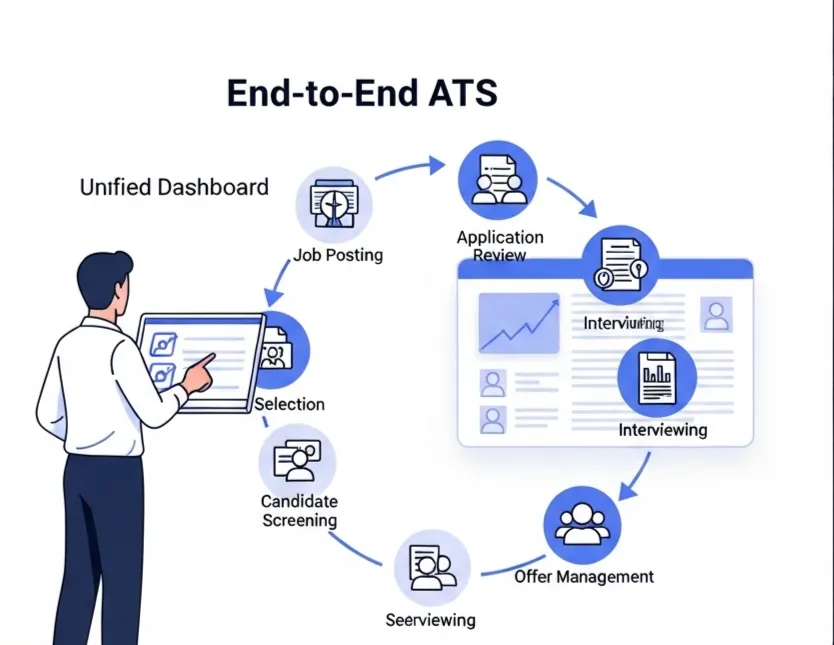
An Applicant Tracking System (ATS) is designed to solve the exact problems caused by manual hiring. Instead of juggling multiple tools, everything is in one place. Using an ATS for small business is no longer a luxury; it's a competitive advantage.
- AI JD and Job Form Generation
Creates clear, optimized job descriptions and application forms in seconds, attracting the right talent from the start. - Multi-Channel Screening
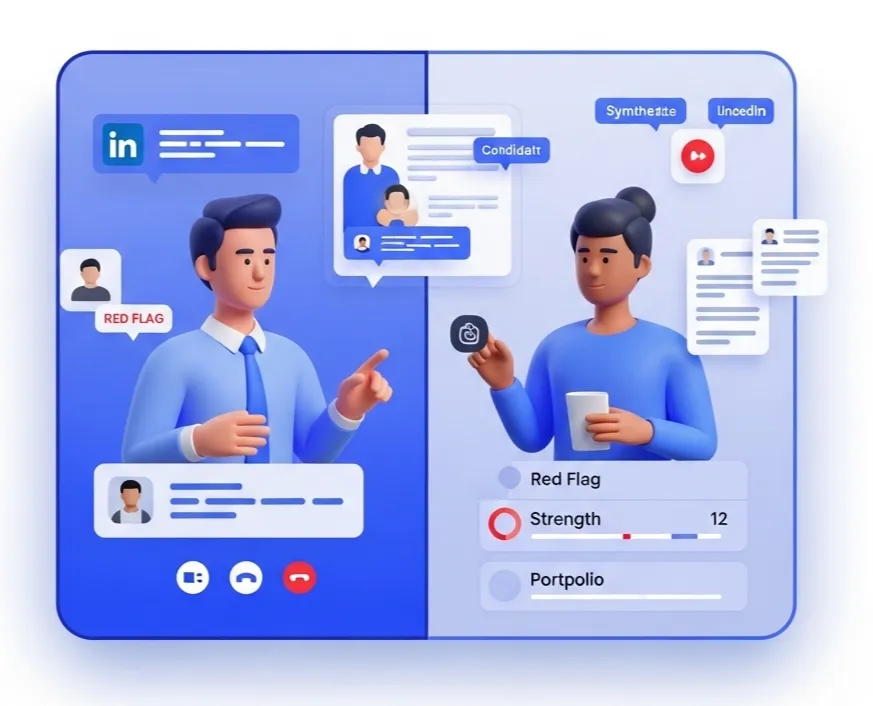
Pulls in public data from LinkedIn, GitHub, and more to give you a complete view of each candidate without manual searches. - ATS Pipeline Management
Lets you and your hiring manager see every candidate in a visual pipeline, making it easy to track progress and collaborate. - Automated Follow-ups
Saves you time and ensures a great candidate experience by sending automatic updates at each stage of the process. - Employer Branding Tools
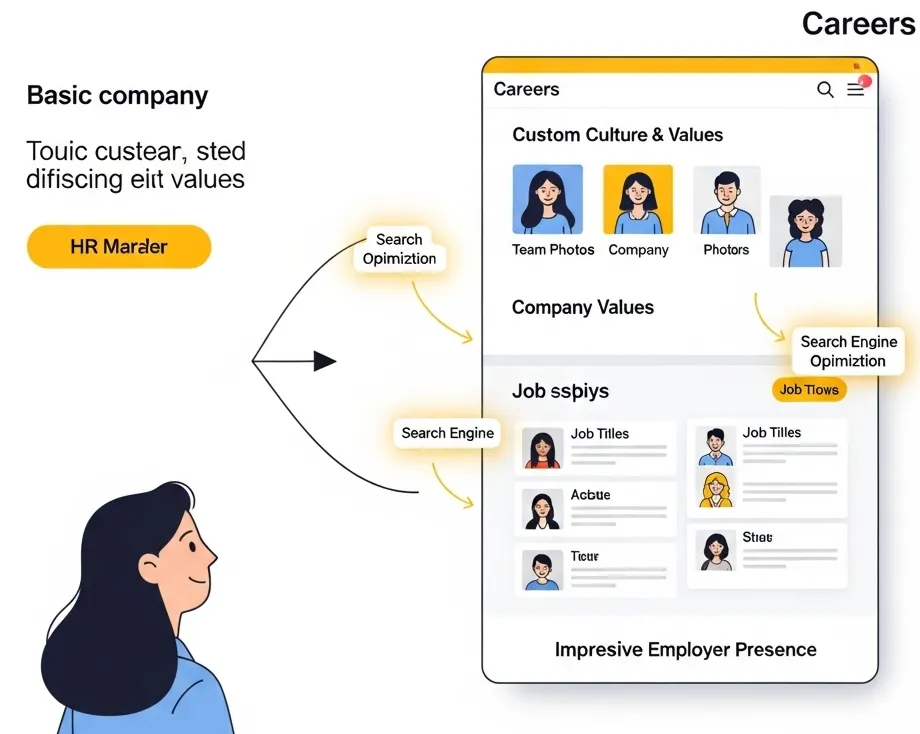
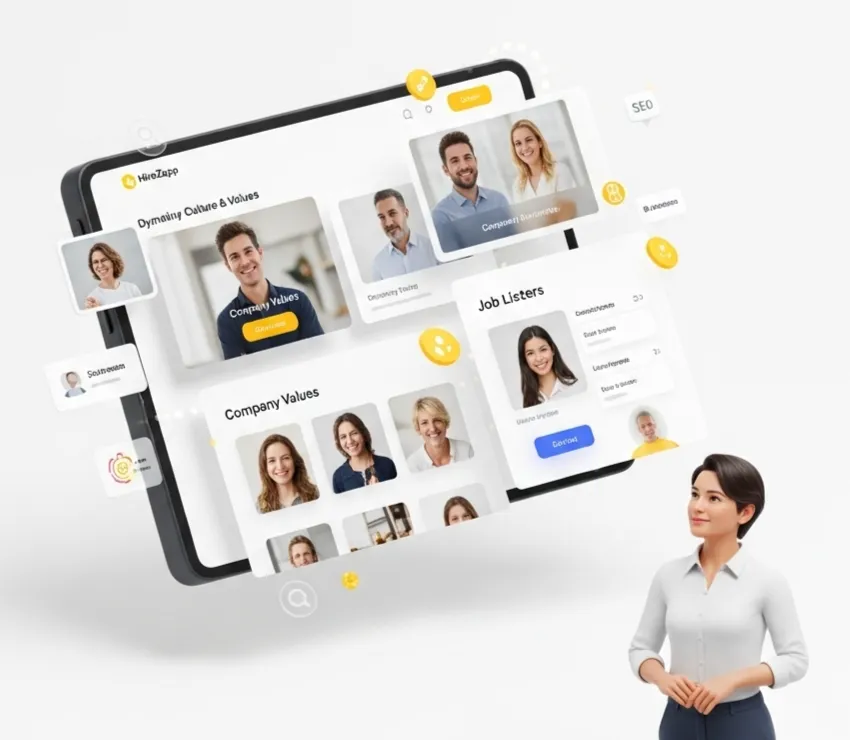
Helps you build a professional careers page and use your brand on all job posts and candidate communications.
Common Mistakes That Keep Teams Stuck
Even with the right intentions, teams can get stuck in old habits. Watch out for these common mistakes:
- Waiting for the “perfect” system instead of starting with a simple, better one.
- Not involving the hiring manager in the decision to switch tools.
- Forgetting to train the team on how to use the new process.
- Focusing only on features instead of how a tool solves your biggest time-wasting problems.
- Ignoring the need to improve candidate experience as a top priority.
What an ATS Won't Magically Fix
A great tool can streamline your process, but it can't fix underlying strategic issues. Be honest about these factors:
- A poorly defined role or job description.
- A non-competitive salary or benefits package.
- A slow or disorganized interview process.
- A weak company culture or employer brand.
Focus on getting these fundamentals right, and a tool like HireZapp will amplify your success, helping you convert great applicants into hires much faster.
End Google Form Hiring Headaches.
Stop frustrating your team with manual forms. HireZapp automates screening, scales hiring, and improves experience.
Frequently Asked Questions
1) Why are Google Forms bad for hiring?
Google Forms are not designed for recruiting. They lack a central database, automation, collaboration features, and branding options, which leads to disorganized data, manual work, and a poor experience for both candidates and hiring managers.
2) What are the best applicant tracking system alternatives for a startup?
The best applicant tracking system alternatives for startups are typically those that are easy to use, affordable, and can scale. Look for tools with a free or low-cost starting plan, a strong focus on core features like pipeline management and candidate communication, and a simple user interface.
3) How can I improve candidate experience during the application stage?
You can improve it by using a branded, mobile-friendly application form, only asking for essential information, communicating timelines clearly, and sending an automated confirmation email immediately after they apply.
4) Is an ATS for small business too expensive?
Not anymore. Many modern ATS platforms, including HireZapp, offer flexible credit-based pricing or free plans designed specifically for the needs and budgets of small businesses, making efficient hiring tools accessible to everyone.
5) What is recruitment process automation and how does it help?
Recruitment process automation involves using software to handle repetitive, manual tasks in hiring. This includes sending automatic emails to candidates, moving them between pipeline stages based on triggers, and scheduling interviews, which frees up recruiter time for more strategic work.
6) How do I choose the right ATS for my company?
Start by identifying your top 3-5 biggest hiring challenges. Then, look for an ATS that directly solves those problems. Prioritize ease of use, strong customer support, and a pricing model that fits your hiring volume. Don't pay for complex features you don't need.
7) How can I convince my founder to move away from free tools?
Frame the conversation around business costs, not just software fees. Calculate the hours your team wastes on manual tasks and the potential cost of losing a great candidate due to a slow, unprofessional process. Show how a dedicated tool delivers a return on investment through speed and quality of hires.