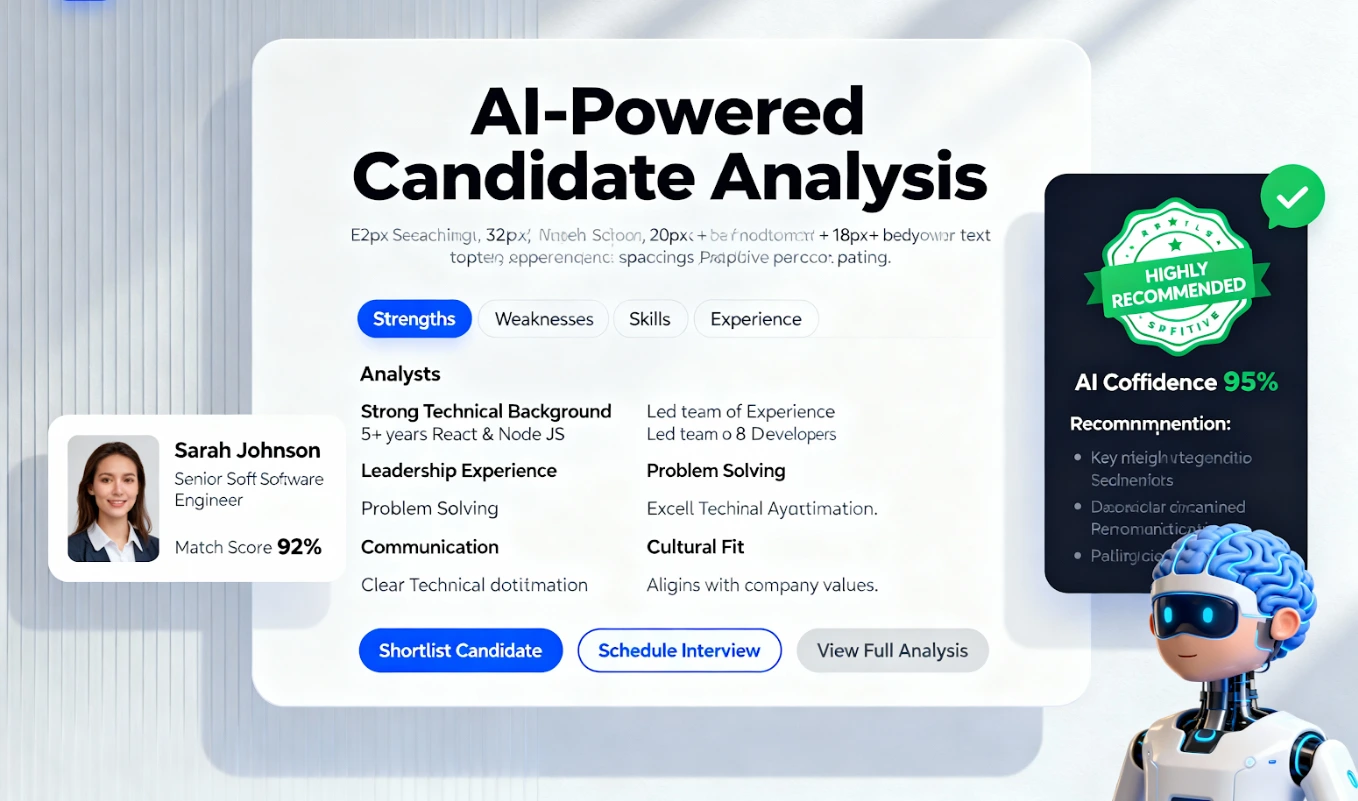
Candidate Status Updates: Manual vs Automated Notifications
Why do great candidates suddenly go silent? Often, it is not because they lost interest. It is because they never heard back. In a busy hiring market, silence is easily mistaken for rejection, causing qualified applicants to accept other offers before you have even finished your first round of screening.

Candidate Status Updates: A Clear Guide to Manual vs. Automated Communication
Why do great candidates suddenly go silent? Often, it is not because they lost interest. It is because they never heard back. In a busy hiring market, silence is easily mistaken for rejection, causing qualified applicants to accept other offers before you have even finished your first round of screening.
Switching from a manual follow-up process to an automated one can feel like a big step. But it is the key to creating a professional, responsive candidate experience that keeps top talent engaged. This guide breaks down the difference and shows you how to make the switch.
The Real Cost of Manual vs Automated Hiring Updates
Choosing between manual and automated follow-ups directly impacts your hiring speed, employer brand, and ability to close top candidates. Here is a clear look at the pros and cons of each approach.
Manual Updates
- Pro: High Personalization
You can write a completely unique, personal message for every single candidate you interact with. - Con: Extremely Time-Consuming
Manually emailing dozens or hundreds of applicants takes hours away from critical tasks like sourcing and interviewing. - Con: Prone to Human Error
It is easy to forget a candidate, send an update to the wrong person, or make a typo when you are moving quickly. - Con: Inconsistent Candidate Experience
Some candidates might get a detailed update, while others get nothing, creating an unfair and unprofessional process.
Automated Updates
- Pro: Speed and Efficiency
Every candidate receives an instant confirmation or timely update without you lifting a finger. - Pro: Consistent and Fair
All applicants at a specific stage receive the same core message, ensuring a standardized and professional experience. - Pro: Reduces Candidate Drop-Off
Timely communication keeps candidates engaged and informed, making them less likely to accept another offer due to uncertainty. - Con: Can Feel Impersonal if Not Set Up Correctly
Using generic, robotic templates without personalization tokens can make candidates feel like just another number.
Why Your Current Follow-Up Strategy Is Losing Candidates
If you are relying on sticky notes, spreadsheet tabs, or just your memory to track candidate communication, you are likely facing the same frustrating problems many recruiters do. The root cause is not a lack of effort, but a broken process.
Recruiter reality : “I had three great candidates for a developer role. While I was busy coordinating interviews, two of them accepted other offers. They said they assumed we were not interested because they had not heard anything in over a week.”
Many teams struggle because of:
- Communication Overload
Trying to manage emails, LinkedIn DMs, and form submissions from different channels leads to missed messages. - No Single Source of Truth
Candidate information is scattered, making it impossible to see who needs an update and when. - Time Delays Between Stages
The longer it takes to screen and shortlist, the more likely candidates are to lose interest or find another job. - Lack of a Clear Process
Without a defined hiring pipeline, there are no clear triggers for when to send updates. - Inconsistent Branding
Messages sent manually often lack consistent branding, tone, and quality.
A Checklist for Implementing Candidate Experience Automation
Building an effective system for automated candidate communication is about creating a repeatable process. Follow these steps to set up a workflow that saves you time and improves your reputation.
- Map Your Hiring Stages
Define every step in your process, from “Application Received” to “Hired” or “Rejected.” - Identify Key Communication Points
Decide which stages require an automatic notification, such as confirmation, rejection, or an interview request. - Write Your Core Templates
Create clear, concise, and friendly message templates for each communication point. - Add Personalization Tokens
Use placeholders like [Candidate Name] and [Job Title] to make automated messages feel personal. - Set Your Automation Triggers
Configure your system to send the correct template when a candidate is moved to a new stage in your pipeline. - Test the Full Workflow
Submit a test application and move it through every stage to ensure all notifications are sent correctly and look professional. - Monitor Key Metrics
Track metrics like time-to-hire and candidate drop-off rates to measure the impact of your new system.
Communication Templates You Can Copy
Use these templates as a starting point for your automated messages. Keep the tone helpful, direct, and aligned with your company brand.
Template 1: Application Received
Subject: We have received your application for [Job Title]
Hi [Candidate Name],
Thanks for applying for the [Job Title] position at [Company Name]. We have successfully received your application. Our team will review it shortly and get back to you if your skills and experience are a strong match. You can expect an update from us within the next 5-7 business days.
Template 2: Not Moving Forward (After Initial Screen)
Subject: An update on your application for [Job Title]
Hi [Candidate Name],
Thank you again for your interest in the [Job Title] role. After careful review, we have decided to move forward with other candidates whose experience more closely matches the specific needs of this position. We wish you the best of luck in your job search and will keep your information on file for future opportunities.
Where HireZapp Fits In Your Hiring Process Automation
A manual process cannot keep up with the demands of modern recruiting. HireZapp provides the tools to build a seamless and automated communication workflow, helping you convert more applicants into hires.
- ATS Pipeline + Automated Follow-ups
Send automated candidate status updates by simply dragging and dropping a candidate to the next stage in your pipeline. - Branded Candidate Communications
Ensure every email and message reflects your company brand, from job post to offer letter. - Centralized Candidate Management
Manage all applicants from every channel in one place, so no one falls through the cracks. - Job Match Score
Quickly identify top applicants so you can spend your time on the most qualified talent, not manual screening.
Automate Candidate Comms. Scale Hiring.
Seamlessly automate every candidate update with HireZapp. Enhance experience, reduce drop-offs, and scale your hiring faster.
Common Mistakes That Keep Teams Stuck
Avoid these common pitfalls when setting up your automated communication strategy:
- Setting unrealistic timelines in your updates that you cannot meet.
- Forgetting to include personalization tokens, making emails feel robotic.
- Using overly complex or jargon-filled language in your templates.
- Failing to test the candidate experience from their perspective.
- Not providing a way for candidates to reply with questions.
- Neglecting to update candidates who have been in a stage for a long time.
What Automation Alone Can't Solve
An automated communication system is powerful, but it is not a magic wand. It is important to remember what it will not fix:
- A poorly written or confusing job description.
- A broken or disorganized interview process.
- Non-competitive salary or benefits.
- A negative company culture or poor employer reputation.
Build a Better Candidate Journey
Great communication is no longer optional in recruiting. By moving from manual to automated updates, you not only save countless hours but also build a stronger employer brand. You create a respectful process that keeps the best candidates engaged from application to offer, giving you the edge you need to hire top talent.
Frequently Asked Questions
1) What are some top recruitment communication best practices?
The best practices include acknowledging every application immediately, providing clear timelines for next steps, notifying candidates as soon as a decision is made (even if it is a rejection), and maintaining a consistent, professional brand voice across all messages.
2) How often should you send candidate status updates?
You should send an update at every key stage change: application received, under review, interview scheduled, and final decision. If there are delays, a weekly check-in can keep candidates warm and prevent them from assuming they have been rejected.
3) Can automated messages still feel personal?
Yes, absolutely. By using personalization tokens like the candidate's name and the specific job title, and by writing templates with a warm and human tone, automated messages can feel just as personal as a manual email for initial stage communications.
4) What are ATS candidate notifications?
ATS candidate notifications are automated emails or messages sent from an Applicant Tracking System (ATS) when a candidate's status changes within the system. For example, moving a candidate from the “Screening” stage to the “Interview” stage can automatically trigger an email to them.
5) How does automation help reduce candidate drop-off?
Automation helps reduce candidate drop-off by eliminating long periods of silence that cause anxiety and uncertainty. Regular, timely updates make candidates feel valued and informed, which keeps them engaged in your hiring process instead of accepting a competing offer.
6) What is the main goal of a candidate follow-up strategy?
The primary goal is to create a positive and transparent experience that keeps the best talent engaged throughout the hiring process. It aims to build trust and strengthen your employer brand, regardless of whether the candidate is hired.
7) Is it better to send a rejection email or no email at all?
It is always better to send a respectful rejection email. Ghosting candidates creates a negative experience that can harm your employer brand. A professional rejection notice provides closure and shows respect for the time they invested.