How to Track Candidates Across Email, WhatsApp, and SMS Without Losing Them
Juggling candidate conversations across email, WhatsApp DMs, and text messages can feel like an impossible task. Important details get lost, great applicants feel ignored, and your hiring slows down. The good news is you can fix this without working longer hours.

How to Track Candidates Across Channels Without Losing Your Best Talent
Juggling candidate conversations across email, WhatsApp DMs, and text messages can feel like an impossible task. Important details get lost, great applicants feel ignored, and your hiring slows down. The good news is you can fix this without working longer hours.
A clear system helps you track candidates across channels, ensuring every person gets a timely, professional response. This guide will show you how to build that system, first manually and then with simple automation.
Why Candidate Conversations Get Lost in the Chaos
Many recruiters and founders notice the same frustrating problems when hiring scales. The issue usually comes down to a few common process gaps that create communication black holes. When you can't keep up with your candidate communication tracking, you risk losing great people.
- No single source of truth
Information is scattered across inboxes, spreadsheets, and personal phones, so no one sees the full picture. - Relying on memory
Trying to remember who you need to follow up with and when is a recipe for missed opportunities. - Inconsistent team updates
One team member speaks to a candidate, but the information isn't shared, leading to confusion. - Too much context switching
Jumping between different apps all day is exhausting and makes it easy to drop the ball. - No clear status visibility
It's hard to know at a glance where any candidate is in the hiring process.
A Manual System to Track Candidates Across Channels (For Now)
Before you invest in software, a structured manual process can bring immediate order. This approach requires discipline but provides a solid foundation for better hiring communication.
- Create a Master Spreadsheet
Build a simple tracker in Google Sheets or Excel with columns for candidate name, role, source, contact info, and current stage. - Assign a Unique Candidate ID
Give every applicant a simple ID (e.g., SDR-001) to make searching and logging easier across all your notes. - Log Every Single Interaction
After every email, text, or call, add a new row with the date, channel, and a brief note. This is tedious but critical. - Use Dedicated Email Folders
Create folders in your inbox for each stage of your pipeline (e.g., Applied, Screened, Interviewing) and move candidate emails accordingly. - Set Calendar Reminders for Follow-ups
Immediately after an interaction, create a calendar event to remind yourself to follow up on the agreed-upon date. - Standardize Your Responses
Keep a document with approved templates for common messages to ensure consistency and save time.
Communication Templates You Can Copy
Using clear, concise templates helps you manage multiple conversations quickly. Here are a few examples you can adapt for your process.
Email Application Acknowledgment
Subject: Re: Your Application for the [Job Title] Role at [Company Name]
Hi [Candidate Name],
Thanks for applying for the [Job Title] position. We've received your application and our team will review it shortly. We appreciate your interest in joining us and will be in touch if your profile is a potential match.
Best,
The [Company Name] Team
WhatsApp Interview Confirmation
Hi [Candidate Name], this is [Your Name] from [Company Name]. Confirming your interview for the [Job Title] role on [Date] at [Time] via [Platform, e.g., Google Meet]. Please let me know if you have any questions beforehand. Looking forward to it!
SMS Reminder
Hi [Candidate Name]. A friendly reminder about your interview with [Company Name] today at [Time]. The meeting link is in your calendar invite. See you soon!
Moving from Manual Spreadsheets to an Automated Hub
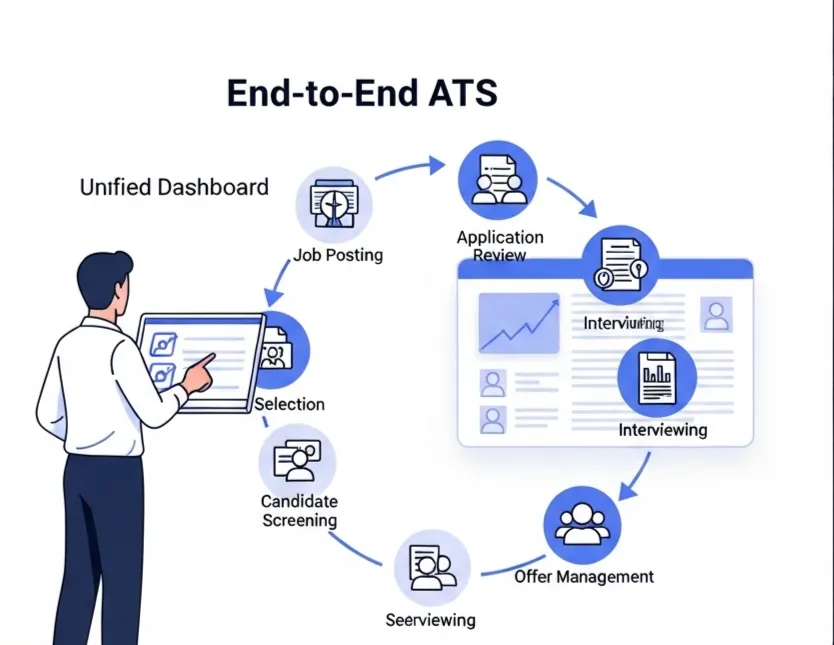
A manual system is a great start, but it can quickly become a bottleneck as you get more applicants. This is where dedicated recruitment communication tools come in. An integrated platform like HireZapp centralizes everything so you can focus on people, not paperwork.
- Unified Candidate Inbox
See every email, application, and message from a candidate in one single, organized thread. - Automated Follow-ups
Set simple rules to automatically send reminders or status updates so no one is left wondering. - Centralized ATS Pipeline
Instantly see every candidate's stage in a clear visual pipeline, ending the need for spreadsheet updates. - Branded Communications
Ensure every message, from job post to offer letter, reflects your company's professional brand. - Job Match Score
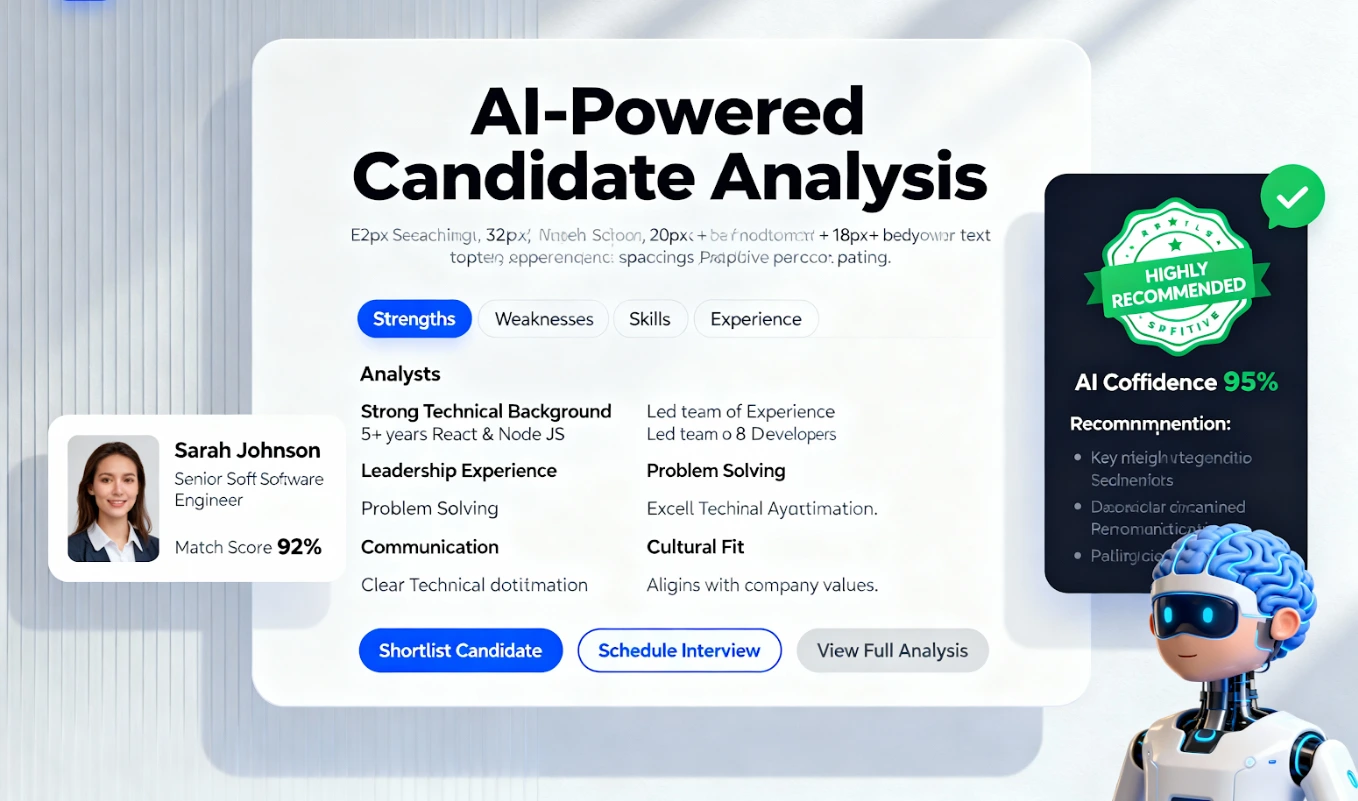
Quickly see which applicants are the best fit based on their skills and experience, so you can prioritize outreach.
Recruiter reality: "I used to spend the first hour of my day just trying to figure out who I needed to reply to. Now, my dashboard tells me exactly who to focus on."
Common Mistakes That Keep Hiring Teams Stuck
Even with a system, small habits can undermine your efforts. Watch out for these common missteps that lead to a poor candidate experience.
- Forgetting to update the tracker immediately after a call.
- Using personal WhatsApp or SMS accounts for official business.
- Leaving candidates waiting more than 48 hours for a response.
- Sending messages with typos or incorrect names.
- Failing to tell candidates when a role has been filled.
What a Tracking System Alone Can't Solve
Getting organized is a huge step, but a tool is only one part of the hiring puzzle. A great tracking system won't fix underlying strategic issues.
- A confusing or poorly written job description.
- A non-competitive salary or benefits package.
- A negative reputation or poor employer brand.
- A slow, multi-stage interview process that tires candidates out.
Take Control of Your Candidate Conversations
Organizing your candidate communication is the fastest way to prevent candidate drop-off and build a reputation as a great place to work. Whether you start with a spreadsheet or use a platform like HireZapp, the goal is the same: give every candidate the respect of a clear, fast, and professional experience.
Never Lose a Candidate Again.
Automate multi-channel candidate tracking. HireZapp centralizes every interaction, so top talent never slips away.
Frequently Asked Questions
1) What is the best way to manage candidate interactions?
The best way is to use a single, centralized system where all communications are logged automatically. This could be a dedicated Applicant Tracking System (ATS) or a meticulously maintained spreadsheet. The key is having one source of truth for your entire team.
2) How do I use WhatsApp for recruiting without being unprofessional?
Always get consent before contacting a candidate on WhatsApp. Use it for quick logistics like confirming interview times, not for initial outreach. Keep messages brief, professional, and use a business account if possible.
3) Can an ATS really handle SMS and email tracking?
Yes, modern platforms designed for ATS candidate tracking often integrate directly with email and can generate trackable links or numbers for SMS. This brings all conversations into a single candidate profile, solving the problem of scattered information.
4) What's the first step to prevent candidate drop-off?
The first step is communication. Acknowledge every application immediately with an automated email. Even a simple message confirming receipt dramatically improves the candidate experience and reduces the chances they will accept another offer.
5) How does a good candidate engagement strategy improve hiring?
A strong candidate engagement strategy keeps qualified people interested in your company, even if you don't have a role for them right now. By providing value and maintaining a relationship, you build a talent pool you can tap into for future openings, reducing time-to-hire.
6) Why is email recruitment tracking so difficult manually?
Manual email recruitment tracking is hard because of high volume, multiple stakeholders being CC'd, and long threads. It's nearly impossible to see a candidate's full history at a glance without a system that consolidates all emails related to that specific person.
7) Does SMS recruitment tracking work for all roles?
SMS recruitment tracking is most effective for roles where candidates are often away from a desktop, such as in logistics, retail, or healthcare. It's great for high-volume roles requiring quick confirmations, but may feel too informal for executive positions.