Candidate Email Templates: Every Stage of the Hiring Process
If you're managing hiring through DMs, spreadsheets, and manual emails, you know the pain. Top applicants drop off, your inbox is a mess, and you spend more time coordinating than connecting with great candidates. The right communication can change everything.

The Only Candidate Email Templates You Need for Every Hiring Stage
If you're managing hiring through DMs, spreadsheets, and manual emails, you know the pain. Top applicants drop off, your inbox is a mess, and you spend more time coordinating than connecting with great candidates. The right communication can change everything.
Using proven candidate email templates is the first step to building a hiring process that feels professional, keeps candidates engaged, and helps you close roles faster. It creates a great first impression and sets the tone for your company culture.
Why Generic Emails Cause Top Candidates to Drop Off
Many recruiters notice that small friction points in communication can have a big impact. When candidates feel like just another number in your system, they lose interest. Here’s what’s really causing the problem:
- Lack of personalization
Emails that don't address the candidate by name or reference their specific application feel like spam. - Unclear next steps
Candidates get confused or anxious when they don't know what to expect or when they will hear back. - Slow response times
Top talent is often talking to multiple companies. A delay of a few days can mean they accept another offer. - Inconsistent tone
Emails that switch from overly formal to casual can feel unprofessional and disjointed. - Poor mobile experience
If your emails are hard to read on a phone, you create an unnecessary barrier for busy candidates.
A 6-Step Playbook for Better Applicant Communication
You can fix these issues with a repeatable system. This simple playbook ensures every candidate gets the right message at the right time.
- Acknowledge Every Application Immediately
Set up an instant auto-confirmation to let applicants know you've received their information. This simple step shows you're organized and value their time. - Send Clear Interview Invitations
Your interview request should be direct and easy to act on. Include all necessary details and a simple way to schedule a time. - Follow Up After Each Interview
Send a brief thank you note within 24 hours of each interview. Reiterate the next steps and timeline to keep them warm. - Extend a Compelling Offer
The job offer email should be exciting and clear. This is a critical moment to sell the opportunity and your company. - Handle Rejections with Respect
A thoughtful rejection email can leave a positive impression. It helps build a future talent pipeline and protects your employer brand. - Automate Where It Makes Sense
Use a system to trigger these emails based on a candidate's stage in your pipeline. This saves you hours of manual work and prevents mistakes.
Copy-and-Paste Candidate Email Templates
Here are a few templates to get you started. Remember to customize the details in brackets and adjust the tone to match your company's voice. These are designed to be clear, concise, and mobile-friendly.
Application Received
Subject: We've Received Your Application for [Job Title]
Hi [Candidate Name],
Thanks for applying for the [Job Title] role at [Company Name]. We've received your application and our team will review it shortly.
If your experience aligns with what we're looking for, we'll reach out within [Number] days to schedule a conversation.
Best,
The [Company Name] Team
Interview Invitation Email
Subject: Invitation to Interview for [Job Title] at [Company Name]
Hi [Candidate Name],
Thanks again for your interest in the [Job Title] position. We were impressed with your background and would like to invite you for a short interview to discuss it further.
Please use this link to book a time that works for you: [Scheduling Link]
Looking forward to speaking with you,
[Your Name]
Job Offer Email Template
Subject: Job Offer from [Company Name] for the [Job Title] Role
Hi [Candidate Name],
It was a pleasure getting to know you during the interview process. We are thrilled to formally offer you the position of [Job Title] at [Company Name]!
We have attached a formal offer letter with details on salary, benefits, and your start date. Please review it and let us know if you have any questions. We would appreciate a response by [Date].
Our entire team is excited about the possibility of you joining us.
Best regards,
[Your Name]
Rejection Email Template
Subject: Update on your [Job Title] application at [Company Name]
Hi [Candidate Name],
Thank you for taking the time to interview with us for the [Job Title] position. We really enjoyed learning more about your skills and experience.
After careful consideration, we have decided to move forward with another candidate whose qualifications were a closer match for this particular role. We will keep your information on file for future opportunities.
We wish you the best of luck in your job search.
Sincerely,
The [Company Name] Team
How HireZapp Automates Your Candidate Communication
Manually sending all these emails is time-consuming and prone to error. HireZapp helps you build a scalable hiring system by connecting these templates directly to your applicant pipeline.
- Automated Follow-ups
Set rules to send acknowledgement, follow-up, and rejection emails automatically as you move candidates through your ATS pipeline. This is key for managing automated follow-up emails effectively. - Branded Candidate Comms
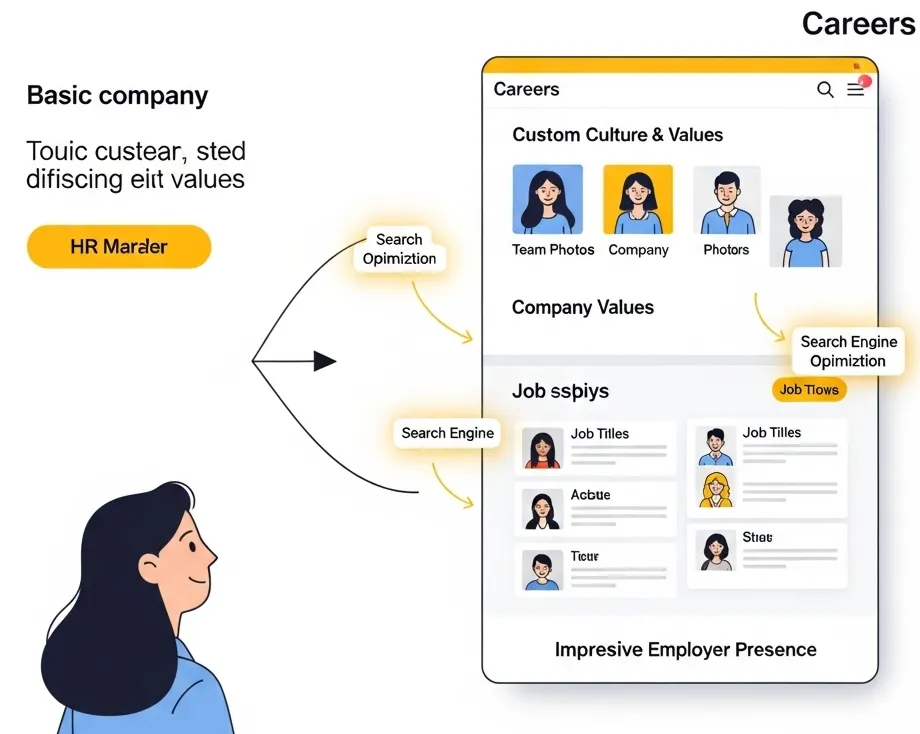
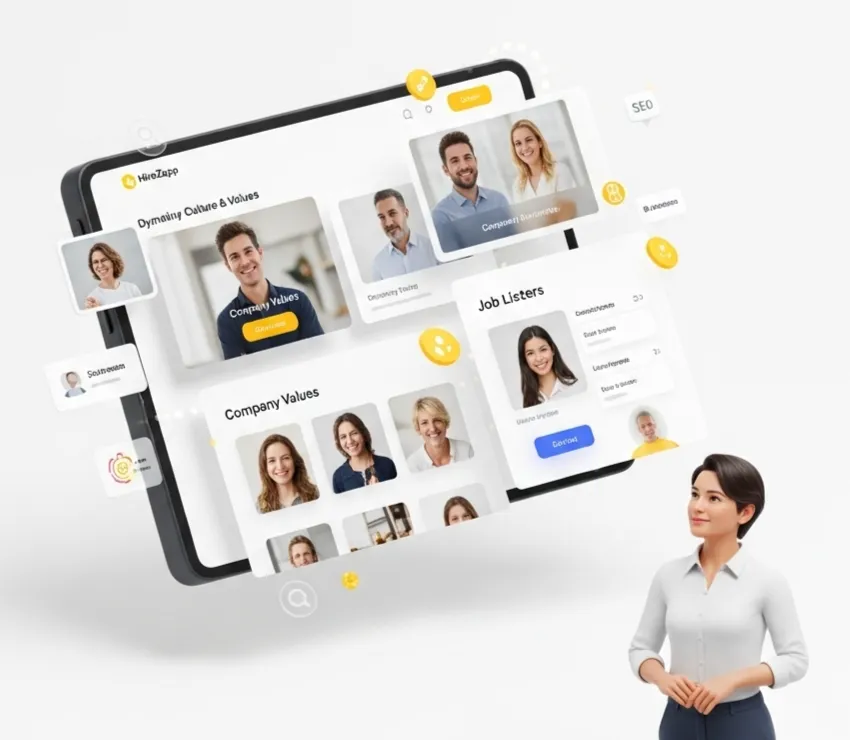
Ensure every email, job post, and your careers page reflects your company brand, creating a consistent and professional experience. - ATS Pipeline Triggers
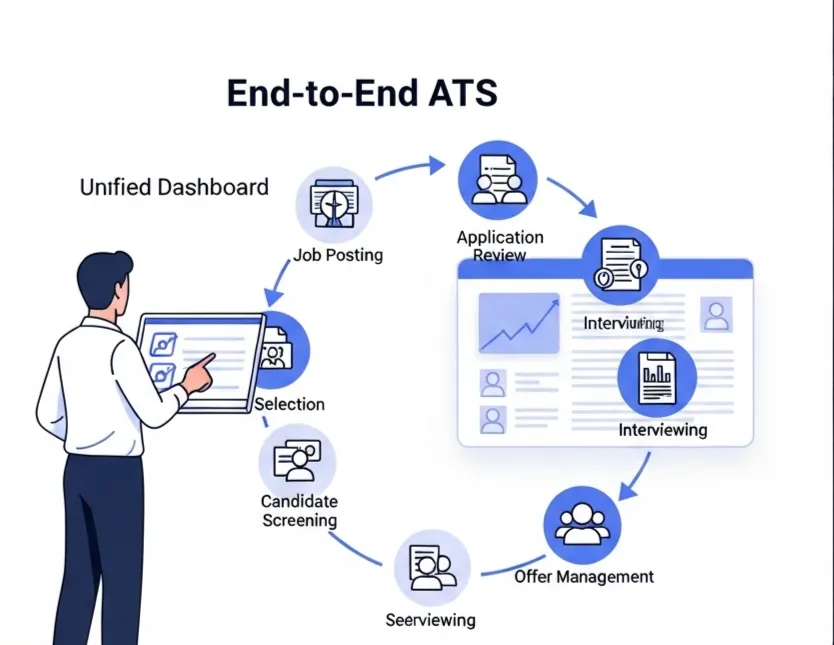
As you drag and drop a candidate from "Screening" to "Interview," the right email template is sent without you lifting a finger. - Multi-Channel Screening
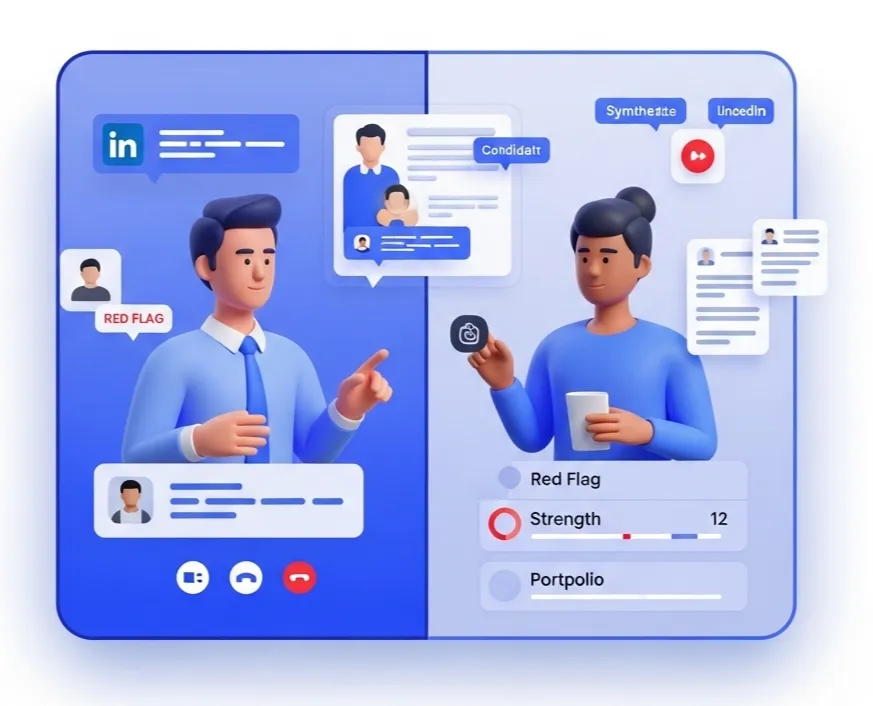
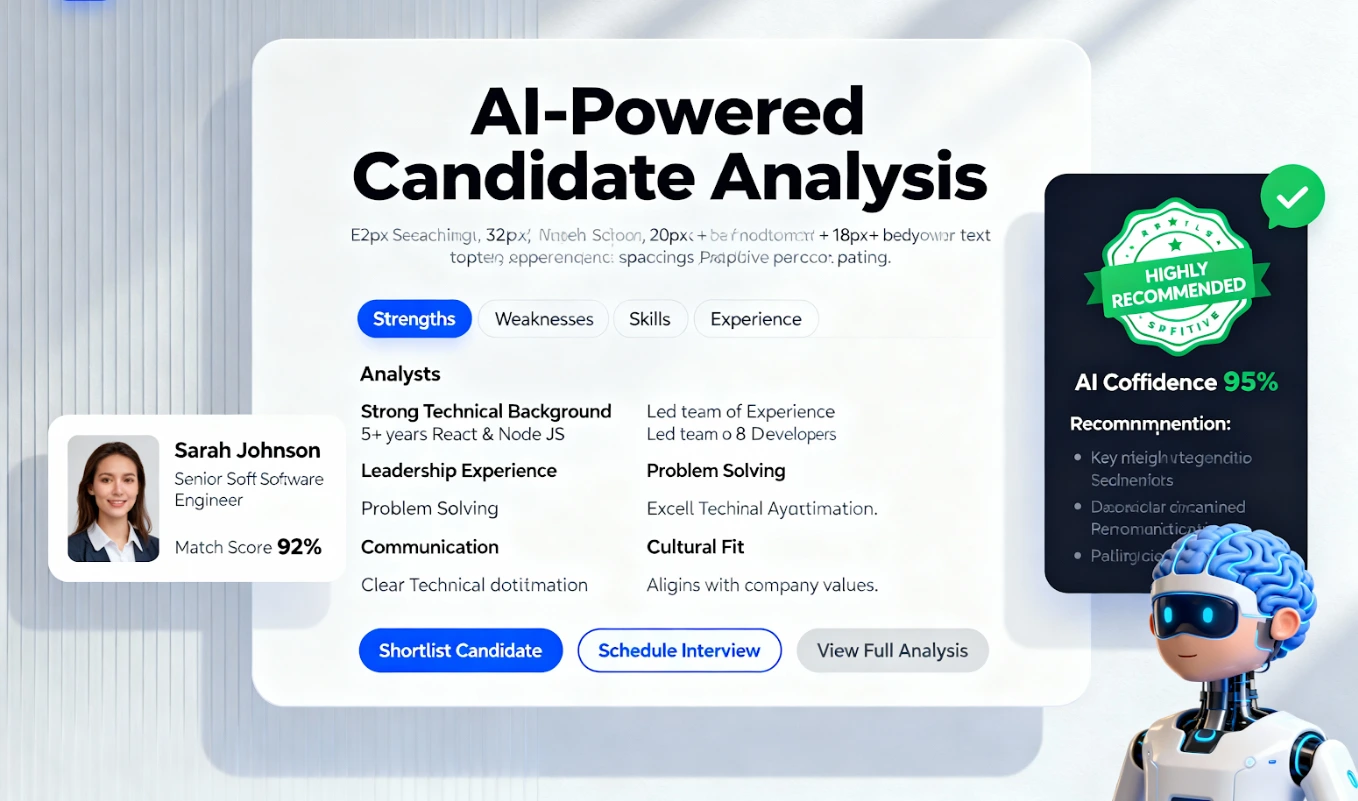
HireZapp pulls in candidate profiles from LinkedIn, GitHub, and more, giving you context to write more personalized messages when you need to.
Automate Candidate Emails. Scale Hiring.
Stop manual email writing. HireZapp's AI personalizes and automates communication at every stage.
Common Mistakes That Damage Your Employer Brand
Even with templates, a few common missteps can undo your hard work. Avoid these pitfalls:
- Forgetting to replace placeholder text like "[Candidate Name]".
- Using overly complex language or internal company jargon.
- Sending long paragraphs that are difficult to read on a phone.
- Failing to provide a clear timeline for next steps.
- Ghosting candidates who applied but were not selected for an interview.
- Not proofreading for spelling and grammar mistakes.
What Great Email Templates Can't Fix
Effective communication is a powerful tool, but it's important to be realistic. Templates alone won't solve deeper issues in your hiring process. They cannot fix:
- A confusing or overly long application process.
- A non-competitive salary or benefits package.
- A negative company culture that becomes clear during interviews.
- An interview team that is unprepared or unprofessional.
Build a Better Candidate Experience Today
Stop letting great candidates slip away due to poor communication. By implementing clear, consistent, and personalized candidate email templates, you can improve your hiring outcomes and build a stronger employer brand. A system like HireZapp makes it easy to put this playbook into action.
Frequently Asked Questions
1) What is the most important part of any candidate email?
Clarity. The candidate should immediately understand the purpose of the email and what action, if any, they need to take next. A clear subject line and a simple call-to-action are essential.
2) How can I best personalize recruiter email templates?
Beyond using the candidate's name, reference one specific thing from their resume, portfolio, or LinkedIn profile that stood out to you. This shows you've actually read their application and are not just sending a bulk message.
3) What should all hiring process email templates include?
Every template should include the job title they applied for, your company name, and a clear statement about the current stage and what comes next. This context helps candidates who are applying to multiple jobs.
4) How do you create great candidate experience emails?
The best candidate experience emails are timely, respectful, and helpful. Respond quickly, provide clear timelines, and be professional even when delivering bad news. This builds goodwill for your employer brand.
5) What information must be in a job offer email?
While the formal offer letter contains all the details, the email should clearly state it's a job offer, mention the position title, and attach the formal document. It should also include a clear deadline for their response.
6) Why are applicant communication templates so important?
They ensure consistency and professionalism across all your hiring efforts. Good applicant communication templates save recruiters time, reduce errors, and make sure no candidate is left wondering about their status.
7) How often should I follow up with a candidate?
It's best to set expectations upfront. Tell them when they can expect to hear from you next. If that date passes, a brief follow-up is appropriate. Avoid sending multiple messages without a clear purpose.