Hiring Ad Budget Optimization: How Much to Spend Per Role
Running job ads can feel like throwing money into a void. You boost a post on LinkedIn or run a Meta ad campaign, only to get a wave of unqualified applicants, or worse, complete silence. Many founders and recruiters are stuck using spreadsheets and Google Forms, watching their ad spend climb while their best candidates drop off from a slow, manual process.

Hiring Ad Budget Optimization: A Step-by-Step Guide for Every Role
Running job ads can feel like throwing money into a void. You boost a post on LinkedIn or run a Meta ad campaign, only to get a wave of unqualified applicants, or worse, complete silence. Many founders and recruiters are stuck using spreadsheets and Google Forms, watching their ad spend climb while their best candidates drop off from a slow, manual process.
The goal is not just to spend less, but to spend smarter. By building a clear process, you can turn your ad budget from a frustrating expense into a predictable engine for finding great talent. This guide provides a simple framework to make that happen.
Why Your Job Ad Spend Feels Like a Black Hole
If your budget disappears with little to show for it, the cause is usually a handful of solvable issues. Wasted ad spend is often a symptom of a disconnected hiring process. Before you can fix the budget, you have to understand what is breaking behind the scenes.
- Vague Job Descriptions
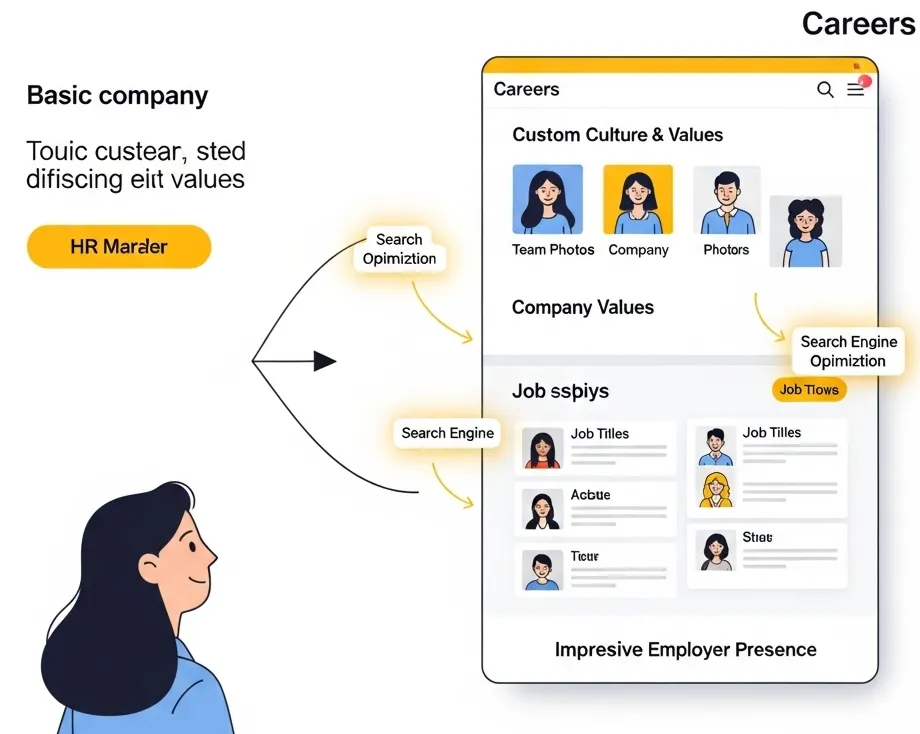
Generic JDs attract generic applicants, forcing you to pay for clicks from people who are not a good fit. - Posting on the Wrong Channels
Paying to advertise a senior developer role on a platform known for entry-level marketing talent is a common mistake. - Slow Follow-Up Times
Spending money to attract a great applicant is wasted if they lose interest waiting for a reply. - A Poor Candidate Experience
If your application form is long, confusing, or broken on mobile, you are paying for clicks that never convert into completed applications. - No Data Tracking
Without knowing which ad source brings you the best candidates, you cannot make informed decisions on where to invest your budget.
A 7-Step Framework for a Smarter Recruitment Advertising Budget
Creating a repeatable system removes the guesswork from your spending. Follow these steps for each role to build a data-driven recruitment advertising budget that works.
- Define the Role's Difficulty Score
First, score the role from 1 (easy to fill) to 5 (very difficult). Consider factors like niche skills, required experience, and market demand to set a realistic budget expectation. - Establish a Baseline Cost Per Hire
If you have past data, find your average cost. If not, start with a conservative estimate based on the role's salary and difficulty. This gives you a number to measure against. - Choose the Right Channels
Instead of posting everywhere, select 2-3 platforms where your ideal candidate is most active. Your budget is better spent dominating a few channels than being spread thin across ten. - Craft a Performance-Based Job Ad
Write a job description focused on outcomes, not just a list of responsibilities. A clear, compelling ad repels unqualified applicants and attracts high-performers. - Set Clear Application Goals
Determine how many qualified applicants you need to make one hire. This helps you set a clear target for your ad campaigns and know when to stop spending. - Track Key Job Ad Performance Metrics
Monitor simple metrics like cost per click, cost per application, and applications per source. This data tells you what is working and what is not. - Review and Adjust Weekly
Do not wait until the end of the month. A quick weekly check-in allows you to shift budget from underperforming channels to winning ones, maximizing your ROI.
Budget Tools You Can Use Today
You do not need complex software to start making smarter decisions. Use these simple checklists to guide your thinking and create a basic hiring budget calculator for your process.
<b>Cost Per Role Analysis Checklist</b>
- What is the target salary for this role?
- What is the average market rate for similar positions?
- How much time will our team spend on sourcing and interviews?
- What are the direct ad costs for our chosen channels?
- Are there any agency fees or referral bonuses to consider?
- What is the cost of the position remaining empty for another month?
<b>Ad Channel Performance Scorecard</b>
- Source Name (e.g., LinkedIn, Meta, Indeed)
- Total Spend This Week
- Total Applications Received
- Number of Qualified Applicants
- Cost Per Qualified Applicant
- Interviews Scheduled from Source
How to Automate and Optimize Recruitment Spend with HireZapp
A manual process makes it nearly impossible to track and optimize your spend effectively. HireZapp integrates these steps into one platform, helping you convert your ad budget into hires faster.
- AI Job Description Generation
Attracts the right candidates from the start, which helps reduce cost per applicant by cutting clicks from people who are not a fit. - Multi-Channel Sourcing Playbooks
Gives you proven guidance on where to post specific roles, so you stop spending on platforms that do not deliver. - Job Match Score
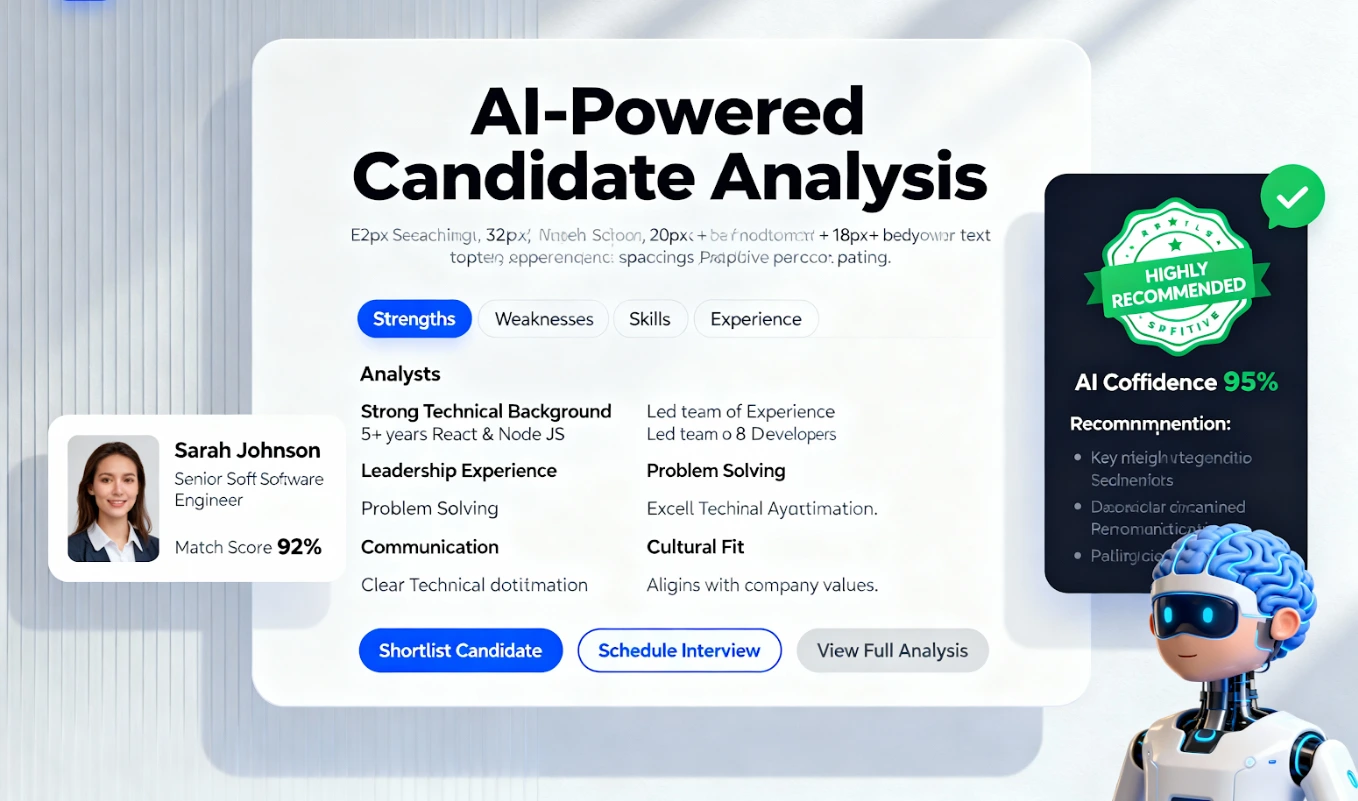
Instantly surfaces the best applicants, showing you which ad sources deliver quality candidates, not just quantity. - Integrated ATS Pipeline
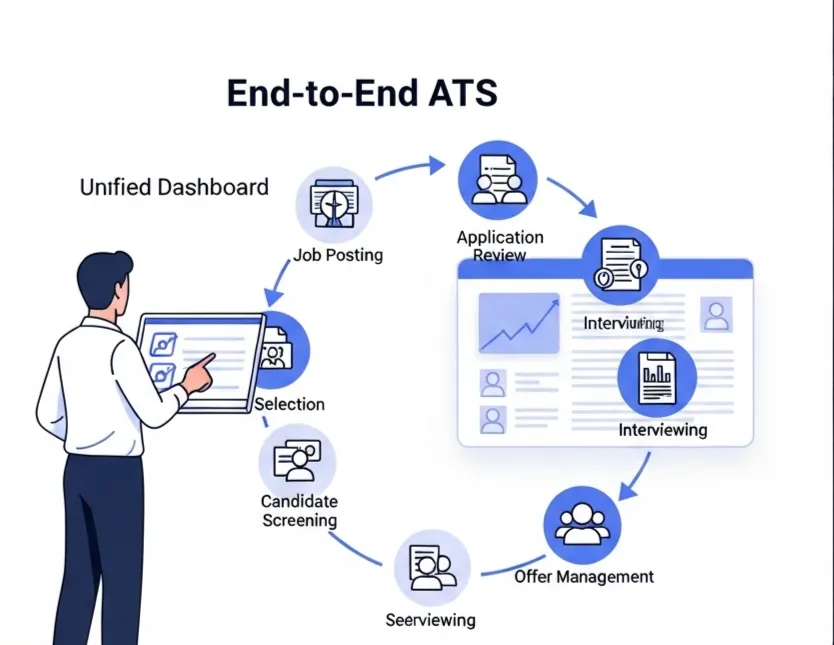
Prevents applicant drop-off with automated follow-ups, ensuring your ad spend converts into actual conversations.
Recruiter reality: “I used to spend half my day just tracking who applied from where. Now, I just look at my dashboard and know instantly which ad is working and which one to turn off. It saved our budget.”
Slash Ad Spend, Boost ROI.
Transform your ad budget into hires. HireZapp's AI optimizes every dollar for maximum impact.
Avoid These Common Budgeting Traps
Many teams stay stuck because they repeat the same costly mistakes. Making a conscious effort to avoid these common traps is a huge step toward better recruitment marketing ROI.
- Setting a one-size-fits-all budget for every single role.
- Forgetting to ask candidates how they heard about the role.
- Ignoring the candidate experience after they click the “apply” button.
- Focusing only on the total number of applicants instead of applicant quality.
- Letting job ads run for weeks without checking their performance data.
- Boosting posts without a clear goal or way to track applications.
A Note on What a Budget Can't Solve
Optimizing your ad spend is powerful, but it is not a magic fix for foundational issues. Be honest about whether these deeper problems are the real cause of your hiring challenges.
- A non-competitive salary or benefits package.
- A negative company reputation or poor online reviews.
- An overly long or confusing interview process.
- Unclear expectations or a lack of internal alignment on the role.
Your Next Step to a Better ROI
Effective hiring ad budget optimization is about creating a clear, repeatable process. By focusing on data, choosing the right channels, and ensuring a great candidate experience, you can stop wasting money and start predictably hiring the people you need to grow.
Frequently Asked Questions
1) How do I create a simple talent acquisition budget?
Start by listing all potential costs per hire: ad spend, recruiter time, technology costs, and any agency fees. Multiply this estimated cost per hire by the number of roles you plan to fill in a quarter or year to get a baseline budget.
2) What are the most important job ad performance metrics to track?
Focus on three key metrics to start: Cost Per Application (total ad spend divided by applications), Qualified Applicants Per Source (which channel sends the best people), and Source of Hire (which channel ultimately produced the person you hired).
3) How can I reduce cost per applicant without sacrificing quality?
The best way is to improve your targeting. Write a highly specific, outcome-oriented job description that speaks directly to the right person. This naturally discourages unqualified people from applying, improving your applicant quality and lowering wasted ad spend.
4) How much to spend on job ads for a typical role?
There is no single answer, as it depends on the role's difficulty, industry, and location. Instead of seeking a magic number, focus on the process. Start with a small, testable budget on 2-3 channels and scale up based on which one delivers qualified candidates most efficiently.
5) Can an ATS really help with cost per hire optimization?
Yes. A good Applicant Tracking System (ATS) provides critical data on your source of hire. By showing you exactly which channels deliver actual hires, it allows you to stop spending on platforms that only provide volume and double down on those that provide quality, directly improving your cost per hire optimization.
6) How often should I review my hiring ad spend?
For active roles, review your ad performance weekly. A quick 15-minute check-in is enough to spot trends, turn off failing ads, and reallocate budget to the channels that are delivering the best results for that specific position.
7) Does a better job description really impact my ad budget?
Absolutely. A clear and compelling job description acts as the ultimate filter. It attracts serious candidates and repels unqualified ones, meaning you pay for fewer wasted clicks and spend less time screening irrelevant applications.