“ATS for SMBs: what to automate first (before buying a big tool)”
If your hiring process is a mix of messy spreadsheets, a cluttered inbox, and way too much copying and pasting, you are not alone. Many small businesses and startups struggle to manage applicants. The good news is that you do not need a massive, expensive system to fix it. The key is knowing <strong>what to automate in hiring</strong> before you commit to a big Applicant Tracking System (ATS).

ATS for SMBs: What to Automate First (Before Buying a Big Tool)
If your hiring process is a mix of messy spreadsheets, a cluttered inbox, and way too much copying and pasting, you are not alone. Many small businesses and startups struggle to manage applicants. The good news is that you do not need a massive, expensive system to fix it. The key is knowing what to automate in hiring before you commit to a big Applicant Tracking System (ATS).
This guide provides a clear path to streamline your recruiting. We will help you get organized, save time, and find the right people faster, using simple steps that build a solid foundation for growth.
Why Manual Hiring Feels So Broken
Before jumping to solutions, it is important to identify the real bottlenecks. Most growing companies face the same set of challenges when hiring manually:
- Scattered Candidate Information
Resumes arrive via email, LinkedIn DMs, and web forms, with no single place to view them all. - Repetitive Job Posting
Manually posting the same job opening across multiple boards is a time-consuming and error-prone task. - Inconsistent Communication
Candidates are left wondering about their status, which can damage your company's reputation. - Wasted Time on Unqualified Applicants
You spend hours reviewing resumes from candidates who do not meet the basic requirements for the role. - No Easy Way to Collaborate
Sharing feedback with your team involves long email chains and conflicting notes in different documents. - Losing Great Candidates
When the process is slow and disorganized, your top applicants often accept offers from other companies.
A Step-by-Step Hiring Process Automation Checklist
You can solve most of the issues above without buying a complex tool. This simple hiring process automation checklist shows you where to begin. Focus on one step at a time to build a repeatable system.
- Centralize Applications
Stop accepting resumes by email. Use a single tool like Google Forms or a simple landing page to collect all applications in one place. - Standardize Job Descriptions
Create a core template for your job descriptions. This ensures every post has consistent branding and clear requirements. - Set Up Auto-Responders
Create an automated email that confirms receipt of an application. This simple step vastly improves the candidate experience. - Use Knockout Questions
Add a few non-negotiable questions to your application form (e.g., “Are you authorized to work in the US?”). This automatically filters out unqualified applicants. - Create a Simple Kanban Board
Use a free tool like Trello or Asana to create columns like “New Applicant,” “Screening,” “Interview,” and “Hired.” Move candidates across the board to track progress. - Use a Scheduling Tool
Eliminate back-and-forth emails for scheduling interviews. Tools like Calendly allow candidates to book a time that works for everyone. - Build Email Templates
Write and save templates for common communications, such as interview invitations, rejections, and reference check requests.
Recruiter reality: “Before we automated anything, I spent at least half my day just managing my inbox and updating a spreadsheet. I was a coordinator, not a recruiter. The small changes gave me time back to actually talk to people.”
Copy-and-Paste Resources to Start Now
Here are a few simple templates you can adapt for your own process. This is a great way to automate candidate screening and communication from day one.
Job Description Snippet
About Us:
[Company Name] is on a mission to [do X]. We believe in [Y value] and are looking for team members who are passionate about [Z].
What You’ll Do:
- Own project A from start to finish.
- Collaborate with team B on key initiatives.
- Analyze and report on metric C.
Screening Questions for Your Application Form
- Are you legally authorized to work in the location for this role?
- What are your salary expectations for this position?
- This role requires experience with [Specific Software]. Please describe your level of proficiency.
- What is your earliest possible start date?
- Where did you first hear about this job opening?
How HireZapp Handles Early Automation
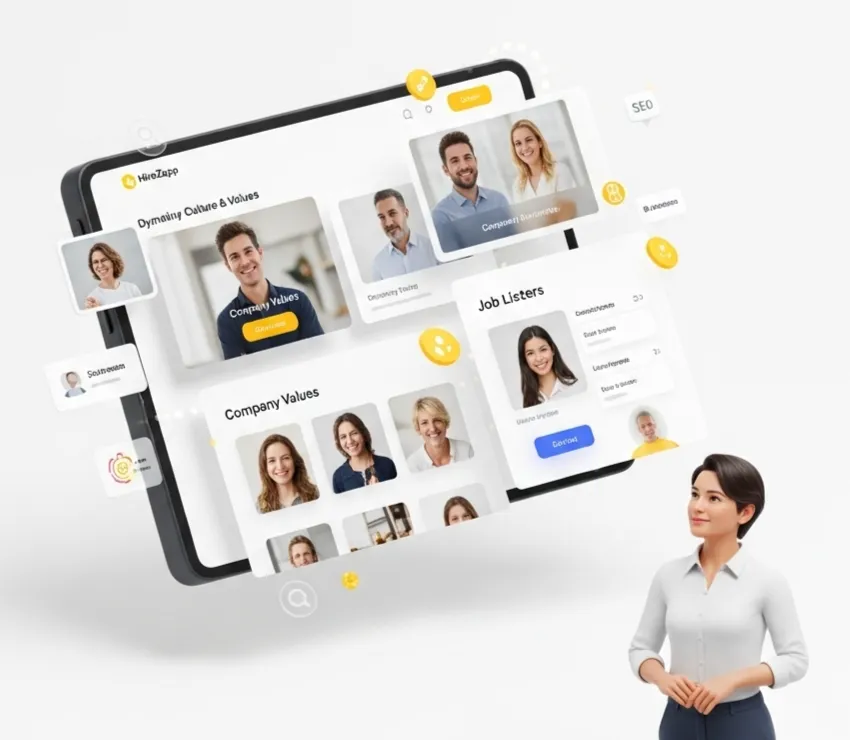
Once you have these basics in place, you might be ready for a tool that connects them all. Purpose-built small business hiring automation helps you scale without the complexity. Instead of juggling five different free tools, a platform like HireZapp brings everything into one place.
Here is how HireZapp’s features map directly to the automation steps above:
- AI JD + Job Form Generation
Creates consistent, high-quality job descriptions and application forms in seconds, solving steps 1 and 2. - Multi-Channel Screening
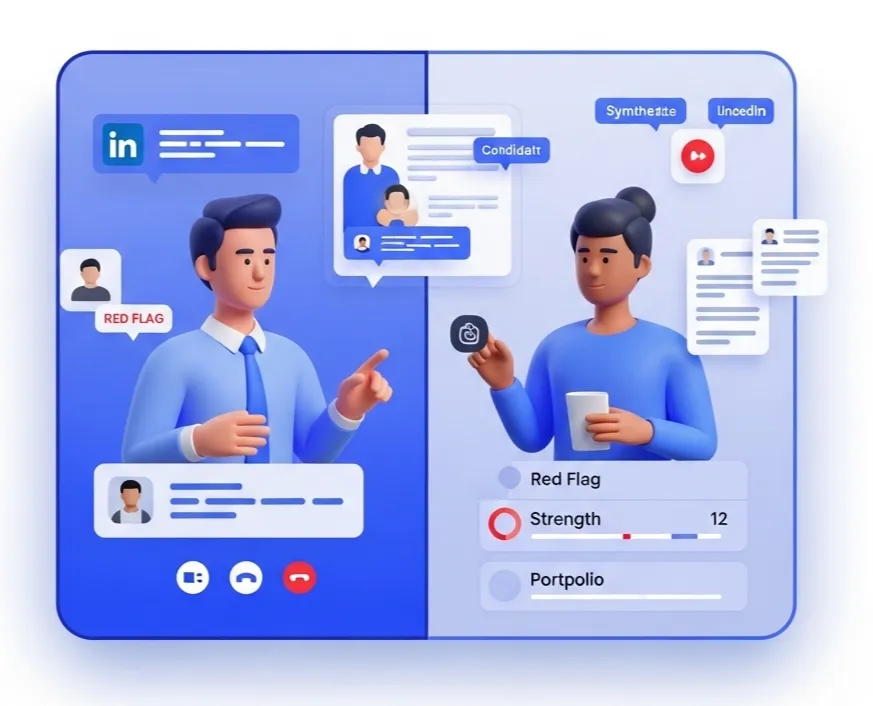
Pulls candidates from all sources into one dashboard, giving you a single source of truth. - Automated Follow-ups
Handles auto-responses, interview scheduling, and rejection emails to ensure no candidate is forgotten. - Job Match Score
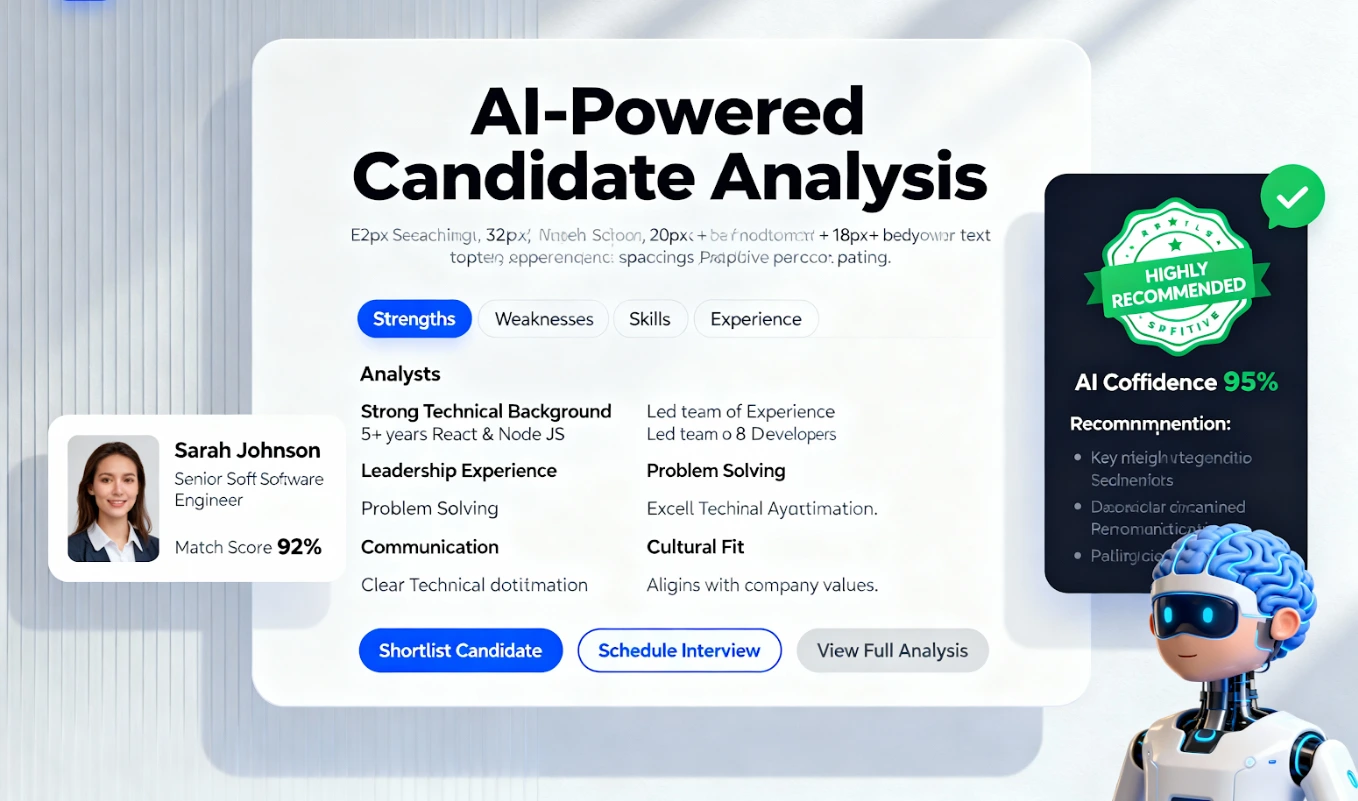
Instantly shows you which candidates meet your core requirements, automating the initial screening process.
Using an integrated platform provides a professional and seamless experience for both your team and your candidates, making it a logical next step after mastering pre-ATS automation.
Common Sticking Points to Avoid
As you start automating, watch out for these common mistakes that can keep your team stuck in manual processes.
- Trying to automate the entire hiring funnel at once.
- Choosing a tool that is too complex for your current needs.
- Forgetting about the human element of the candidate experience.
- Failing to define your ideal hiring process on paper first.
- Not getting feedback from your team on what is working.
- Ignoring the data that shows where your bottlenecks are.
A Quick Reality Check: What Automation Can't Fix
Automation is a powerful tool, but it is not a magic wand. It is important to be realistic about what it can and cannot do. Automation will not fix:
- A poorly defined role with unclear responsibilities.
- A weak employer brand or negative company culture.
- A non-competitive salary and benefits package.
- An interview process that is unstructured or biased.
You must have a strong foundation in place. Automation helps you execute a good strategy more efficiently; it does not create the strategy for you.
Conclusion: Build a Foundation for Growth
You do not need a huge budget or a dedicated IT team to start improving your hiring process. By focusing on simple, high-impact automation first, you can save dozens of hours, improve your candidate experience, and make higher-quality hires. Start small, build a repeatable system, and you will be ready to scale when the time comes.
Master SMB Hiring Automation.
You've got the checklist. Now, automate screening and scale your team with HireZapp's affordable power.
Frequently Asked Questions
1) What is the first thing to automate in recruitment?
The first and easiest thing to automate is applicant collection. Stop accepting resumes via email and use a single online form. The second is sending an automated confirmation email to every applicant to let them know their submission was received.
2) How does pre-ATS automation help startups?
It helps startups create a structured, professional hiring process without the cost or complexity of a full ATS. This allows them to compete for top talent by providing a better candidate experience and moving faster than disorganized competitors.
3) Can I automate hiring without an ATS?
Yes. You can use a combination of free or low-cost tools like Google Forms, Calendly, and Trello to automate key steps like applications, scheduling, and tracking. This is a great first step before investing in an integrated platform.
4) What is the benefit of job description automation?
The primary benefit of job description automation is consistency and speed. AI-powered tools can help you create clear, inclusive, and keyword-optimized job posts in minutes, ensuring every role is presented professionally and attracts the right applicants.
5) What should I look for in an affordable ATS for small business?
Look for an affordable ATS for small business that offers a simple user interface, essential features like a central candidate database and communication templates, and flexible pricing. A credit-based or pay-per-job model is often more cost-effective than a high monthly subscription.
6) How does ATS for SMBs automation improve hiring quality?
Effective ATS for SMBs automation improves quality by freeing up recruiter time for high-value activities. When you spend less time on administrative tasks, you have more time to source passive candidates, conduct thorough interviews, and build relationships with top talent.
7) What's the difference between automation and an ATS?
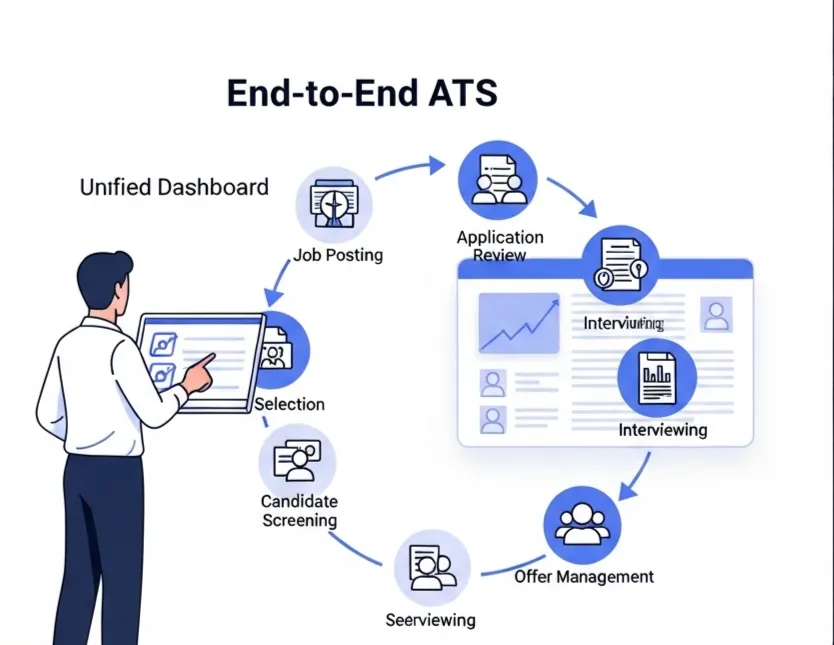
Automation refers to using tools to handle specific, repetitive tasks (like sending an email). An Applicant Tracking System (ATS) is a comprehensive software platform that brings multiple automations together into a single, integrated system for managing the entire hiring pipeline.