Facebook Hiring Ads Not Converting? 7 Reasons Your Ads Fail
You're spending money on Facebook ads, the clicks are coming in, but your hiring pipeline is empty. Sound familiar? If your experience with facebook hiring ads not converting is leading to frustration, you are not alone. Many founders and recruiters get a flood of applications from unqualified candidates, or worse, promising applicants drop off after clicking 'Apply'. Your ad spend feels wasted, and you're stuck sorting through DMs and messy spreadsheets instead of talking to great talent.
The good news is that fixing this is often simpler than you think. It usually comes down to a few key friction points between your ad and your application process. Let's break down why your ads fail and how to fix them.
Why Your Facebook Hiring Ads Are Not Converting
The problem is rarely just the ad itself. It's the entire candidate journey. A great ad that leads to a confusing or slow process will always fail. Here are the most common reasons your ad spend isn't turning into qualified candidates.
- Your Job Description is Vague
Candidates scroll past posts that use confusing jargon or don't clearly state the responsibilities and impact of the role. - Your Ad Targeting is Too Broad
Showing your ad to everyone in a 50-mile radius wastes money and brings in applicants who lack the core skills you need. - The Ad Creative is Uninspired
A generic stock photo and boring copy won't stop a user from scrolling past. People are on Facebook to be engaged, not to read a corporate memo. - The Call-to-Action is Weak
A simple 'Learn More' might not be urgent enough. Candidates need to know exactly what the next step is and why they should take it now. - Your Post-Click Experience is Broken
This is the biggest factor in candidate drop-off facebook ads. If your ad link goes to a clunky career site or a multi-page application form that isn't mobile-friendly, you will lose top talent. - Follow-Up is Slow or Non-Existent
Great candidates have options. If they apply and hear nothing for a week, they will assume the role is filled or the company is disorganized. - Your Employer Brand is Invisible
The ad and application process is a candidate's first interaction with your company. A generic, unbranded experience fails to build trust or excitement.
A 6-Step Plan to Improve Facebook Recruitment Ads
You can create a repeatable system that turns ad clicks into hires. This playbook helps you optimize recruitment ads by focusing on the complete candidate journey, not just the initial click.
- Start with an AI-Assisted Job Description
Use a tool to generate a clear, compelling, and keyword-optimized job description. This ensures your core message is strong from the very beginning. - Define Your Precise Target Audience
Go beyond location. Use Facebook's detailed targeting to reach people based on interests, job titles, or skills that align with your ideal candidate profile. - Design Simple, Mobile-First Creative
Use a clean image or short video that shows your team or office. Keep the text on the image minimal and ensure it's easy to read on a small screen. - Create a Compelling Offer in the Ad Copy
Focus on what's in it for the candidate. Lead with benefits like flexibility, team culture, or impact instead of just listing requirements. - Build a Seamless One-Page Application
Link your ad to a simple, branded, and mobile-friendly application form. The goal is to make applying take less than two minutes. - Automate Your First Follow-Up
Set up an automated email or SMS to confirm the application was received. This simple step keeps candidates engaged and shows you are on top of the process.
Your Quick Facebook Ad Audit Checklist
Before you spend another dollar, run through this checklist. This is one of the most effective facebook job ad tips for improving results quickly. Use it to audit your existing ads or plan your next one.
- Is the job title in the ad clear and standard?
- Does the ad copy highlight 2-3 key benefits of the role?
- Does the image or video reflect our company culture?
- Is the Call-to-Action clear and direct (e.g., 'Apply Now')?
- Does the ad link directly to a simple application page?
- Is the application form easy to complete on a phone?
- Have we excluded current employees from the ad audience?
- Does the ad copy avoid internal company jargon?
Recruiter reality: “I used to link my Facebook ads to our main website's career page. I had no idea that 80% of applicants were dropping off because the form was three pages long and didn't work on their phones. Moving to a simple, dedicated landing page changed everything.”
How HireZapp Plugs the Leaks in Your Funnel
Fixing your hiring funnel doesn't require juggling five different tools. HireZapp provides an all-in-one platform designed to solve these exact problems and improve your hiring ad performance.
- AI Job Description Generator
Creates clear, optimized, and compelling job posts that attract qualified candidates from the start. - Branded Careers Page & Job Forms
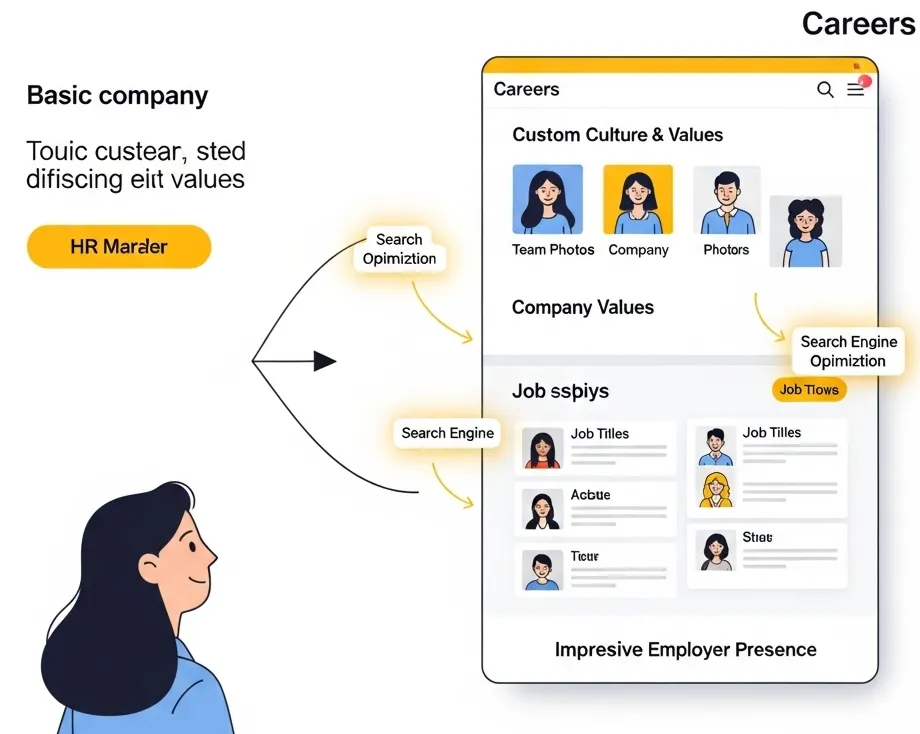
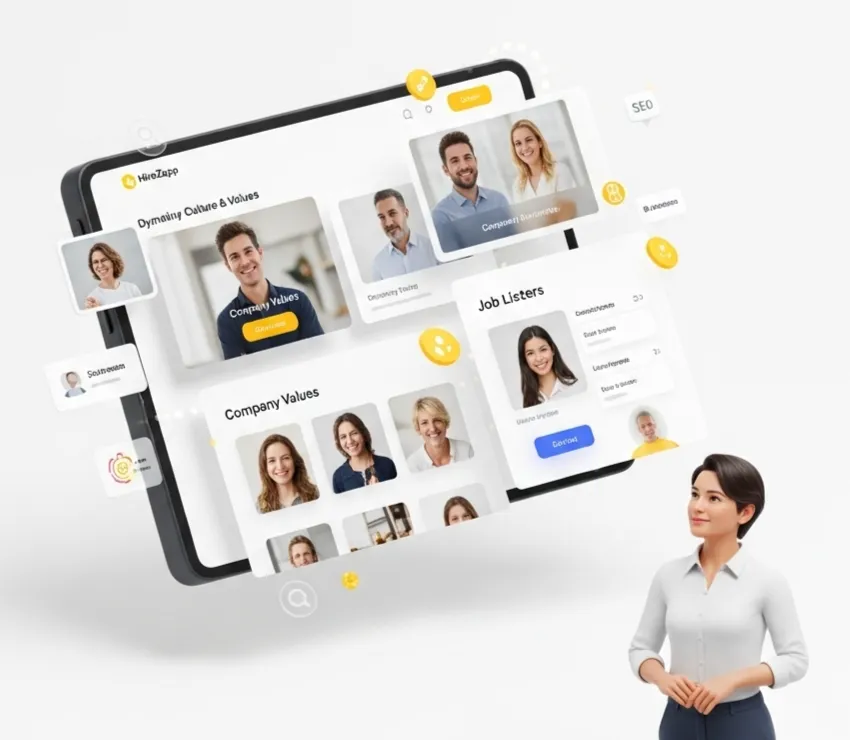
Builds a professional, mobile-first application experience that reduces drop-offs and reinforces your employer brand. - Integrated ATS Pipeline
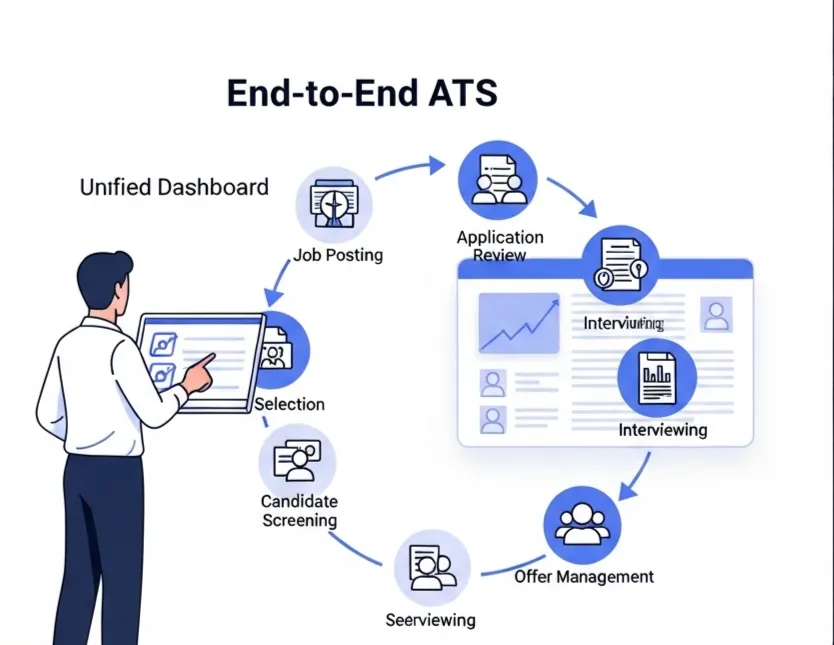
Organizes every applicant from every source in one clean dashboard, so no one gets lost. - Automated Follow-Ups
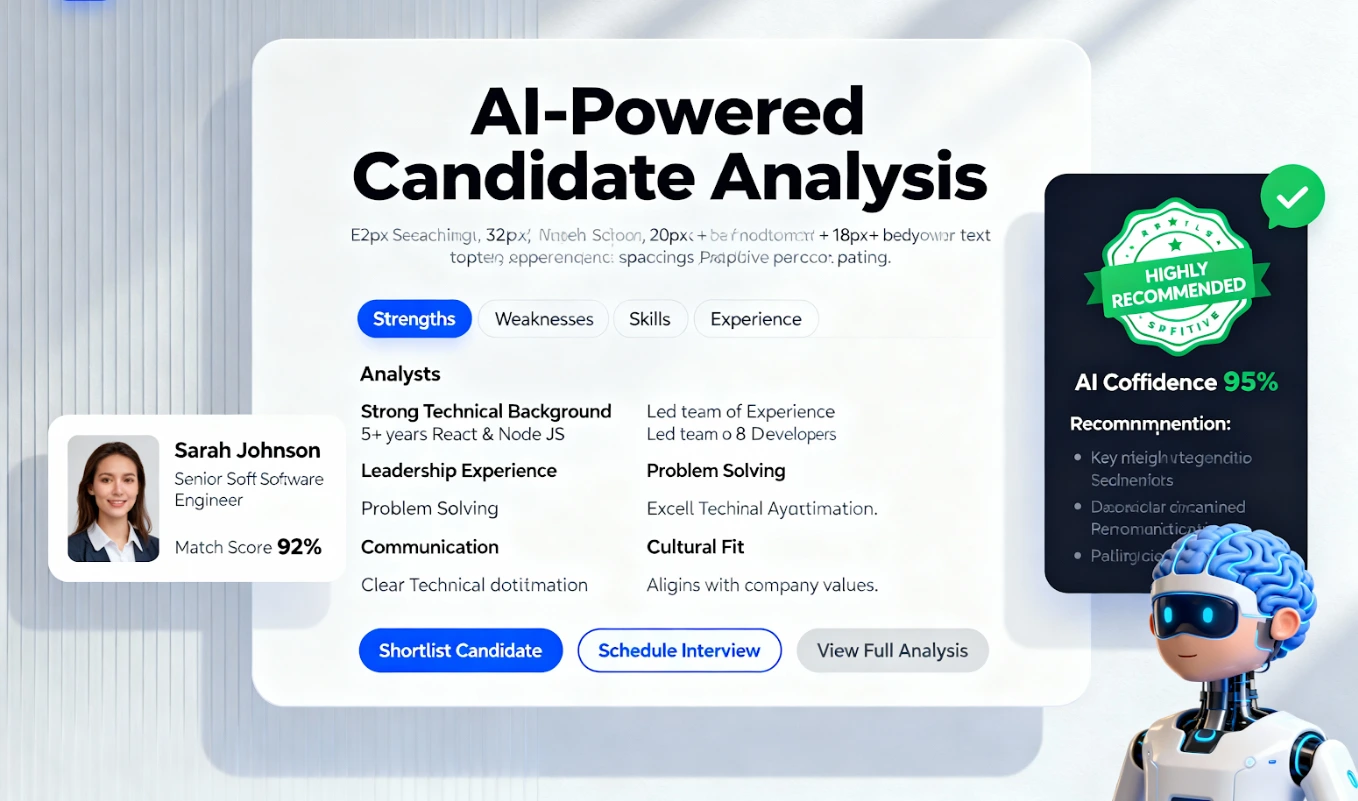
Instantly engages candidates with confirmation messages and status updates, improving your reputation. - Job Match & Quality Scores
Uses AI to surface the most relevant candidates automatically, saving you hours of manual screening time.
Boost Your Recruitment Ad ROI.
Stop losing candidates post-click. Automate screening & boost ad ROI.
Trusted by 200+ recruiters
|Backed by AWS & NVIDIA
Common Recruitment Ad Mistakes to Avoid
Many teams stay stuck because they repeat the same small errors. Here are some of the most common recruitment ad mistakes we see companies make when using social media for hiring.
- Linking to a generic homepage instead of a specific job application.
- Forgetting to install the Meta Pixel to track conversion events.
- Using the 'Boost Post' button instead of creating a targeted ad in Ads Manager.
- Writing ad copy that focuses only on the company's needs, not the candidate's.
- Failing to respond to questions or comments on the live ad.
- Not refreshing the ad creative, leading to ad fatigue and lower performance.
What Better Ads Won't Fix
Optimizing your ad strategy is powerful, but it's not a magic bullet. Be honest about foundational issues that no amount of ad spend can solve.
- A non-competitive salary or benefits package for your industry.
- A negative reputation or poor reviews on sites like Glassdoor.
- A disorganized interview process that leaves candidates waiting for weeks.
- An unclear vision for what success in the role actually looks like.
Turn Clicks into Candidates
Fixing your facebook ads for hiring is about more than just tweaking an image or headline. It's about respecting the candidate's time by creating a smooth, professional, and efficient path from the moment they see your ad to the moment they are in your pipeline. By focusing on the post-click experience and centralizing your workflow, you can turn wasted ad spend into a predictable source of qualified hires.
Frequently Asked Questions
1) What are the most important facebook job post best practices?
The most crucial practices are using a clear job title, writing benefit-focused copy, using a high-quality image or video, including a strong call-to-action, and linking to a mobile-friendly application form.
2) How can I lower candidate drop-off from Facebook ads?
The key is to minimize friction. Use a simple, one-page application form that requires only essential information. Ensure the page loads quickly on mobile and carries your company branding to build trust.
3) What kind of targeting works best for Facebook ads for hiring?
Start with location, then layer on detailed targeting based on interests, behaviors, or job titles relevant to your role. You can also create Lookalike Audiences from your current top employees for higher accuracy.
4) How do I measure my job ad conversion rate?
Your conversion rate is the number of completed applications divided by the number of clicks on your ad. To track this accurately, you need to use the Meta Pixel on your application confirmation page.
5) Should I use Facebook's 'Jobs' feature or run a standard ad?
Facebook Jobs is good for local, high-volume roles, but a standard conversion ad created in Ads Manager gives you far more control over targeting, creative, and the post-click experience, which is better for professional roles.
6) How can I optimize recruitment ads for mobile users?
Use vertical images or videos, keep text concise, and ensure your landing page and application form are designed for a small screen. Test the entire process on your own phone before launching the ad.
7) What are some good facebook job ad tips for a small budget?
Focus on a very specific, niche audience instead of going broad. Run your ads for a shorter duration with a clear goal. Test two different ad images against each other to see which one performs better, then put your budget behind the winner.