Job Application Form Best Practices: Reducing Drop-Offs
You spend time and money driving qualified people to your job posts, only to see them vanish. Many click “Apply” but never finish the process. This isn’t just frustrating; it’s a leak in your hiring funnel that costs you top talent and wastes your budget. A long, confusing, or broken application form is often the culprit.

Job Application Form Best Practices to Stop Losing Great Candidates
You spend time and money driving qualified people to your job posts, only to see them vanish. Many click “Apply” but never finish the process. This isn’t just frustrating; it’s a leak in your hiring funnel that costs you top talent and wastes your budget. A long, confusing, or broken application form is often the culprit.
Fixing your form is one of the fastest ways to improve your hiring outcomes. By focusing on the candidate experience, you can get more completed applications from the right people, helping you convert applicants into hires much faster.
Why Your Application Form Is a Candidate Repellent
Many recruiters find their application forms cause more problems than they solve. The issue usually comes down to a few common friction points that make great candidates give up. Your form might be driving away talent if it includes these issues.
- It takes too long to complete.
Anything over five minutes feels like a chore and signals a difficult process ahead. - It is not mobile-friendly.
A huge number of candidates apply from their phones. If they have to pinch and zoom, they will leave. - It asks for redundant information.
Asking a candidate to upload a resume and then manually enter their entire work history is a top reason for drop-offs. - It requires creating an account.
Forcing a login and password creation is a major barrier for passive candidates. - It asks for sensitive information too early.
Requesting documents or detailed personal data before a first interview can feel invasive. - The layout is confusing.
Poorly labeled fields, small text, and a cluttered design create unnecessary work.
A Step-by-Step Guide to Optimize Your Job Application Form
Improving your form doesn't require a total overhaul. A quick audit can reveal the biggest opportunities for improvement. Follow these simple steps to make your form more effective and candidate-friendly.
- Time your own application process.
Grab a stopwatch and fill out your own form. If it takes you more than five minutes, it’s too long for a candidate. - Test it on a mobile device.
Open the form on your phone without using Wi-Fi. Notice any slow-loading elements or formatting issues. - Count the number of required fields.
Aim for 10-15 essential fields at most for the initial application. You can always gather more information later. - Eliminate “nice-to-have” questions.
Remove any question that is not absolutely critical for an initial screening decision. - Check for browser auto-fill compatibility.
Ensure that browsers like Chrome can automatically populate fields like name, email, and phone number. - Review your file upload requirements.
Keep file size limits reasonable and accept common formats like PDF and DOCX. Avoid forcing a cover letter. - Clarify your call-to-action buttons.
Use clear, simple language like “Submit Application” or “Next Step” instead of vague terms.
Templates for a Better Candidate Experience Form
Small changes in how you ask questions and structure your form can make a big difference. Here are a few examples you can adapt to create a better process for applicants.
Good vs. Bad Screening Questions
Avoid overly broad questions that create extra work. Instead, ask for specific examples that are easy for a candidate to answer quickly.
Recruiter reality: “I used to ask candidates to list all their skills. Now, I ask them to describe one project that showcases their most relevant skill for this role. The answers are shorter and far more useful.”
- Bad Question Example
“Please explain your entire work history and how it relates to this role.” - Good Question Example
“Based on the job description, which of your past projects are you most proud of and why?”
Checklist for a Mobile-Friendly Design
Use this simple checklist to ensure your form works perfectly on any device.
- Single-column layout
Avoid side-by-side fields that require horizontal scrolling. - Large, tappable buttons
Ensure buttons and links are easy to tap with a thumb. - Readable font size
Use a base font size of at least 16px for easy reading. - Simple navigation
If you have a multi-page form, include a clear progress bar. - Easy file uploads
Make sure candidates can easily upload a resume from their phone’s storage or cloud services.
How HireZapp Builds a High-Converting Form for You
Instead of manually auditing and rebuilding your forms, HireZapp streamlines the entire process. Our platform is designed to eliminate the friction that causes candidate drop-off and helps you move faster.
- AI Form Generation
Instantly creates a short, relevant application form directly from your job description, ensuring you only ask what matters. - Branded Application Experience
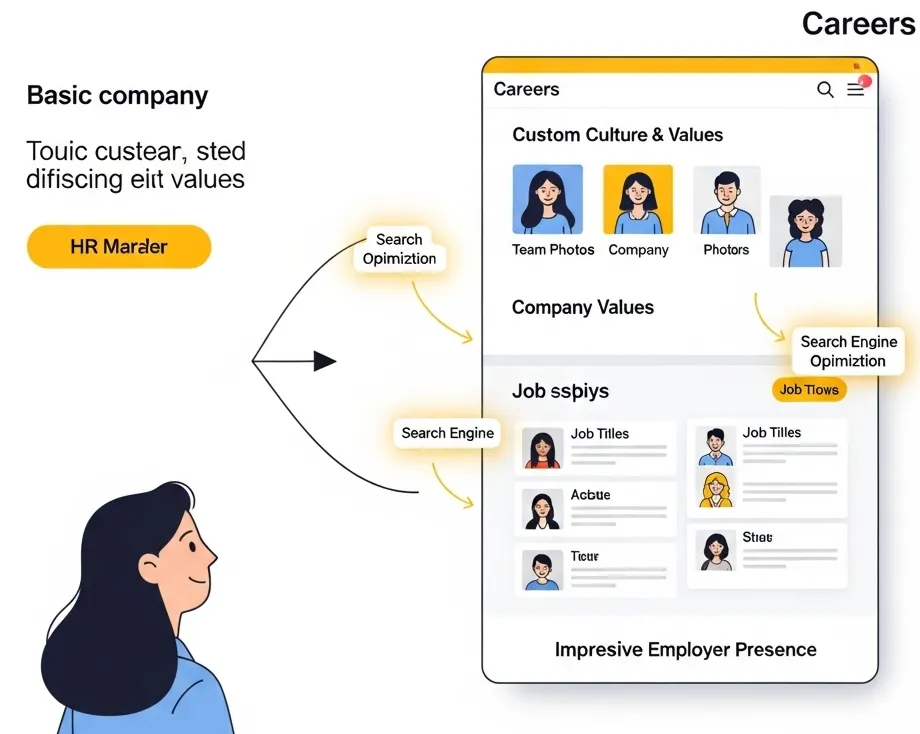
Embeds your logo and colors directly into the form and careers page, building trust and brand recognition. - Centralized Applicant Tracking
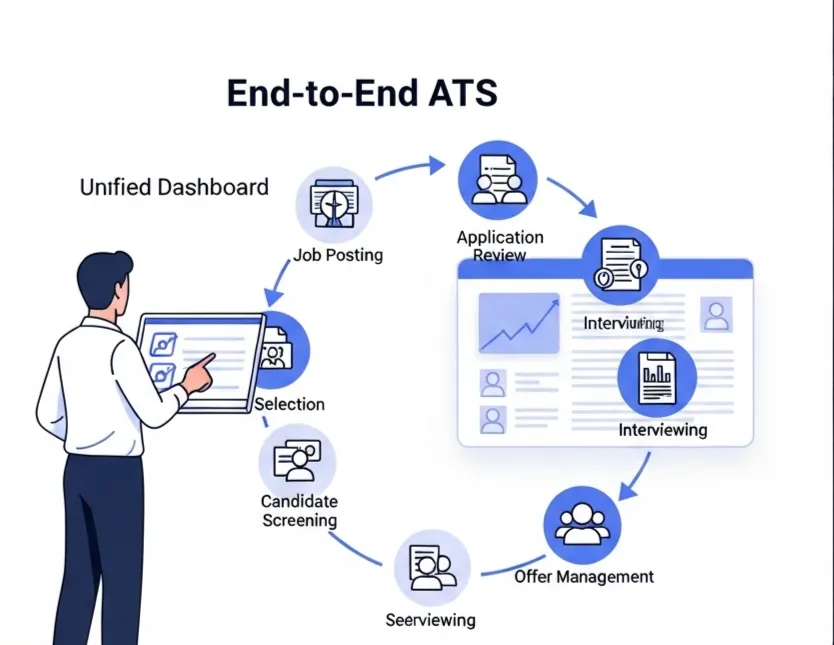
Pulls every application into a simple ATS pipeline, so you never lose a candidate in your inbox or spreadsheets again. - Automated Follow-ups
Sends instant confirmation emails to candidates, letting them know their application was received and what to expect next.
Common Mistakes That Keep Teams Stuck
Even with good intentions, small mistakes can lead to high drop-off rates and a poor candidate experience. Watch out for these common missteps that prevent teams from hiring effectively.
- Forcing every applicant to upload a cover letter.
- Ignoring accessibility standards for users with disabilities.
- Using internal jargon or acronyms in question labels.
- Failing to send an automated confirmation email after submission.
- Requesting salary history instead of salary expectations.
- Not providing a clear point of contact or help link.
What a Great Form Won’t Fix on Its Own
Optimizing your application form is a huge step forward, but it’s just one piece of the hiring puzzle. A perfect form cannot solve deeper issues within the recruitment process. Be aware that it will not fix:
- A confusing or unappealing job description.
- A negative employer reputation or poor online reviews.
- A slow or non-responsive recruiting team.
- An uncompetitive compensation and benefits package.
- A broken interview or assessment process.
Your Next Steps to Better Hiring
A simple, clear, and respectful application form is your company’s digital handshake. By removing friction and focusing on the candidate, you get more of the right people into your pipeline. This allows you to spend less time managing forms and more time connecting with future hires.
Start hiring better today
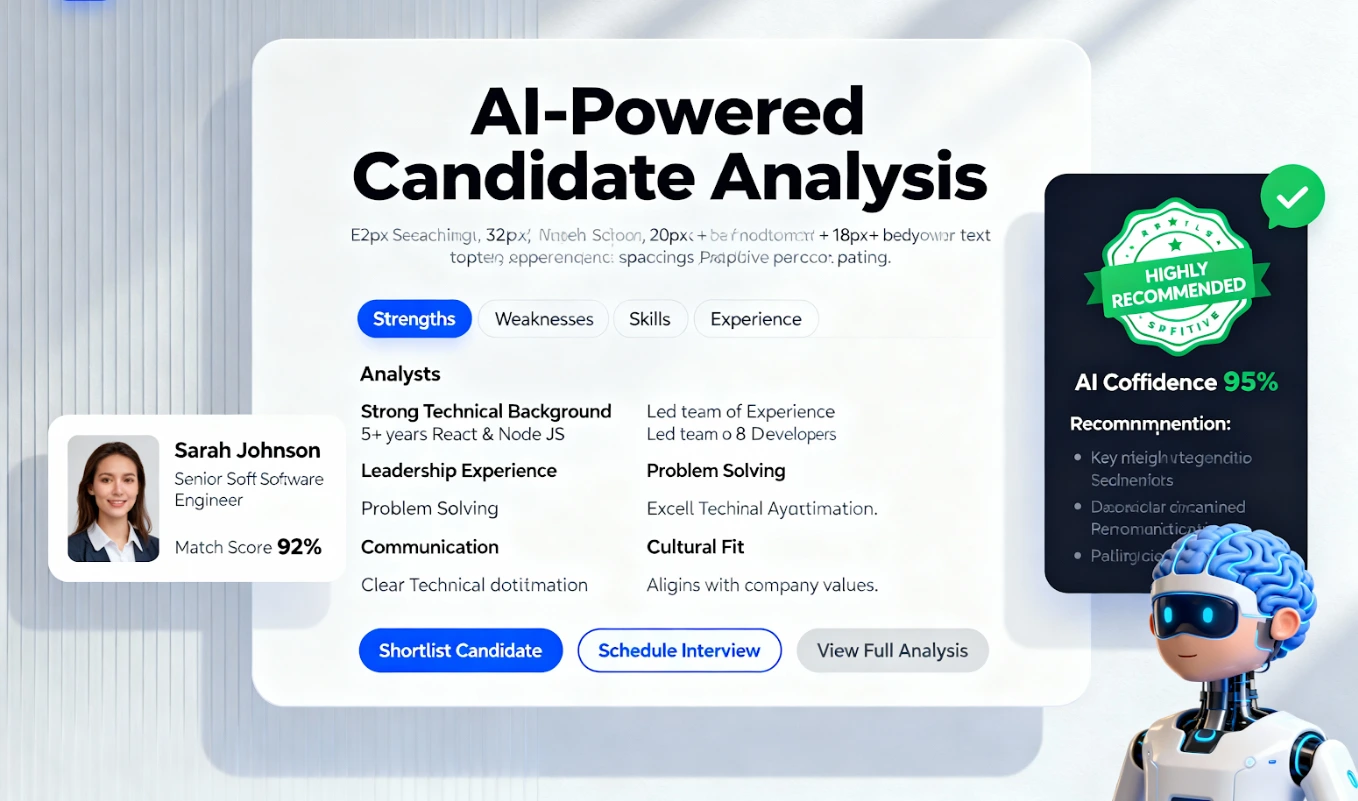
AI-powered screening so your team spends time on the right people.
Frequently Asked Questions
1) How do I shorten my job application without losing important information?
Focus only on what you need for an initial screen. Collect basic contact info, a resume, and answers to 1-2 critical screening questions. You can gather more details like references or a full work history during the interview stage.
2) What is the ideal length for an online job application form?
The ideal application takes less than five minutes to complete. This usually translates to 10-15 required fields. The shorter and simpler it is, the higher your completion rate will be.
3) How can I improve my application conversion rate?
To improve your application conversion rate, ensure your form is mobile-friendly, remove unnecessary fields, allow social sign-ins (like with a Google account), and provide clear instructions. An automated confirmation email also helps build trust.
4) Why is a mobile friendly application so important?
A huge percentage of job seekers, especially active candidates, apply for jobs from their smartphones. If your form is difficult to use on a small screen, you will lose a significant portion of potential applicants before they even finish.
5) What are the key elements of good recruitment form design?
Good recruitment form design includes a clean, single-column layout, large and clear fonts, visible error messages for incorrect fields, a progress bar for multi-page forms, and your company branding to build trust.
6) Can ATS form optimization really make a difference?
Yes. Proper ATS form optimization ensures that data is collected cleanly and flows directly into your pipeline. This saves recruiters from manual data entry and allows for faster screening, follow-up, and better overall hiring efficiency.
7) What's the best way to reduce application drop-off?
The single best way to reduce application drop-off is to simplify your form. Test it yourself to find friction points, eliminate every non-essential question, and ensure it works perfectly on a mobile phone.