Managing Candidates Across LinkedIn, Email, and WhatsApp Simultaneously
Are your best candidates getting lost in a sea of LinkedIn messages, email threads, and WhatsApp chats? You spend hours sourcing and engaging talent, only to have conversations slip through the cracks. This chaos leads to slow hiring, frustrated candidates, and missed opportunities.
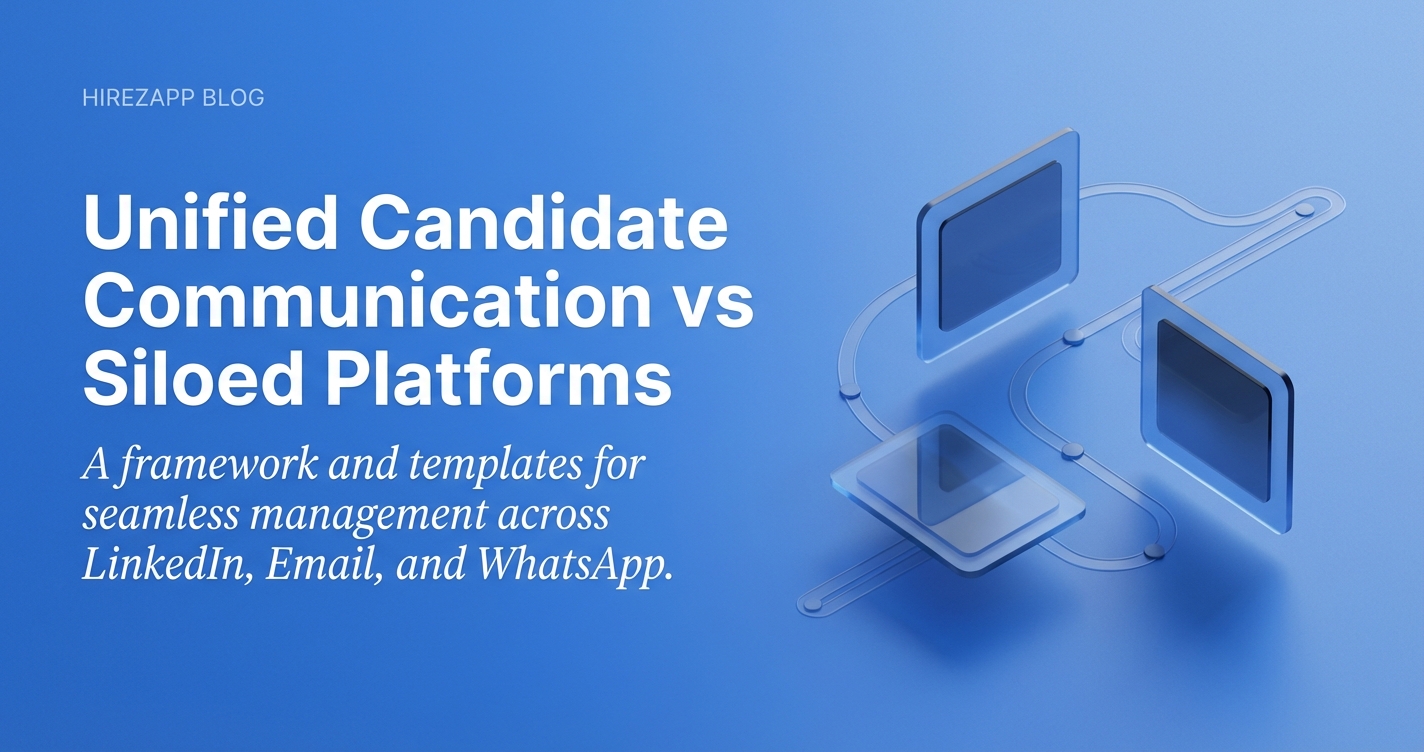

Stop Juggling DMs: The Recruiter's Guide to Managing Candidates Across Multiple Platforms
Are your best candidates getting lost in a sea of LinkedIn messages, email threads, and WhatsApp chats? You spend hours sourcing and engaging talent, only to have conversations slip through the cracks. This chaos leads to slow hiring, frustrated candidates, and missed opportunities.
When your multi-channel candidate communication is scattered, it’s impossible to keep track of who said what, where. The good news is that you can bring order to this process with a clear strategy and the right tools, helping you convert more applicants into hires, faster.
Why Your Hiring Feels So Scattered
If you feel like you're constantly chasing information, you're not alone. Many recruiters struggle when they don't have a central system. The problem usually comes down to a few key issues:
- No single source of truth
Candidate information lives in different inboxes and apps, making it hard to see the full picture. - Manual tracking is prone to error
Spreadsheets and notes are easily outdated and can be mismanaged by a busy team. - Inconsistent messaging
Candidates get different information or tones depending on the platform and the recruiter. - Delayed responses
Switching between apps slows you down, and great candidates lose interest when they have to wait. - Lack of team visibility
Your colleagues can't see the latest update, leading to duplicate outreach or embarrassing miscommunications. - Guesswork instead of data
It's impossible to know which channels are actually bringing in the best candidates.
A Unified Framework for Managing Candidates Across Multiple Platforms
Regain control by building a repeatable process. This simple framework helps you create a seamless journey for every candidate, no matter where the first conversation starts.
- Define Your Channels
Decide the purpose for each platform. Use LinkedIn for initial outreach, WhatsApp for quick scheduling questions, and email for all formal communication like offers and contracts. - Create a Central Hub
All conversations, regardless of origin, must be logged in one central place. This is the foundation of a unified candidate pipeline and the only way to stay organized. - Use Standardized Templates
Write pre-approved message templates for each stage: outreach, follow-up, rejection, and updates. This ensures consistency and saves hours of work. - Set Communication Timelines
Establish clear internal goals for response times. For example, commit to acknowledging all new messages within 12 hours. - Follow Platform Best Practices
Follow whatsapp recruiting best practices by keeping messages brief and professional. Always ask for permission before moving a conversation from LinkedIn to a more personal channel. - Automate Repetitive Tasks
Use tools to automate screening questions and follow-up reminders. This frees you up to focus on building relationships with top candidates. - Move Conversations to Email
Once a candidate shows interest, guide them to email for more formal steps. This keeps your official record clean and easy to track.
Recruiter reality: “I used to have three different versions of a candidate’s resume saved on my desktop. I had no idea which one was the latest or what we last discussed. Moving to a single system was a game-changer.”
Copy-and-Paste Templates for Clear Communication
Use these templates as a starting point. Adapt them to fit your company voice and the specific role you are hiring for.
<b>LinkedIn Initial Outreach Template</b>
Hi [Candidate Name],
I came across your profile and was impressed by your experience in [Specific Skill] at [Their Company]. We're looking for a [Job Title] at HireZapp, and I think your background could be a great fit. Would you be open to a brief chat next week to learn more? No pressure at all.
<b>Email Follow-Up Template (After Initial Call)</b>
Hi [Candidate Name],
It was great speaking with you today and learning more about your work in [Mention a specific project they discussed]. As promised, here is the full job description and a link to our careers page. Please let me know if you have any questions. Our next step would be a call with the hiring manager, which we are scheduling for next week.
How HireZapp Creates a Single Source of Truth
A manual process can only take you so far. HireZapp is designed to centralize every step of your hiring, from first message to final offer, without the complexity of traditional enterprise software.
- Multi-channel Screening
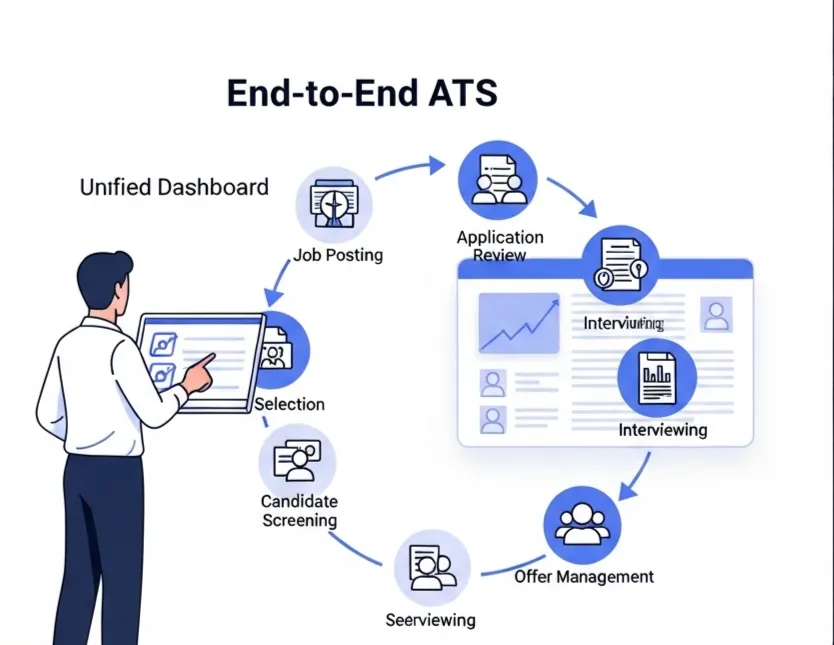
Consolidate profiles from LinkedIn, GitHub, and other sources into one rich candidate record. - Unified ATS Pipeline
Track every candidate in a simple, visual pipeline, no matter if they applied via a job board or a direct message. - Automated Follow-ups
Set up simple email sequences to keep candidates warm and informed without lifting a finger. - Branded Candidate Comms
Ensure every message, from job post to careers page, is professional and consistent to maintain a positive candidate experience multi-channel. - Sourcing Playbooks
Get guidance on where to find talent and how to reach out, helping you build a more effective outreach strategy.
Common Mistakes That Sabotage Your Outreach
Even with a good process, small mistakes can hurt your reputation. Watch out for these common missteps:
- Forgetting to log a conversation that happened on WhatsApp.
- Using informal language or emojis in professional outreach.
- Sending the same generic message to every candidate.
- Failing to get consent before adding someone to an email list.
- Ghosting candidates after an initial conversation.
- Not proofreading messages for typos and errors.
A Great System Can't Fix a Broken Process
Technology is a powerful enabler, but it's important to be realistic. Here is what a tool like HireZapp won’t fix on its own:
- An unclear or unattractive job description.
- A non-competitive compensation and benefits package.
- A long, slow, and disorganized internal interview process.
- A negative reputation or poor company culture.
Build a Hiring Process That Works
Managing candidates across different platforms doesn't have to be a source of stress. By creating a unified communication strategy and using a central hub to track everything, you can build stronger relationships, hire faster, and give every candidate a great experience.
Frequently Asked Questions
Unify Your Candidate Pipeline
Stop juggling LinkedIn, Email, and WhatsApp. HireZapp unifies communication, automates outreach, and scales your hiring.
1) What's the best way to start a conversation on LinkedIn?
Keep it short, personal, and focused on them. Mention a specific skill or project from their profile that caught your eye and clearly state why you are reaching out. Avoid generic, copy-pasted messages.
2) Is it professional to use WhatsApp for recruiting?
It can be, but with caution. It's best for quick, logistical updates like confirming an interview time, but only after you've already established contact on a more professional platform like LinkedIn or email. Always respect their privacy.
3) How can I get started with email candidate follow-up automation?
Start simple. Use a tool to send a single, automated follow-up email three to five days after your initial outreach if you haven't received a reply. This small step ensures you don't miss out on interested candidates who were just busy.
4) What is the most important part of a recruitment communication strategy?
Consistency. Candidates should have a seamless experience whether they are talking to you on LinkedIn, email, or another channel. A central system where all communication is logged is the key to achieving this.
5) How does an ATS for multi-channel hiring solve these problems?
An ATS for multi-channel hiring acts as your central database. It consolidates candidate profiles, tracks all communications in one place, and allows your whole team to see a candidate's full history, eliminating confusion and manual data entry.
6) How do you ensure a good candidate experience across platforms?
Set clear expectations about which platform you'll use for which type of communication. Respond promptly, keep your messaging consistent, and always be respectful of the candidate's time and preferred communication style.
7) What tools help with LinkedIn candidate management?
While LinkedIn has its own tools, integrating it with a dedicated ATS is more powerful. This allows you to pull candidate data directly into your pipeline, track all message history, and manage them alongside candidates from other sources without constantly switching tabs.