Recruiting Automation Workflows: A Practical Guide to What to Automate
Are you spending more time managing spreadsheets, sending follow-up emails, and scheduling calls than actually talking to great candidates? If your hiring feels like a constant battle against administrative tasks, you are not alone. The goal is not to replace recruiters with robots, but to implement smart recruiting automation workflows that free you up for the human parts of hiring that truly matter.
A well-planned strategy helps you automate recruiting process steps that are repetitive, allowing you to focus on building relationships and making better hiring decisions, faster.
Why Your Current Hiring Process Feels Stuck
Many recruiters and founders find themselves trapped in a cycle of manual work. This often leads to the same frustrating problems that slow down growth and let top talent slip away. The core issue usually isn't a lack of effort, but a lack of system.
- Repetitive tasks like posting jobs on multiple boards consume hours each week.
- Switching between LinkedIn DMs, emails, and forms causes critical candidate details to get lost.
- Inconsistent communication makes your company look disorganized and harms the candidate experience.
- It is nearly impossible to track which sourcing channels are actually working without a central system.
- Good candidates lose interest and accept other offers while you are busy with manual screening.
- Coordination overload leads to team burnout and costly hiring mistakes.
A Clear Framework for Manual vs. Automated Recruiting
The key to success is knowing what to automate and what to keep human. Effective automation handles the high-volume, low-judgment tasks, while you handle the high-touch, high-impact conversations. Think of it as a simple traffic light system for your hiring tasks.
Green Light: Tasks Perfect for Automation
These are the repeatable, administrative parts of your process. Automating them provides immediate time savings and improves consistency. This is the heart of effective candidate experience automation.
- Job Post Distribution
Automatically share your open role across multiple job boards and social channels with one click. - Initial Application Screening
Use AI to scan resumes for essential skills and qualifications, instantly filtering out unqualified applicants. - First-Touch Communication
Send an immediate confirmation email to applicants so they know their resume was received. - Interview Scheduling
Let candidates pick a time from your calendar automatically, eliminating back-and-forth emails. - Reminder Notifications
Automatically send email or SMS reminders to both candidates and interviewers before a scheduled meeting. - Collecting Feedback
Send automated requests to your interview panel to submit their scorecard feedback right after a call.
Yellow Light: Tasks to Keep Human-Centric
These tasks require empathy, strategic thinking, and genuine connection. Automating these can feel impersonal and damage your ability to attract the best people.
- Writing the Final Job Description
AI can create a great first draft, but a human should add the nuance, culture, and tone. - Active Sourcing Outreach
Personalized messages to passive candidates should always be written by a human. - In-Depth Interviews
Assessing culture fit, motivation, and complex skills requires real conversation. - Negotiating the Offer
This sensitive, high-stakes discussion must be handled with human care and intelligence. - Providing Meaningful Rejection Feedback
While the initial rejection can be automated, any follow-up or specific feedback should come from a person. - Building a Talent Pipeline
Nurturing long-term relationships with potential future hires is a deeply human activity.
A Checklist to Analyze Your Workflow
Use these questions to decide which parts of your own process are ready for automation. If you answer 'yes' to the first three questions for a specific task, it is a prime candidate.
- Does this task happen over and over for every role?
- Does it require little to no complex judgment?
- Is this a high-volume activity that takes up more than 30 minutes a day?
- Does this task require empathy or emotional intelligence?
- Could an error in this task significantly damage a candidate's perception of our company?
Recruiter reality : "I used to spend my first two hours every day just sorting through applications. Now, the system does it for me, and I spend that time talking to the top 10% of candidates who are already a great fit."
How HireZapp Powers Your Automated Workflow
HireZapp is designed to handle the 'Green Light' tasks, giving you more time for the 'Yellow Light' ones. Our platform provides simple but powerful ATS automation to streamline your hiring without losing the personal touch.
- AI-Powered Job Descriptions
Generate an optimized and inclusive job description in seconds, then add your personal touch. - Automated Candidate Screening
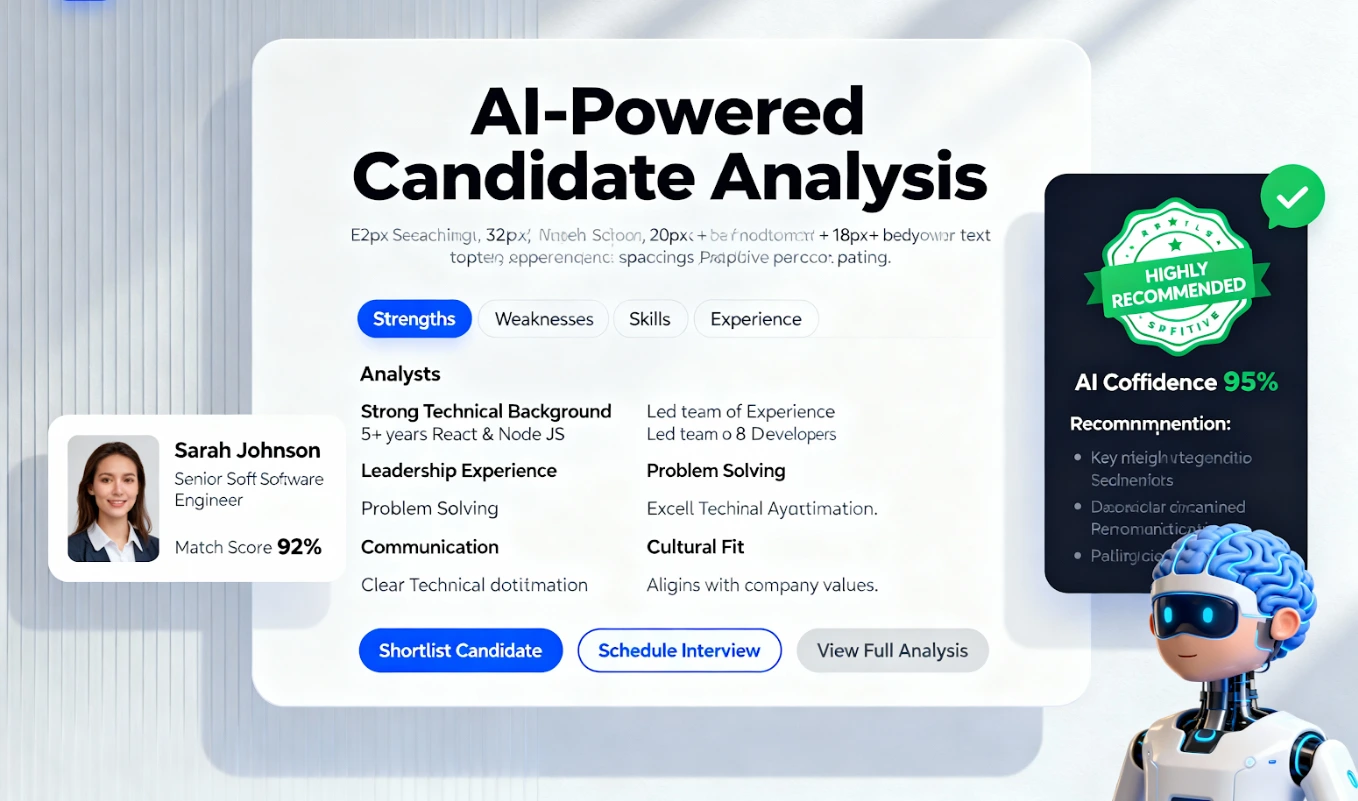
Our system automatically screens applicants from all channels, including LinkedIn and GitHub. - Job Match & Quality Scores
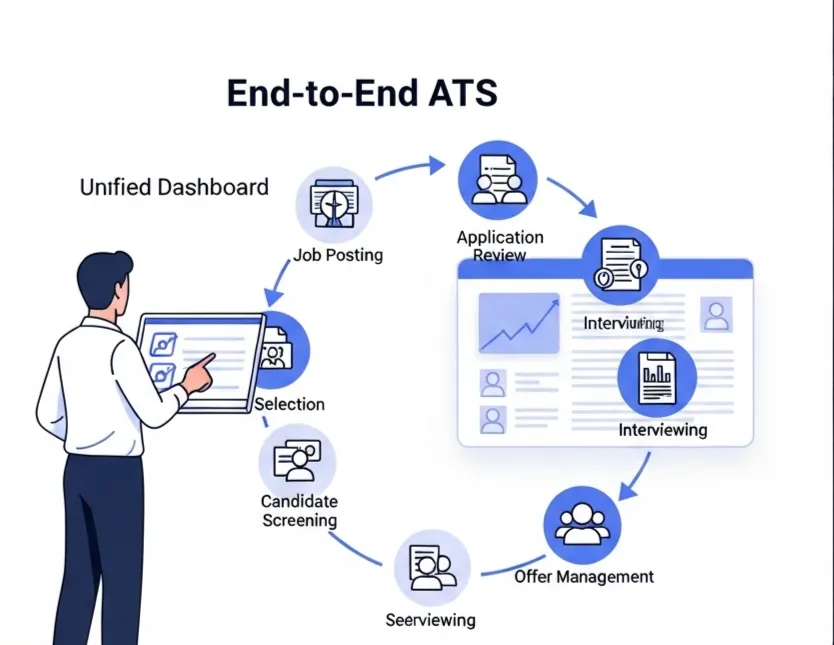
Instantly see which candidates are the best fit based on skills and experience, without manual review. - Unified ATS Pipeline
Manage all candidates in one place and send automated follow-ups and status updates based on their stage. - Branded Careers Page
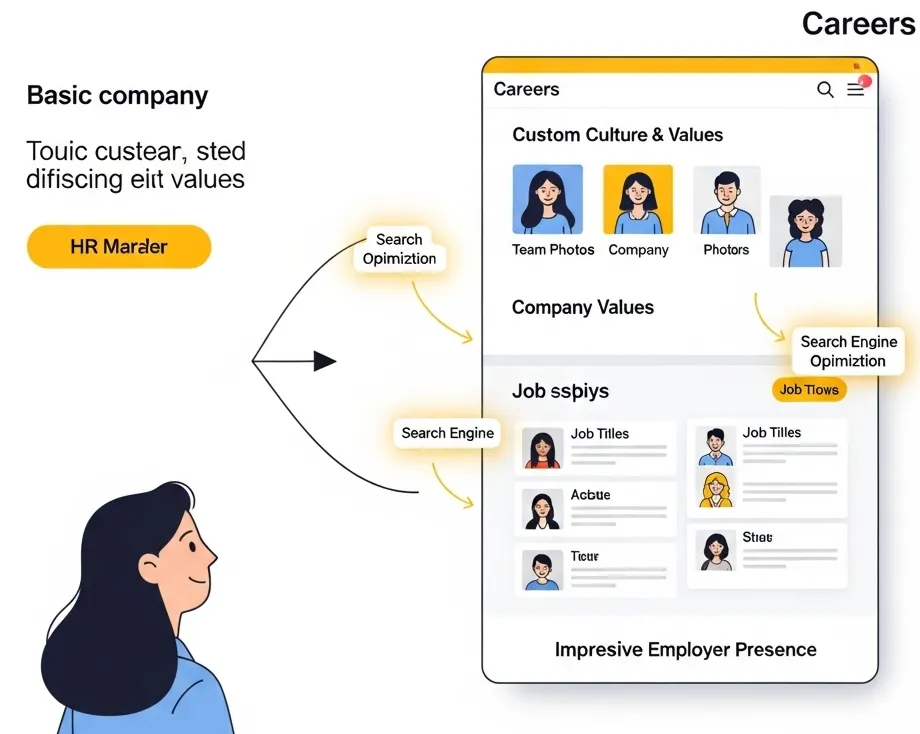
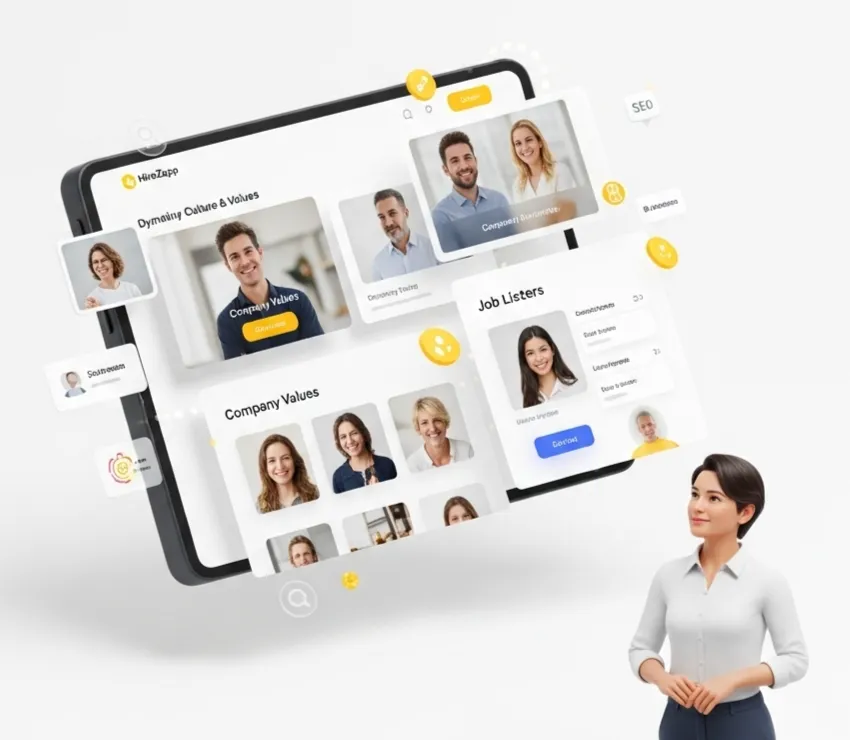
Create a professional careers page to attract applicants and automate the collection of their information.
Common Mistakes That Sabotage Recruiting Efficiency
As you adopt new tools, be aware of these common traps. Avoiding them is just as important as choosing the right software.
- Automating the wrong things
Trying to automate final interviews or personalized outreach makes your process feel cold and robotic. - Forgetting the human touch
Failing to monitor automated communications for tone and clarity can alienate great candidates. - Ignoring the data and insights your new system provides.
- Choosing overly complex recruitment technology that your team will not use.
- Setting up automation once and never reviewing or improving it.
What Automation Alone Can't Fix
Technology is a powerful accelerator, but it cannot solve foundational problems in your hiring strategy. Be honest about whether these issues exist first.
- A poorly defined role or unclear success metrics.
- A non-competitive salary and benefits package.
- A weak employer brand or negative company reputation.
- A broken interview process that fails to properly assess talent.
By building a smart system that blends automation with a human touch, you can hire better people faster. Start by mapping your current process, identify the repetitive tasks, and explore tools that give you back your time to focus on what matters most: connecting with your next great hire.
Automate Hiring, Scale Faster.
Implement smart automation from this guide with HireZapp. Scale hiring and boost ROI efficiently.
Trusted by 200+ recruiters
|Backed by AWS & NVIDIA
Frequently Asked Questions
1) What are the biggest HR automation benefits?
The main benefits include significant time savings on administrative tasks, improved consistency in candidate communication, reduced risk of human error, and better data for making strategic hiring decisions. It allows recruiters to focus on high-value activities like candidate engagement and closing offers.
2) How does AI in recruiting actually work?
AI in recruiting typically works by analyzing large amounts of data to handle tasks like parsing resumes for key skills, matching candidates to job descriptions, and screening applicants. It automates the top-of-funnel activities to present recruiters with a qualified shortlist.
3) When should a small business start using recruitment technology?
A small business should consider recruitment technology as soon as manual methods like spreadsheets and email inboxes become overwhelming. If you are losing track of candidates, spending hours on scheduling, or hiring for more than 2-3 roles at once, it is time to look for a solution.
4) What is the first step in hiring workflow optimization?
The first step is to map out your current hiring process from start to finish. Write down every single action, from posting the job to sending the offer. This visual map will quickly reveal bottlenecks and repetitive tasks that are ideal candidates for improvement or automation.
5) Can automation hurt the candidate experience?
Yes, if implemented poorly. Over-automating personal touchpoints like final rejection notices or using generic, robotic language can make candidates feel like a number. The key is to automate processes, not relationships, ensuring communication remains timely, clear, and respectful.
6) What is the difference between automation and an ATS?
An Applicant Tracking System (ATS) is the platform where you manage your candidates and pipeline. Automation refers to the specific actions and workflows that run on that platform, such as sending automatic email replies or moving a candidate to the next stage based on a trigger.
7) How do I choose the right automation tool?
Look for a tool that is easy to use, solves your specific problems, and can grow with you. Avoid overly complex systems with features you will never use. A good starting point is a platform that combines a simple ATS with powerful, built-in automation features.