“How to turn Meta hiring ads into hires (reduce drop-offs in 7 steps)”
You are spending good money on Meta ads to find talent, but the results are frustrating. The clicks are there, but quality applicants are not. Many start the application but never finish, leaving you with a leaky pipeline and wasted ad spend. This process should not be so difficult.

How to Turn Meta Hiring Ads into Hires and Reduce Applicant Drop-Off
You are spending good money on Meta ads to find talent, but the results are frustrating. The clicks are there, but quality applicants are not. Many start the application but never finish, leaving you with a leaky pipeline and wasted ad spend. This process should not be so difficult.
Fixing this is about creating a smooth path from ad to application. A great candidate experience Meta ads process is the key to converting interest into actual hires. It means replacing confusing forms and manual follow-ups with a simple, automated system.
Why Do Good Candidates Abandon Your Meta Ad Applications?
Many recruiters notice that even interested candidates will leave if the process is clumsy. The drop-off is not about the job; it is about the friction they face. Here are the most common reasons why people give up.
- The form is too long
Asking for a full work history on the first step is a major reason for drop-offs. - It is not mobile-friendly
Most users see your ad on their phone, and a desktop-only form will not work. - The job details are unclear
If the form is disconnected from the ad, candidates get confused and lose trust. - You ask for a resume immediately
Many mobile users do not have a resume ready to upload, which creates a hard stop. - There is no confirmation
Candidates who submit information into a void are less likely to engage again.
Your 7-Step Playbook to Reduce Applicant Drop-Off
Building a better hiring funnel does not have to be complex. Follow these seven steps to create a repeatable process that turns ad clicks into qualified candidates in your pipeline.
- Clarify Your Ad’s Promise
Your ad, job description, and application form should all tell the same simple story. - Write the Job Description for a Mobile Screen
Use short sentences, bullet points, and clear headings so it is easy to scan on a phone. - Build a Smart, Short Job Form
Only ask for essential information first, like name, email, phone, and a link to their LinkedIn profile. - Automate the First Follow-Up Immediately
Send an instant confirmation email or text so candidates know their application was received. - Create a Centralized Pipeline
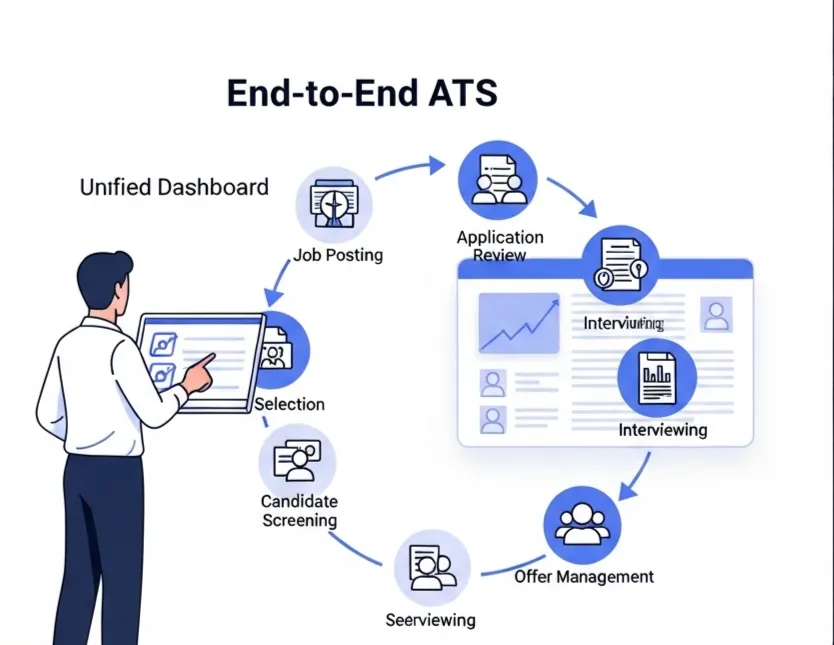
Stop using spreadsheets or Google Forms. Use a simple applicant tracking system to see everyone in one place. - Focus on a Few Key Metrics
Track two numbers: the percentage of people who start the form and the percentage who finish it. This is the core of hiring ad optimization. - Test One Change at a Time
Change either your ad creative or your form questions, but not both at once. This helps you see what is really working.
Quick-Start Templates for Better Meta Ads
Screening Questions for Your Job Form
Instead of asking for a resume, add these simple questions to your initial form. They are fast for candidates to answer and give you valuable screening information.
- What is your desired salary range?
- Are you authorized to work in [Country/City]?
- How many years of experience do you have with [Key Skill]?
- What is your LinkedIn or GitHub profile URL?
- When are you available to start a new role?
Automated Follow-Up Message Template
Set this message to send automatically the moment someone completes your job form. It builds confidence and sets clear expectations.
Hi [Candidate Name],
Thanks for your interest in the [Job Title] role at [Company Name]. We have received your application and our team will review it shortly. If your experience is a good match, we will reach out within 3-5 business days to schedule the next step.
Best,
The [Company Name] Hiring Team
How an Applicant Tracking System Helps
Manually managing these steps across Meta, email, and spreadsheets is what causes things to break. An applicant tracking system connects everything, giving you a single source of truth for your hiring.
- AI JD + Job Forms
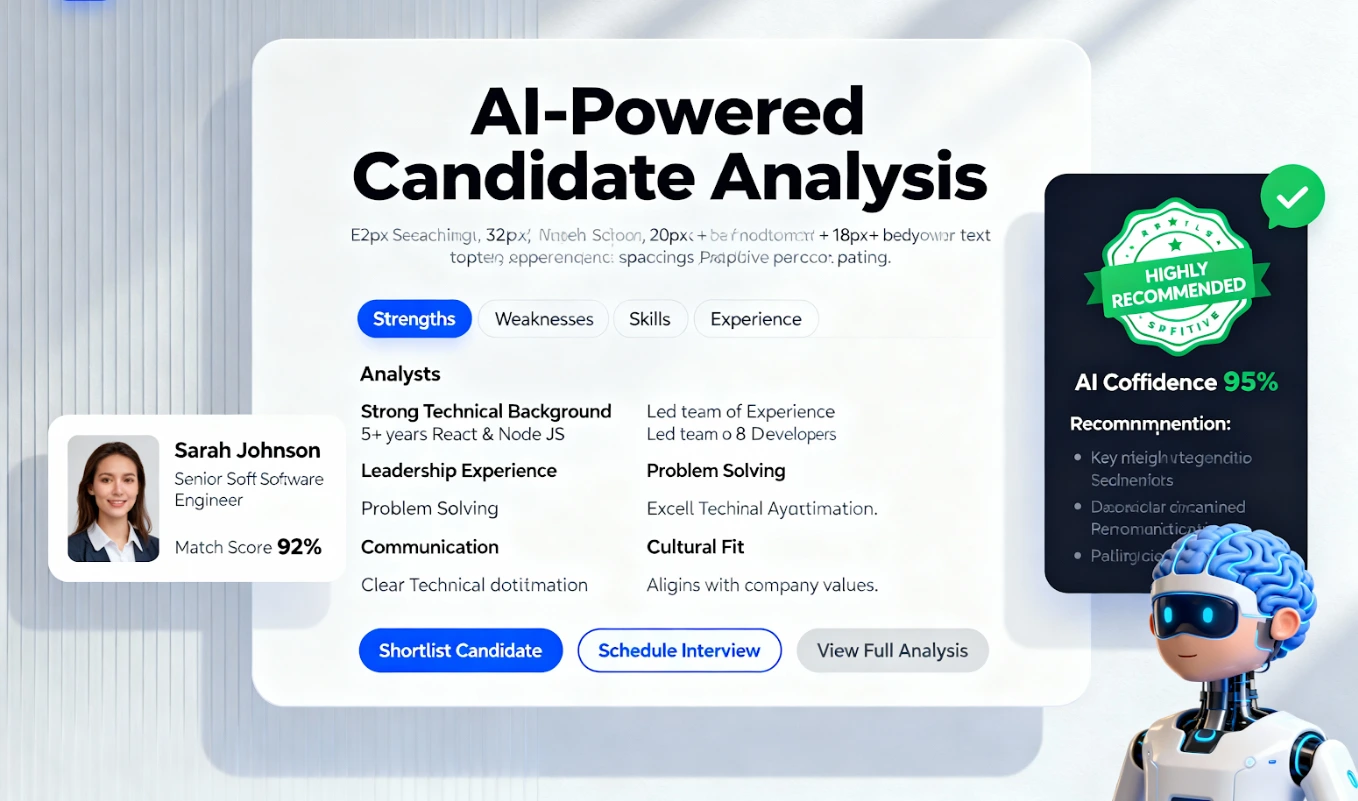
Generate mobile-friendly job descriptions and application forms that are proven to reduce drop-offs. Our system creates AI job forms designed for conversion. - Central ATS Pipeline
See every candidate from every source in one simple, organized dashboard. - Automated Follow-Ups
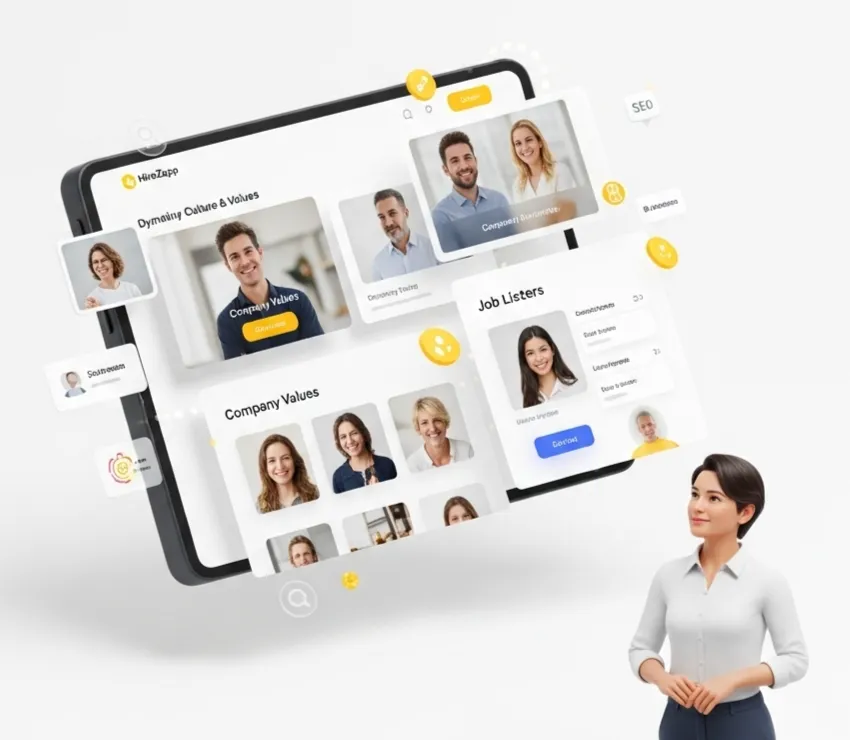
Ensure every applicant gets an instant confirmation and timely updates without you lifting a finger. - Employer Branding
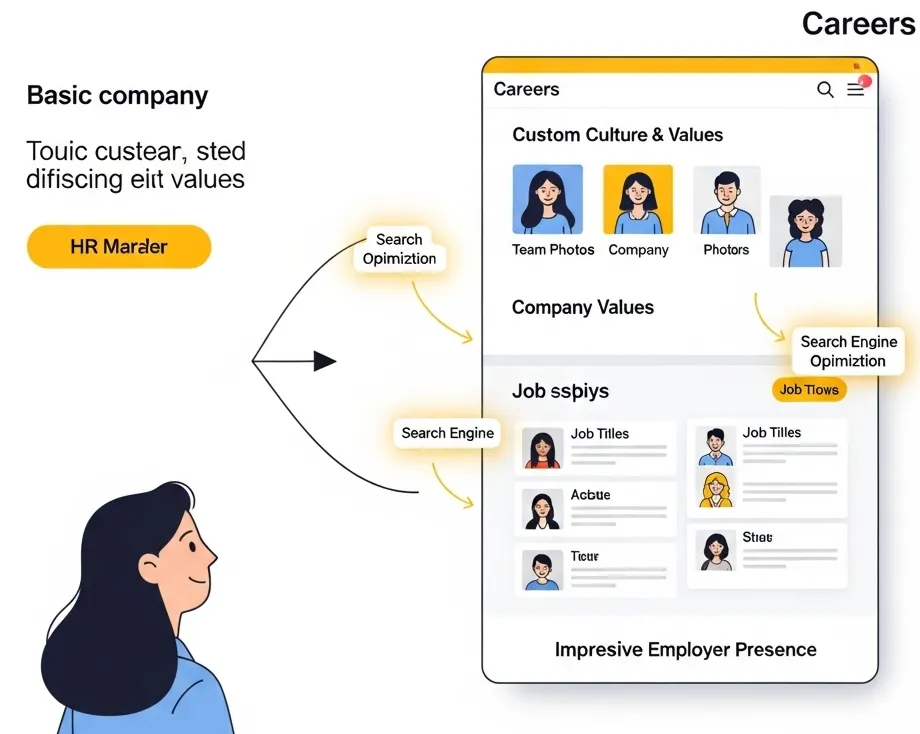
Carry your company's brand across your careers page, job posts, and candidate communications for a professional look.
Common Mistakes That Kill Meta Hiring Ads Conversion
If you are still struggling, you may be falling into one of these common traps. Avoiding them is just as important as following the steps above.
- Relying on Google Forms or WhatsApp DMs, which offer no tracking.
- Ignoring the mobile experience completely.
- Sending candidates to a generic careers page instead of a specific job form.
- Having no system for following up with applicants.
- Forgetting to test different ad copy or images.
- Not having a clear next step in the process.
What a Better Application Process Can't Fix
Optimizing your application flow is powerful, but it is not a magic bullet. Be honest about these factors, as they can stop even the best process from working.
- A non-competitive salary or benefits package.
- A poor company reputation or bad online reviews.
- An unclear or unappealing job role.
- Targeting the wrong audience with your Meta ads.
By focusing on what you can control, like the application experience, you create a stronger foundation for success. A smooth process helps you convert the qualified candidates you are already reaching.
The goal is to make applying so simple that great people do not have a reason to drop off. This leads to a better pipeline, faster hires, and a stronger return on your ad spend. Improving your applicant tracking system conversion is the most direct way to get there.
Stop Meta Ad Drop-offs. Hire Faster.
Maximize Meta ad ROI. HireZapp's AI-powered ATS converts more applicants into top talent.
Frequently Asked Questions
1) What is a good job application drop-off rate for Meta ads?
While benchmarks vary, many recruiters aim for a completion rate of 50% or higher from the moment someone starts the form. If more than half your candidates are dropping off, it is a clear sign of too much friction in your process.
2) How can I improve my job application form?
The best way is to keep it short. Ask only for a name, email, phone number, and a link to a professional profile like LinkedIn. You can gather more details like a resume later in the process from serious candidates.
3) Why are automated follow-ups so important?
Automated follow-ups provide instant confirmation to the candidate, which builds trust. They also ensure no one is forgotten, improving the candidate experience and protecting your employer brand.
4) How does an ATS for Meta ads work?
An ATS connects directly to your hiring channels. When a candidate applies through your Meta ad, their information is automatically captured and organized in a central pipeline, which can then trigger follow-ups and notify your team.
5) Is it better to use Meta's lead forms or send users to my website?
Sending users to a dedicated, mobile-friendly application form on your own branded careers page often provides a better experience. It gives you more control over the questions you ask and the branding candidates see.
6) How much should I be spending on Meta ads for recruiting?
Your budget depends on the role, location, and competition. Start with a small daily budget to test your ad and application form. Once you see good candidates coming through, you can confidently increase your spend.
7) Can I really hire without asking for a resume upfront?
Yes. For many roles, a LinkedIn profile provides enough initial information to decide if a candidate is worth a first conversation. Delaying the resume request is a powerful way to increase application conversion rates.