Job Templates: Creating Reusable JD and Form Structures
Writing a new job description for every open role feels like reinventing the wheel, but slower. You spend hours trying to get the wording right, only to attract spam applicants or see great candidates drop off your confusing Google Form. This manual process doesn't just waste time; it creates an inconsistent experience that can damage your brand and cost you top talent.

How to Create Job Templates That Convert Applicants into Hires
Writing a new job description for every open role feels like reinventing the wheel, but slower. You spend hours trying to get the wording right, only to attract spam applicants or see great candidates drop off your confusing Google Form. This manual process doesn't just waste time; it creates an inconsistent experience that can damage your brand and cost you top talent.
By creating smart, reusable job templates, you can stop guessing and start building a predictable hiring engine. This isn't about copy-pasting old text. It's about designing a system that attracts the right people, asks the right questions, and moves candidates from applicant to hire much faster.
Recruiter reality: “I used to write every JD from scratch. I’d forget key details, the tone would be different each time, and our application forms were a mess. It was chaos.”
Why Starting from Scratch Slows You Down
Relying on one-off job descriptions and forms is often the root cause of hiring friction. Many teams struggle because their process suffers from a few common problems:
- Inconsistent messaging and employer branding across different roles.
- Forgetting to include key details that motivate skilled candidates to apply.
- Using long, complex application forms that cause high applicant drop-off rates.
- Having no objective way to measure if a job post is effective or not.
- Wasting hours of founder or recruiter time on repetitive administrative work.
- Writing vague descriptions that attract a high volume of unqualified applicants.
- Losing track of candidates who apply through DMs, comments, and scattered forms.
A 6-Step Checklist for Building High-Converting Job Templates
Creating an effective template system is straightforward. Follow these steps to build a foundation that saves time and improves the quality of your applicants.
- Define the Core Role Competencies.
Before writing, list the 3-5 non-negotiable skills and traits needed for success in the role. - Draft a Compelling 'About the Role' Section.
Focus on the impact the person will have and the problems they will solve, not just a list of daily tasks. - Standardize Your Requirements.
Clearly separate 'must-have' qualifications from 'nice-to-have' skills to encourage more diverse and qualified applicants. - Create Lean job application form templates.
Only ask for what you absolutely need upfront: name, email, resume, and answers to a few key screening questions. - Add Critical Knockout Questions.
Include 2-3 simple questions about work authorization, salary expectations, or specific tool experience to filter candidates early. - Measure and Refine with a Job Quality Score.
Use data to see which templates perform best, and continuously improve them based on candidate quality and conversion rates. A good job quality score tells you if your post is clear and attractive.
Steal These Structures for Your Next Hire
You don't need to start with a blank page. Use these conversion-focused examples as a starting point for your own templates.
Example JD Snippet: B2B Sales Development Representative
About The Role
As our next Sales Development Representative, you will be the first point of contact for future customers, responsible for sparking interest and building our initial sales pipeline. You won't just be sending emails; you'll be identifying key decision-makers at target accounts, crafting compelling outreach, and booking qualified meetings for our Account Executives. Your work directly impacts our revenue growth.
5 Essential Screening Questions for Any Role
- What are your salary expectations for this role?
- Are you authorized to work in [Country/Location]?
- When would you be available to start a new position?
- Briefly, what is it about this role that caught your interest?
- Do you have experience with [Specific Tool, e.g., HubSpot, Figma, AWS]?
Simple “Application Received” Follow-Up
Hi [Candidate Name],
Thank you for applying for the [Job Title] position at [Company Name]. We've received your application and our team will review it shortly.
We appreciate your interest in joining us.
How HireZapp Automates Your Hiring Templates
A great template is powerful, but technology makes it scalable. HireZapp is built to turn your best practices into an automated system that saves you time and helps you close roles faster.
- AI JD and Job Form Generation
Instantly create optimized job posts and simple application forms with our ai job description generator, giving you a strong foundation to build your templates on. - Job Match and Quality Scores
Get instant, data-driven feedback on your job posts to ensure they are clear, compelling, and structured to attract the best-fit candidates for your roles. - ATS Pipeline and Automated Follow-ups
Connect your templates to an organized pipeline. Automatically send follow-ups so no great candidate ever feels ignored. - Branded Careers Page
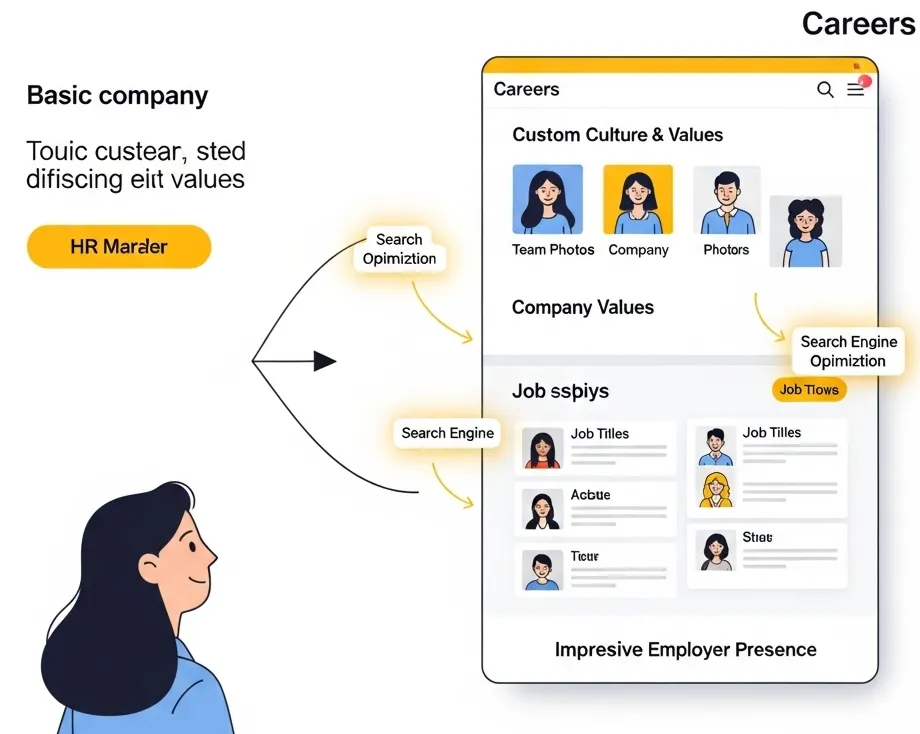
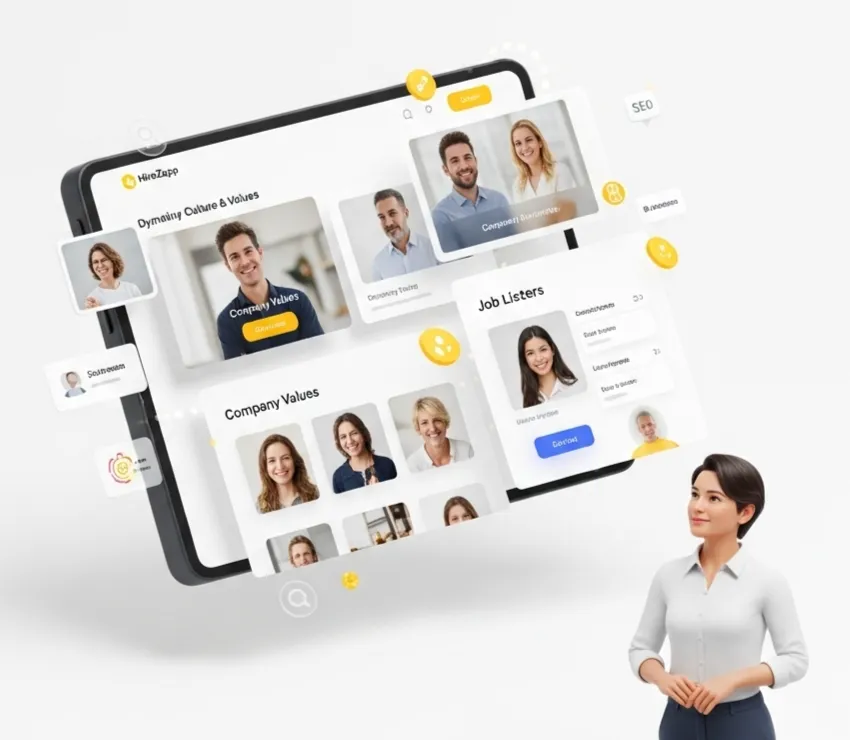
Ensure all your job templates carry your company's unique branding for a professional and consistent candidate experience from start to finish. - Sourcing Playbooks
Turn your template into a full campaign. HireZapp provides guidance on the best channels and outreach messages to find candidates for the role you just posted.
Stop Rebuilding. AI Templates Await.
HireZapp's AI crafts optimized JDs and forms instantly, helping you scale hiring and attract top talent.
Common Pitfalls That Weaken Job Templates
Even with a template, small mistakes can lead to poor results. Watch out for these common issues that keep hiring teams stuck:
- Using internal company jargon that confuses external candidates.
- Making the initial application form longer than 2-3 minutes to complete.
- Focusing only on requirements and forgetting to sell the opportunity.
- Failing to update templates based on what you learn from previous hiring rounds.
- Creating a giant wall of text with no bullets or clear, scannable sections.
- Not defining the salary range or asking for salary history instead of expectations.
What Templates Can't Fix
Templates are a powerful tool for process and efficiency, but they can't solve foundational business problems. Be aware that even the best templates won't fix:
- A slow or disorganized interview process.
- A non-competitive compensation and benefits package.
- A negative or poorly defined company culture.
- Poor communication with candidates after they have applied.
Get Started with a Better System
Stop wasting time on repetitive hiring tasks. By building a library of high-quality job templates, you create a scalable, consistent, and effective process that helps you attract the right people. This system frees you up to focus on what truly matters: connecting with great candidates and making excellent hires.
Frequently Asked Questions
1) What are job templates?
Job templates are pre-designed, reusable structures for job descriptions and application forms. They help ensure consistency, save time, and incorporate best practices into every job posting a company makes.
2) How do reusable job description templates improve hiring consistency?
They ensure that every job post uses the same tone of voice, branding, and structure. This provides a professional and predictable experience for candidates, regardless of the role they are applying for.
3) What is the most important part of a job application form?
Brevity is the most important part. A short form that only asks for essential information (like a resume and contact details) dramatically reduces applicant drop-off and increases the total number of applications you receive.
4) How can I optimize job descriptions for more applicants?
To optimize job descriptions, use clear and inclusive language, break up text with bullet points, focus on the impact of the role, and be transparent about requirements and expectations. A strong job description sells the opportunity.
5) Does using a template make my job posts sound robotic?
Not at all. A good template provides a strong structure, but it should be customized with specific details for each role. The goal is consistency in format, not robotic language. Think of it as a framework, not a script.
6) How does an ATS help streamline hiring process with templates?
An Applicant Tracking System (ATS) like HireZapp allows you to store, manage, and deploy your templates easily. It connects your job posts directly to a candidate pipeline, helping you streamline hiring process from application to offer.
7) How many job templates do I need?
You can start with just one master template for your job descriptions and one for your application form. Over time, you can create variations for different departments, such as engineering, sales, or marketing, to make them more specific.